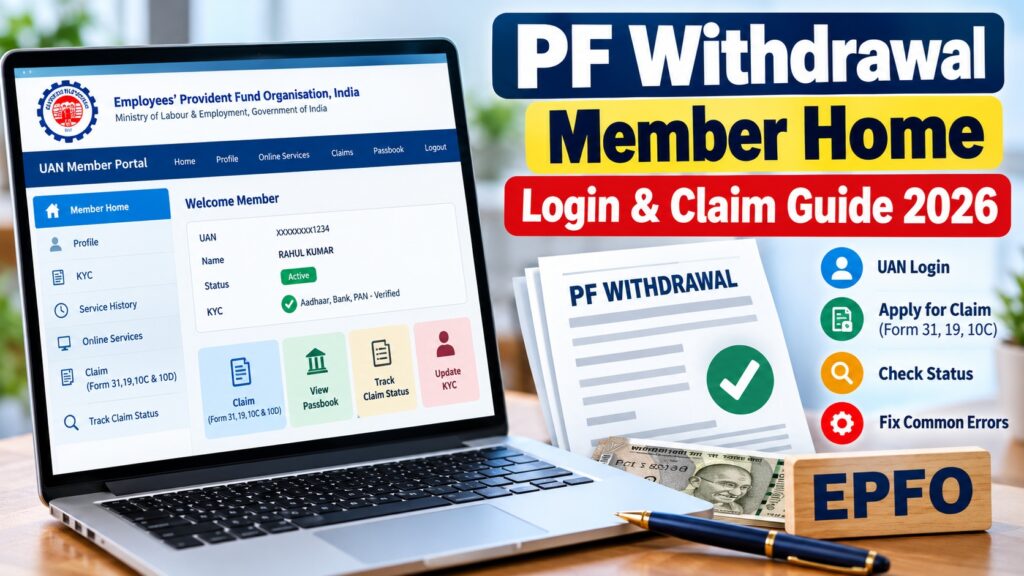

PF Withdrawal Member Home: Login, Apply & Check Status
Updated: October 14, 2026
QUICK ANSWERTo withdraw your PF online, visit the official EPFO Member Home portal at unifiedportal-mem.epfindia.gov.in. Log in with your UAN and password, open Online Services → Claim (Form 31, 19, 10C & 10D), verify your bank details, and select the claim type for which you are eligible. Complete the required Aadhaar authentication and submit your claim. You can subsequently track its progress using EPFO’s official claim-status services.
What Is PF Withdrawal Member Home?
PF Withdrawal Member Home is the EPFO Unified Member Portal, an online service provided by the Employees’ Provident Fund Organisation in India.
Employees with an activated Universal Account Number (UAN) can use this portal to manage their provident fund accounts and access services such as:
- Checking member profile and service details.
- Reviewing Aadhaar and bank KYC information.
- Submitting eligible PF withdrawal claims.
- Applying for permitted PF advances.
- Tracking claim status.
- Accessing related pension and EPF services.
How to Log In to EPFO Member Home
- Visit the official EPFO Member Portal.
- Enter your 12-digit UAN.
- Type your account password.
- Enter the displayed CAPTCHA.
- Click Sign In.
- Open the relevant service from your dashboard.
How to Apply for PF Withdrawal Online
Step 1: Check your KYC details
Confirm that your UAN is active and that the required Aadhaar and bank details are correctly linked. Review your employment service information before applying.
Step 2: Select Online Services
After logging in, navigate to Online Services → Claim (Form 31, 19, 10C & 10D).
Step 3: Verify your bank account
Follow the instructions displayed by EPFO to confirm your registered bank details. The bank account should be active and belong to the member.
Step 4: Select the appropriate claim form
| Form | Purpose |
|---|---|
| Form 19 | Final EPF settlement for eligible members. |
| Form 31 | Partial PF withdrawal or advance for permitted purposes. |
| Form 10C | Eligible EPS withdrawal benefit or scheme certificate. |
| Form 10D | Monthly pension claim for eligible applicants. |
Step 5: Submit your application
Complete the requested information, upload any documents required by the portal, and authenticate the application using the available Aadhaar verification method.
Save the claim reference number after submission.
How to Check PF Withdrawal Claim Status
- Open the EPFO Member Portal.
- Sign in using your UAN and password.
- Open the claim-tracking service.
- Review the current application status.
You can also check through the official EPF Passbook and Claim Status website.
PF Withdrawal Member Home Not Working?
EPFO members sometimes encounter login failures, verification errors, or problems submitting claims. The correct solution depends on the error displayed.
| Problem | Recommended action |
|---|---|
| Invalid UAN or password | Verify your credentials and use official password recovery. |
| CAPTCHA error | Refresh the login page and enter the new CAPTCHA. |
| OTP not received | Check your Aadhaar-linked mobile number and network connection. |
| Bank verification failed | Review the registered bank details and account status. |
| Claim option missing | Check KYC, service records and eligibility. |
| Website not loading | Try again later and check official EPFO service notices. |
| Claim rejected | Read the rejection reason and correct the specific issue before reapplying. |
Why Is My PF Withdrawal Claim Still Pending?
A pending claim may require additional checks involving eligibility, identity, service records or bank-account details. Some eligible claims are processed automatically, but processing times vary.
Do not assume that every pending application indicates a technical failure. Track the claim through EPFO and contact the organisation if the delay exceeds the applicable service timeline.
For unresolved problems, submit a grievance through the official EPFiGMS portal.
Can You Withdraw PF While Still Employed?
Eligible employees may be able to request partial EPF advances for purposes permitted under the applicable rules. The available amount and conditions depend on the withdrawal category, service history and other requirements.
Full settlement and partial advances are different. The withdrawal options available in your EPFO account should be checked before submitting a claim.
How to Activate UAN Through UMANG
EPFO’s current instructions direct members to use the UMANG app for UAN activation.
- Install the official UMANG app.
- Open EPFO services.
- Select the UAN service using face authentication.
- Choose UAN Activation or UAN Allotment and Activation, as appropriate.
- Complete Aadhaar OTP and face verification as instructed.
The Aadhaar Face RD app may also be required.
Important Safety Tips for EPFO Members
- Use only official EPFO and UMANG services.
- Never share your UAN password or OTP.
- Do not pay anyone who promises guaranteed PF withdrawal approval.
- Check website addresses carefully before entering Aadhaar or bank details.
- Contact EPFO directly for unresolved claims.
Related EPFO Guides
Official Sources
- EPFO Unified Member Portal
- EPFO Passbook and Claim Status
- EPFO Official Website
- EPFO Grievance Portal
FINAL TAKEAWAYUse the official EPFO Member Home to submit an eligible PF withdrawal claim. Check your UAN, KYC and bank details before applying, select the correct claim form, and track your application through official EPFO services. If the claim is delayed or rejected, investigate the reason before submitting another request.
This independent guide is not affiliated with EPFO. Withdrawal eligibility and procedures are subject to current official rules.