
Updated: November 16, 2026 | Category: Cybersecurity and Online Safety
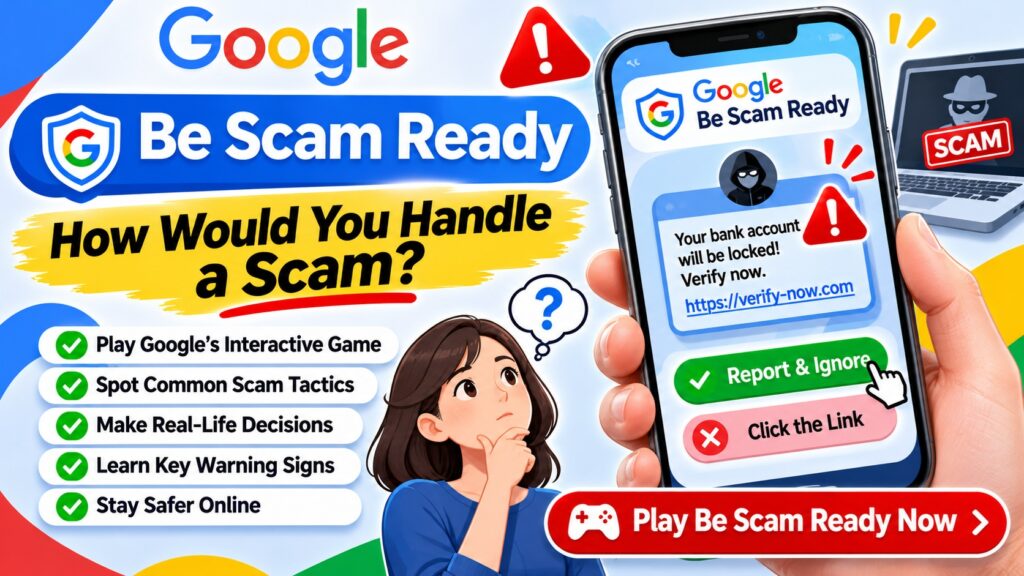
QUICK ANSWER: Google Be Scam Ready is a free interactive educational game that teaches people how to recognize online scams through simulated real-life situations. Visit Google’s official Be Scam Ready website, select Play Now, and make decisions as different scam scenarios unfold. The game highlights warning signs such as urgency, impersonation, suspicious payment requests and misleading offers. It is a learning tool, not a service for recovering stolen money.
What would you do if someone claiming to represent your bank called and demanded immediate action? Would you click a delivery link asking for a small payment? Could you recognize a fake investment opportunity before losing money?
These are the types of decisions that Google’s Be Scam Ready experience is designed to help people think through.
Instead of simply reading warnings about fraud, players experience simulated situations, make choices and learn how scammers manipulate trust, fear and urgency.
What Is Google’s Be Scam Ready Game?
Be Scam Ready is an interactive scam-awareness experience provided through Google’s official website.
The game places players in everyday situations involving fictional characters and possible scams. Participants are encouraged to recognize suspicious behavior and make safer decisions.
One character introduced on the official website is May, a retiree looking forward to spending time with her family. Players encounter situations involving characters like May and learn how fraudulent approaches can affect ordinary people.
The game also includes collectible trick cards explaining common manipulation techniques.
| Feature | Details |
|---|---|
| Game name | Be Scam Ready |
| Provider | |
| Purpose | Scam awareness and fraud prevention education |
| Cost | Free to access |
| Experience | Interactive stories and decision-making scenarios |
| Official website | bescamready.withgoogle.com |
| Important limitation | Educational resource, not personalized financial or legal advice |
How to Play Google Be Scam Ready
- Open your browser on a phone, tablet or computer.
- Visit the official Be Scam Ready website.
- Click or tap Play Now.
- Follow the instructions presented by the game.
- Read the story and messages carefully.
- Choose how you would respond to suspicious situations.
- Review the lessons and warning signs revealed during the experience.
- Explore additional scenarios and collect trick cards as available.
The experience is intended to help users practice identifying scams without facing real financial risk. Available language options and individual game screens may vary by region or version.
Ready to test your scam awareness?
Opens Google’s official educational game.
How Would You Handle a Scam? Five Practice Scenarios
The following are original practice examples illustrating common fraud patterns. They are not presented as exact questions or answers from Google’s game.
Scenario 1: Your Bank Calls About a Suspicious Transaction
You receive a call from someone claiming to work for your bank. The caller says your account is at risk and asks you to provide a one-time verification code.
What should you do?
Scammers may spoof caller ID to make calls appear legitimate. A familiar-looking phone number is not sufficient proof of identity.
Scenario 2: A Package Delivery Message Requests Payment
You receive a text saying that a parcel cannot be delivered until you pay a small redelivery fee through a link.
Fake delivery notifications often exploit the fact that many people are expecting packages.
Scenario 3: An Investment Promises Guaranteed Profits
A social media account claims you can double your money within a week through a cryptocurrency investment. It urges you to act before the offer disappears.
Scenario 4: A Friend Sends an Urgent Money Request
You receive a message that appears to come from a friend asking you to transfer money immediately because of an emergency.
Scenario 5: A Google Security Alert Asks for Your Password
An email claims that your Google account will be deleted unless you click a link and enter your password immediately.
Google warns that scammers sometimes impersonate its products, employees and account recovery services.
Common Scam Warning Signs to Recognize
| Warning sign | Example | Safer action |
|---|---|---|
| Urgency | “Act in 10 minutes or your account will close” | Pause and independently verify |
| Impersonation | Caller claims to be from a bank or Google | Contact the organization through official channels |
| OTP request | Someone asks for a login verification code | Never disclose the code |
| Unusual payment | Payment requested through gift cards or cryptocurrency | Do not pay without verification |
| Suspicious link | Website address imitates a trusted brand | Type the official address yourself |
| Guaranteed rewards | Large prize requiring an upfront fee | Reject and investigate |
| Secrecy | Caller says not to tell your family or bank | Seek independent advice |
| Remote access | Unknown support agent asks to control your computer | Refuse unsolicited access requests |
Google’s Three Golden Rules for Avoiding Scams
Google’s official scam-prevention guidance emphasizes three practical principles:
- Slow it down: Scammers often create pressure so people react without checking the facts.
- Spot check: Independently verify claims, identities and website addresses.
- Stop, don’t send: Be cautious when someone unexpectedly demands money or sensitive personal information.
These principles apply to phone calls, emails, messaging apps, online advertisements and social media.
Read more at Google Help: Avoid and Report Scams.
What Should You Do If You Already Responded to a Scam?
The appropriate response depends on what information or money you shared.
| What happened? | Immediate next step |
|---|---|
| You clicked a suspicious link | Close the page; avoid entering information; check for unexpected downloads |
| You shared a password | Change it from the official website and enable two-step verification |
| You shared a verification code | Secure the affected account and contact the provider immediately |
| You sent money | Contact your bank or payment provider immediately and request fraud assistance |
| You installed suspicious software | Disconnect the affected device if necessary and obtain trusted security assistance |
| You shared identity documents | Contact relevant institutions and monitor for identity misuse |
Where to Report an Online Scam
Report suspected fraud through official channels in your country.
- United States: Federal Trade Commission — ReportFraud.ftc.gov.
- United States, internet crime: FBI Internet Crime Complaint Center.
- Canada: Canadian Anti-Fraud Centre.
- Australia: Scamwatch — Report a Scam.
- India: National Cyber Crime Reporting Portal. For financial cyber fraud, India’s helpline is 1930.
Also notify the impersonated company and your financial institution when relevant. Never pay an unfamiliar third party claiming it can guarantee recovery of stolen funds.
Who Should Try Be Scam Ready?
Scam-awareness education can be useful for people of different ages and levels of technical experience.
- Students: Learn to recognize fake job offers, giveaways and account phishing.
- Parents: Discuss suspicious messages and safe online behavior with family members.
- Older adults: Practice responding to impersonation, urgent calls and misleading financial offers.
- Employees: Strengthen awareness of phishing and fraudulent payment requests.
- Everyday internet users: Improve decision-making when encountering unexpected online requests.
The game’s fictional scenarios provide an opportunity to discuss scam warning signs without exposing users to actual scammers.
Google Be Scam Ready and Scam Ready ASEAN
Google’s Be Scam Ready game is also featured in the Scam Ready ASEAN educational initiative.
The Scam Ready ASEAN resource hub provides scam-awareness learning materials and information about reporting resources across Southeast Asia.
The initiative is associated with the ASEAN Foundation and support from Google.org. Its resources are educational; they do not replace banking fraud support or police reporting.
Frequently Asked Questions
Is Google Be Scam Ready free?
Yes. The official Be Scam Ready experience is available as a free online educational game.
What is the official Be Scam Ready website?
The official game is available at bescamready.withgoogle.com.
How do I play Google’s scam game?
Visit the official website, select Play Now, follow the fictional scenarios and make decisions about suspicious requests. The game teaches common fraud tactics through interactive experiences.
Does Be Scam Ready give you real money?
No. It is a scam-awareness educational game, not an investment platform, prize program or money-making opportunity.
Is Be Scam Ready suitable for beginners?
Yes. The game is designed to introduce common scam tactics through accessible stories and decision-making situations. Younger users may benefit from adult guidance.
Can Be Scam Ready help if I have already lost money?
The game can teach prevention strategies, but it cannot recover money. Contact your bank or payment provider immediately and report the incident to the appropriate authorities.
Does Google Be Scam Ready teach about phishing?
The game teaches users to recognize manipulative scam tactics. Phishing is one important type of fraud that users should learn to identify through suspicious links, impersonation and requests for credentials.
Do I need to install an app?
The official game is accessible through its website. Use the official Google-hosted address rather than installing an unfamiliar app that claims to be associated with it.
Official Sources and Further Reading
- Google — Be Scam Ready Official Game
- Google Help — Avoid and Report Scams
- Internet Society — How to Identify Scams
- Scam Ready ASEAN Resource Hub
- Google Account — Security Settings
Final takeaway: Google’s Be Scam Ready game offers a practical way to learn about fraud before encountering it in real life. When a message creates urgency, requests sensitive information or promises unrealistic rewards, pause, verify the source independently and avoid sending money or credentials until you are certain the request is legitimate.
Editorial note: This article explains Google’s publicly described educational experience. The five practice scenarios above are original examples, not a reproduction of the game’s actual questions. The game provides general education and is not personalized financial, legal or cybersecurity advice.