
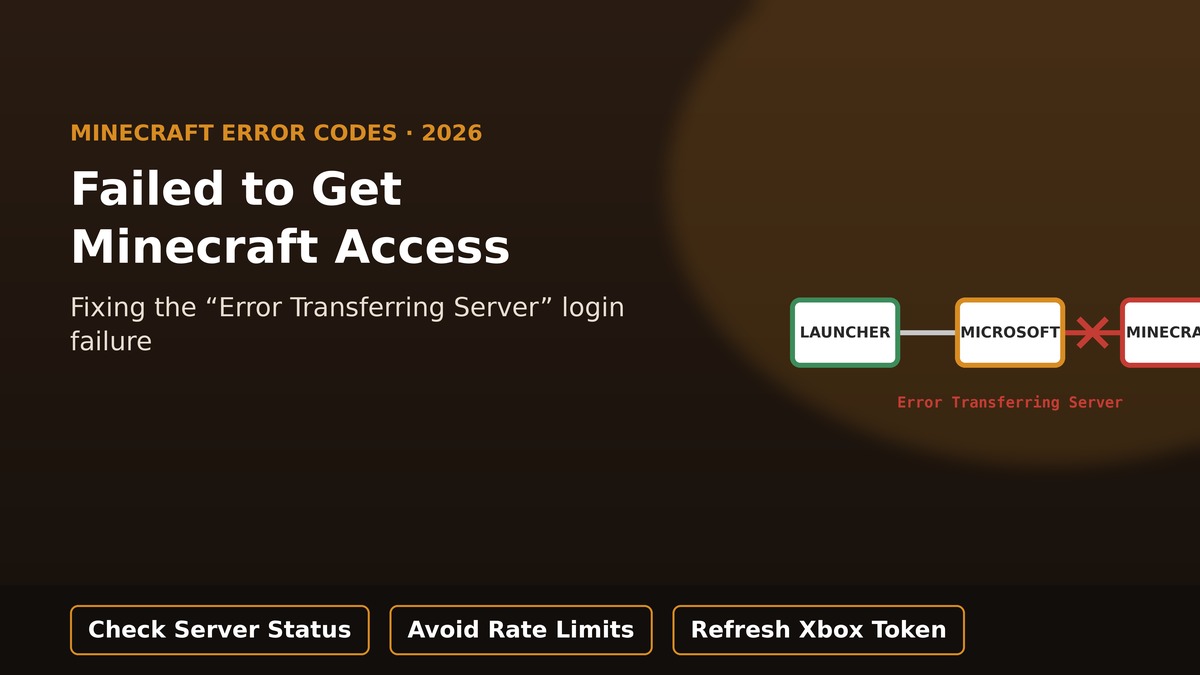
Quick answer: “Failed to get Minecraft access, error transferring server” means the handshake between your launcher, your Microsoft account token, and Minecraft’s backend broke somewhere in the middle. It’s common on third-party launchers like Prism Launcher, MultiMC, and PolyMC, but can happen on the official launcher too. Most cases clear up by signing into the Xbox app to refresh your token, clearing the launcher’s cached account data, and avoiding repeated login clicks, which can trigger a temporary rate limit.
TL;DR
- This error happens during authentication — your launcher gets a Microsoft token, then trades it with Minecraft’s services to confirm you own the game. A break anywhere in that chain triggers it.
- Related messages you might also see: “Too Many Requests,” “Service Unavailable,” or “Server replied: Status Code 429” — all point to the same broken chain.
- Clicking login repeatedly can trip a rate limit, and each retry extends the lockout rather than fixing it.
- Signing into the Xbox app on Windows refreshes the Microsoft token Minecraft reuses, and fixes this for a large share of users.
- On Prism Launcher and similar tools, clearing the metadata cache or renaming the
accounts.jsonfile often resolves stuck login data. - Check a live Minecraft server status checker before troubleshooting further, in case the servers themselves are the problem.
On this page
What this error actually means
When you click Play, your launcher tries to sign you in through a two-step handshake: first it requests a Microsoft authentication token, then it trades that token with Minecraft’s own backend services to confirm you actually own the game. “Failed to get Minecraft access, error transferring server” means that second handshake step failed. It has nothing to do with your saved worlds, and it doesn’t mean your account has been banned — it’s purely a broken authentication request.
Fix : “Oh No Something Went Wrong and we couldn’t Connect to the Minecraft Services”
Related error messages that mean the same thing
You may see slightly different wording depending on your launcher, but these all trace back to the same broken authentication chain:
- “Too Many Requests” — usually a rate-limit response after repeated login attempts.
- “Service Unavailable” — Minecraft or Microsoft’s services are temporarily overloaded or down.
- “Server replied: Status Code 429” — the technical version of the rate-limit message above.
Common causes, ranked by likelihood
| Cause | What it looks like |
|---|---|
| Rate limiting from repeated attempts | Error appears after clicking login several times in a row; gets worse the more you retry. |
| Stuck or expired Microsoft token | Persistent failure even after waiting; other Microsoft services also seem out of sync. |
| Corrupted launcher account cache | Common on third-party launchers like Prism Launcher, MultiMC, or PolyMC. |
| Server-side outage | Widespread reports across many players at the same time, regardless of launcher. |
| VPN or network interference | Error only occurs on a specific network or with a VPN active. |
Fixes to try, from fastest to deepest
- Check a live Minecraft server status checker to rule out a wider outage before troubleshooting further.
- Stop clicking login repeatedly — if you’ve retried several times already, close the launcher and wait 15–30 minutes (a few hours for a heavier lockout) before trying again.
- Sign into the Xbox app on Windows with the same Microsoft account, which refreshes the token Minecraft reuses.
- Try a different network, such as a phone hotspot, to rule out a local network issue.
- Toggle your VPN — some users find enabling it helps, others find disabling it helps, so test both if you use one.
- Log in on the official Minecraft website first to confirm your account itself is working normally.
Good to know: if you’ve clicked login multiple times in quick succession, you may have triggered a temporary rate limit. Each additional failed attempt extends the block rather than fixing it — closing the launcher and waiting it out is faster than continuing to retry.
Launcher-specific fix: clearing account cache
If you’re using Prism Launcher and the fixes above haven’t worked, try clearing its cached login data directly:
- Open Prism Launcher, go to Help, and select the option to clear the metadata cache.
- Log in again and check whether the error is gone.
- If it persists, press Windows key + R, type
%appdata%, and open the PrismLauncher folder. - Enable file name extensions from the View menu, locate the
accounts.jsonfile, and rename it toaccounts.bak. - Reopen the launcher and log in again — this forces a completely fresh account setup.
This error belongs to the same family of Minecraft login-chain problems as the named error codes Mojang uses elsewhere — see our related breakdown of Minecraft error code Swamp (0x89245111) if you’ve also seen that specific token-request failure.
Frequently asked questions
Does this error mean my Minecraft account is banned or lost?
No. It’s an authentication handshake failure between your launcher, Microsoft, and Minecraft’s servers — it says nothing about your account status, ownership, or saved worlds.
Why does clicking login again and again make it worse?
Repeated rapid login attempts can trigger a rate limit on the authentication service. Each additional attempt while blocked tends to extend the lockout period rather than clearing it.
Is this only a problem with third-party launchers?
It’s most commonly reported on third-party launchers like Prism Launcher, MultiMC, and PolyMC, but the same underlying authentication chain is used by the official launcher too, so it can occur there as well.
Will renaming accounts.json delete my saved worlds?
No. That file only stores cached login/account data for the launcher. Your world saves are stored separately and are not affected by this fix.
How do I know if it’s a server problem rather than my account?
Check a live Minecraft server status checker. If it shows widespread outages affecting many players, the issue is server-side and simply needs time to resolve.
Source: This guide references live status data available through mcsrvstat.us, a Minecraft server status checker. Status changes constantly — check the live tool rather than relying on any status mentioned here.
