
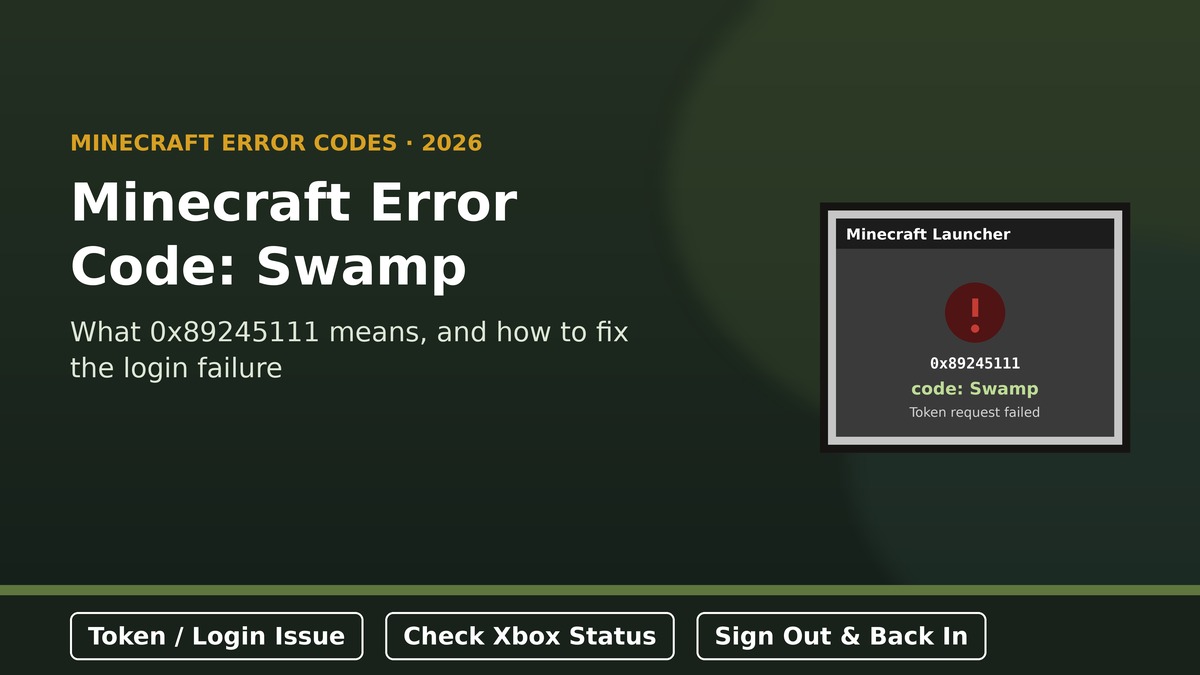
Quick answer: Minecraft’s “Error Code: 0x89245111 code: Swamp” means a login token request to Microsoft/Xbox authentication failed. The full message reads: “The token request failed. Please ensure you’re connected to the Internet, and try again.” It’s a sign-in problem, not a corrupted world, mod conflict, or ban. It’s frequently tied to a temporary Microsoft-side hiccup, though a shaky connection or a stuck login token on your end can trigger it too.
TL;DR
- “Swamp” is Mojang’s named error code for a failed Microsoft/Xbox login token request.
- It belongs to a family of named login-chain errors (Bat, Cauldron, Drowned, Obsidian) — all relate to account authentication, not gameplay bugs.
- Reports of this error have coincided with Microsoft-side authentication hiccups in the past, resolving on their own once Microsoft fixed things.
- Fastest first check: confirm your internet connection is actually stable, then try again after a minute.
- If it persists, signing out and back into your Microsoft account in the launcher clears a stuck token in most cases.
- A launcher restart, system clock check, and (rarely) a fresh launcher install round out the fix list.
On this page
What “Error Code: Swamp” actually means
The full error reads: “Error Code: 0x89245111 code: Swamp. The token request failed. Please ensure you’re connected to the Internet, and try again.” Behind that message, Minecraft was trying to request or refresh an authentication token from Microsoft’s Xbox Live identity services so it could confirm you own the game and let you sign in. When that specific request fails, the launcher surfaces it under the code name Swamp rather than a generic error number alone.
Prism Launcher Error 503: Complete Fix Guide (Service Unavailable)
Swamp and Minecraft’s other named login errors
Mojang uses in-game or biome-themed names for several distinct authentication failure points, which can make searching for a fix confusing if you don’t know which one you’re dealing with:
| Named error | What it generally points to |
|---|---|
| Swamp | Failed login token request to Microsoft/Xbox authentication. |
| Cauldron / Obsidian | Microsoft account connection or credential issues, often appearing one after another as different layers of the same login chain fail. |
| Drowned / Bat | Minecraft-to-Microsoft account link issues, sometimes stuck on Microsoft’s servers. |
| Cobblestone | Account-level restriction (ban), unrelated to a simple connection issue. |
The key takeaway: if you see a different named code after fixing one, you haven’t necessarily made things worse — you’ve likely resolved one step of the login chain and uncovered the next one.
Why the token request fails
- Temporary Microsoft/Xbox authentication issues — this has been the case in several documented reports, where the error appeared for many players at once and cleared up once Microsoft resolved it on their end.
- Unstable or interrupted internet connection at the exact moment the token request is made.
- A stuck or expired login token cached locally by the launcher.
- Incorrect system date/time, which can cause token validation to fail.
- Third-party launchers or clients that route authentication differently and hit the same underlying failure.
Good to know: multiple independent reports of this exact error have described it appearing suddenly across many accounts on the same day, with no changes on the player’s end — a pattern consistent with a temporary issue on Microsoft’s authentication services rather than something broken locally.
Fixes to try, in order
- Double-check your internet connection is actually stable — try loading a webpage or another online service.
- Wait a few minutes and retry, since many reports of this error clear up on their own once Microsoft’s service recovers.
- Sign out of your Microsoft account in the Minecraft Launcher, then sign back in to force a fresh token request.
- Fully close and restart the launcher (check Task Manager to confirm no leftover process is running).
- Check your system’s date, time, and time zone are correct, ideally set to automatic.
- Reinstall the Minecraft Launcher if the error persists after all of the above — this won’t affect your game ownership.
A few things worth remembering
- If a friend or the wider community is reporting the exact same “Swamp” error at the same time, this points to a Microsoft-side issue, and no amount of local troubleshooting will fix it faster.
- Signing out and back in resolves this far more often than a full reinstall, so try the lighter fix first.
- If you use a third-party launcher, try switching to the official Minecraft Launcher to see if the error is specific to that client.
If you’ve also seen the more general “authentication servers are currently not reachable” message, that’s a closely related issue — see our full breakdown in “authentication servers are currently not reachable” Minecraft fix for the wider troubleshooting steps.
Frequently asked questions
Does error code Swamp mean my Minecraft account is banned?
No. Swamp specifically refers to a failed login token request, not an account restriction. A ban would typically surface as a different named error, such as Cobblestone.
What does 0x89245111 mean exactly?
It’s the underlying numeric error code Microsoft’s systems return when a specific authentication token request fails; “Swamp” is simply the friendly name Minecraft’s client displays alongside it.
Why did this error suddenly appear when nothing changed on my end?
This pattern has matched temporary Microsoft/Xbox authentication service issues in several documented cases, where the error cleared up on its own once Microsoft resolved things.
Will signing out and back in delete my saved worlds?
No. Signing out only clears your login session in the launcher; local world saves are unaffected.
I fixed Swamp but now see a different named error — did I break something?
Not necessarily. Minecraft’s login process has multiple steps, each with its own named error. Seeing a new one after fixing the last usually means you’ve cleared one step and hit the next, rather than caused new damage.
Source: Error details are drawn from player reports and Microsoft’s own support Q&A threads describing this exact error code. Check the official Xbox Live service status page to confirm whether a wider authentication issue is currently active before troubleshooting your own device.
