
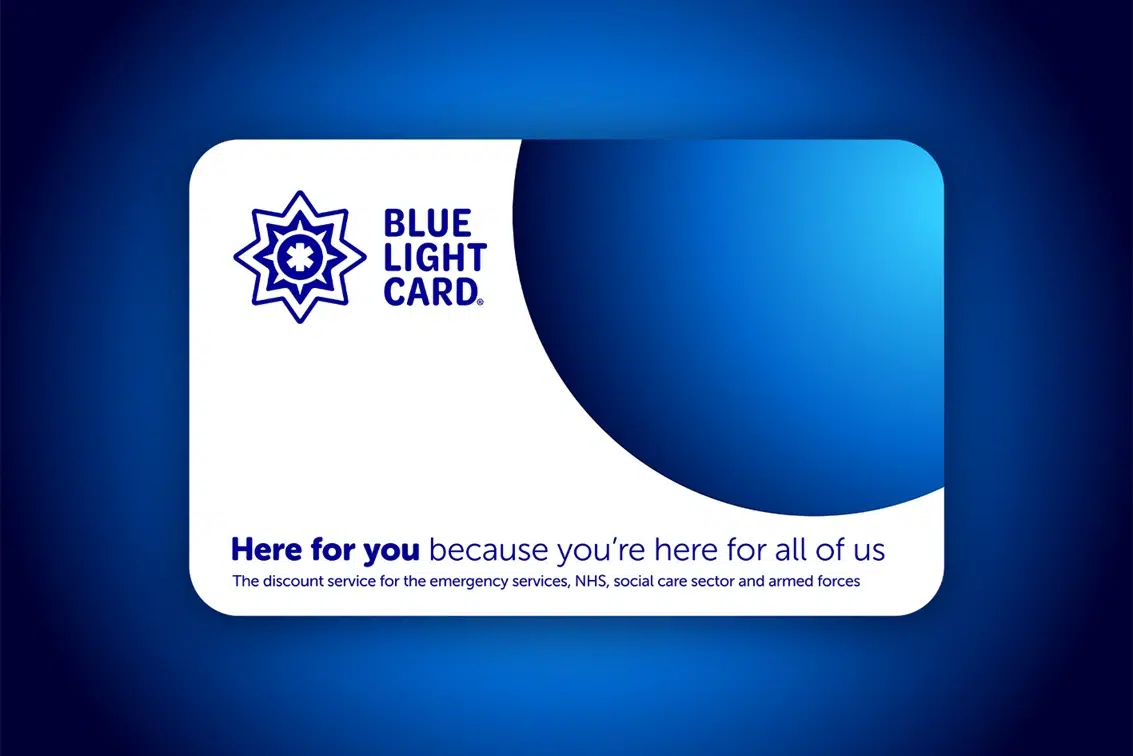
Quick Answer: If you are wondering how to activate a blue light card, the process is incredibly simple. First, visit the official Blue Light Card website and register by selecting your service. You must then verify your employment using a work email address (for instant verification) or by uploading an ID/payslip. Finally, pay the £4.99 registration fee. Your virtual card activates as soon as you are verified, and your physical card will arrive by post within 14 days.
If you work in the NHS, emergency services, social care, or the armed forces, the Blue Light Card is the ultimate gateway to saving money. Trusted by millions of UK members, it provides exclusive access to over 15,000 brand discounts ranging from daily groceries and fashion to holidays and car insurance. But before you can start cashing in on those hard-earned perks, you need to properly register and activate your account.
In this comprehensive guide, we will walk you through exactly how to get your card up and running, what documents you need, and how to troubleshoot common activation errors.
Step-by-Step: How to Register and Activate Your Blue Light Card
Activating your membership requires creating an account and proving your eligibility. Here is the standard process:
- Step 1: Start Registration. Head over to the official Blue Light Card website and click the ‘Register’ button.
- Step 2: Select Your Service. Choose your exact profession (e.g., NHS, Police, Social Care, Armed Forces) from the dropdown menu.
- Step 3: Verification. You can verify your status instantly if you use a recognized work email address. If you do not have one, you can manually upload a photo of your work ID badge, a recent payslip, or an official letter from your employer.
- Step 4: Make the Payment. The service costs a flat fee of £4.99, which grants you two full years of access to both the digital app and a physical card.
- Step 5: Activation. If you used a work email, activation is instant. If you uploaded documents, the manual review process typically takes up to 7 days. Once approved, you can log in and start using online discount codes immediately while you wait for your physical card in the mail.
Top 5 Searches: Troubleshooting Activation & Renewals
Because the activation process involves manual ID checks, users frequently run into minor roadblocks. Here are the most common searches related to this topic and their quick solutions:
- “How long does a Blue Light Card take to arrive after activation?”
Answer: Once your ID is approved and your account is active, your physical card is posted and usually arrives within 14 days. - “Why does my Blue Light Card say ‘contact a member of staff’ when I log in?”
Answer: This usually indicates a glitch with your account verification or a flagged document. You will need to submit a support ticket via their website or mobile app to resolve it. - “How do I renew my Blue Light Card?”
Answer: You can begin the renewal process up to 30 days before your card expires. Log in, go to ‘Your Card’, update your employment details if necessary, and pay the £4.99 renewal fee. - “Can I activate my Blue Light Card without a work email?”
Answer: Yes! While a work email provides instant activation, you can alternatively upload a clear photo of your work ID badge or a recent payslip. This manual verification takes up to 7 days. - “What happens to my card if I change jobs or retire?”
Answer: Your current card remains active until its expiry date. If you retire, you may still be eligible to renew under the ‘Retired’ category by uploading proof of your pension or retirement status. If you move to a non-eligible sector, you cannot renew.
Digimon UP Error Code 19001: Instant Fixes & Troubleshooting Guide
Blue Light Card Snapshot: Pricing & Eligibility
| Feature | Details |
|---|---|
| Membership Cost | £4.99 for a 2-year membership. |
| Fastest Activation Method | Instant verification via official work email (e.g., .nhs.uk). |
| Alternative Verification | Upload Work ID or Payslip (Takes up to 7 days for approval). |
| Physical Card Delivery | Posted to your home address within 14 days of activation. |
To ensure you are getting the absolute most out of your new membership, be sure to read our internal guide on maximizing your UK key worker discounts, which covers the best times of year to stack your savings on top of high street sales.
TL;DR: The Activation Checklist
- Select your sector: Confirm your job role falls under the eligible categories (NHS, Social Care, Armed Forces, Emergency Services).
- Provide Proof: Use a work email for instant access, or upload a clear photo of your ID badge/payslip for manual review.
- Pay the Fee: The service is not free, but the £4.99 cost covers you for two full years of discounts.
- Start Shopping: You do not need to wait for the physical card to arrive in the mail (14 days). Once verified, you can log into the app immediately to generate digital discount codes.
