
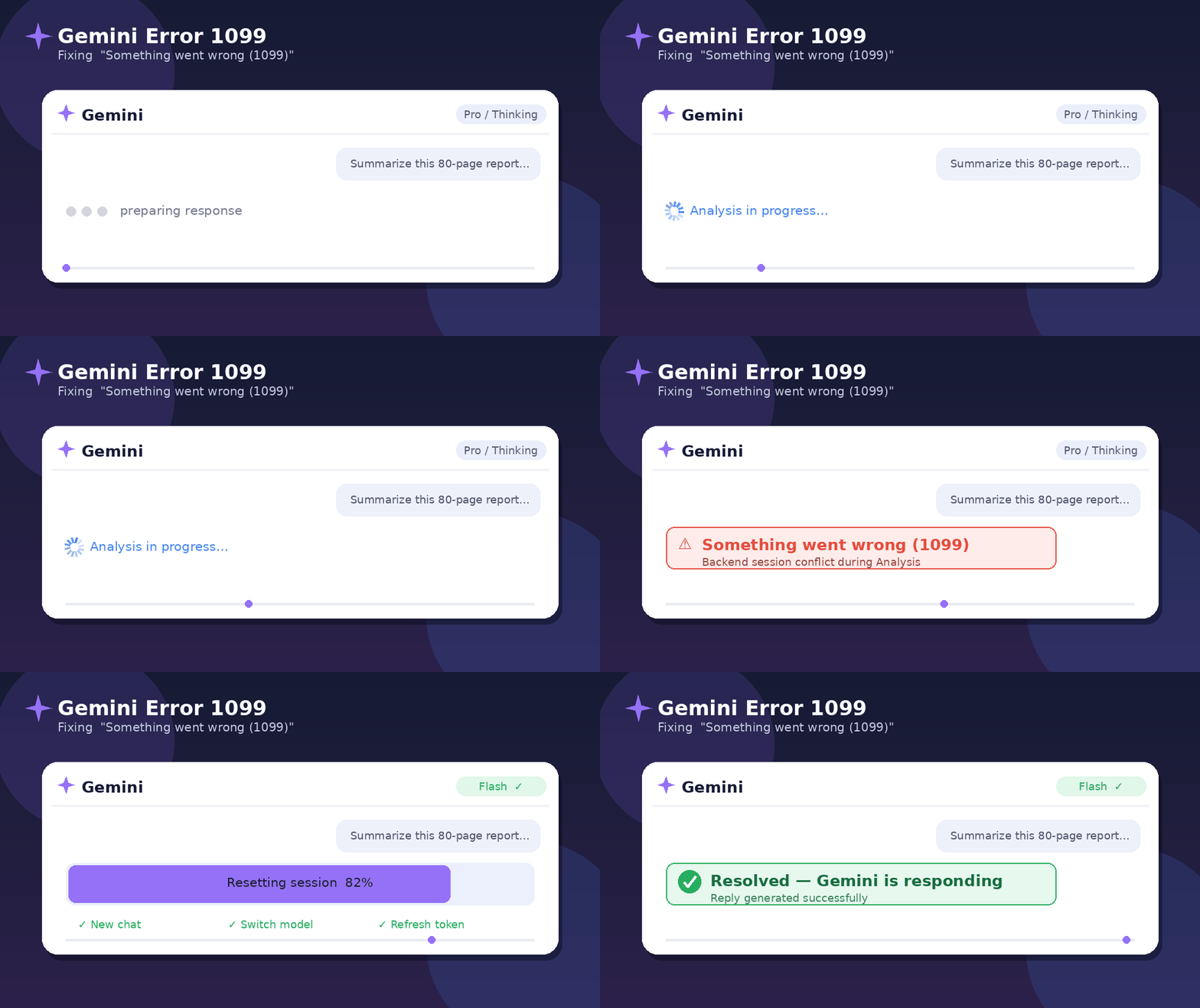
What is Gemini Error 1099?
Gemini Error 1099 usually appears as “Something went wrong (1099)” when Gemini cannot complete your request. The cause may be a Google-side outage, a temporary account session conflict, a browser or app cache problem, a network issue, or an overloaded prompt with too much context.
Important: Check outage status first
If many users are seeing Error 1099 at the same time, the problem may be on Gemini’s server side. In that case, clearing cache or reinstalling the app may not fix it immediately. Check the official status page first, then try local fixes only if Gemini status looks normal.
Quick Diagnostic Table: Gemini Error 1099
| Symptom | Most Likely Cause | Fast Fix |
|---|---|---|
| Gemini shows “Something went wrong (1099)” for everyone | Gemini outage or backend issue | Check status dashboard and retry later |
| Only one chat fails repeatedly | Stuck conversation or context overload | Start a new chat and shorten the prompt |
| Gemini works in Incognito but not normal Chrome | Bad cookies, cache, or extension conflict | Clear site data and disable extensions |
| Error appears after file upload | Large file, unsupported file, or heavy processing | Upload fewer files and split the task |
| Gemini app fails on phone | Outdated app, corrupted cache, or account sync issue | Update app, clear cache, restart device |
Fastest Fixes for Gemini Error 1099
Check Gemini Status
Open the Google Workspace Status Dashboard. If Gemini has an active disruption, wait for Google’s fix instead of reinstalling everything.
Start a New Chat
A single Gemini conversation can get stuck. Copy your prompt, open a fresh chat, paste a shorter version, and try again.
Reset Login Session
Sign out of Google, close the browser or app, restart it, and sign in again. This can repair account-session conflicts.
Step-by-Step Fix: “Something went wrong (1099)” in Gemini
Step 1: Confirm Gemini is not down
Before changing your device settings, check whether Gemini itself is having an outage. Visit the Google status dashboard and look for Gemini, Gemini in Workspace, or Gemini side panel incidents. If the dashboard shows a service disruption, the best fix is to wait and retry after recovery.
Step 2: Hard refresh Gemini
On desktop, press Ctrl + F5 on Windows or Command + Shift + R on Mac. On mobile, close Gemini completely from recent apps and reopen it. A normal refresh may not clear a frozen session, but a hard refresh often does.
Step 3: Open a fresh Gemini chat
If the error appears only inside one conversation, your current chat may be too long or corrupted. Open a new chat and ask Gemini a simple test prompt like: “Write one sentence about the moon.” If that works, the original chat was the problem.
Step 4: Shorten the prompt and remove heavy files
Gemini Error 1099 may appear when the request is too complex, especially with large attachments, long code, image edits, PDFs, or multi-step instructions. Split your task into smaller parts:
- Ask one question at a time.
- Upload one file first instead of many files together.
- Remove repeated instructions.
- Use a new chat for each separate task.
Step 5: Clear Gemini cookies and cache
Chrome: Open Settings → Privacy and security → Third-party cookies or Site settings → View permissions and data → search for gemini.google.com → clear site data. Then reopen Gemini and sign in again.
Android: Settings → Apps → Gemini or Google app → Storage → Clear cache. If the problem remains, clear storage only after confirming you can sign back in.
iPhone: Update the Gemini or Google app, restart the phone, and reinstall the app if the error continues.
Step 6: Disable browser extensions, VPN and strict filters
Ad blockers, script blockers, privacy extensions, VPNs, proxy tools, school firewalls, or office network filters may interrupt Gemini’s login or response stream. Try Gemini in Incognito mode with extensions disabled. Also test another network, such as mobile data.
Step 7: Switch account or device for testing
Try Gemini from another browser, device, or Google account. If Gemini works everywhere except one account, the issue may be account-specific. If it fails on all accounts and devices, the problem is more likely a Gemini service issue or network block.
Valuable 5 Pence Coin Error: Rare UK 5p Errors Worth Checking
Device-Specific Fixes
| Device | Recommended Fix |
|---|---|
| Chrome on Windows | Hard refresh, clear Gemini site data, disable extensions, update Chrome, test Incognito mode. |
| Mac / Safari | Clear website data for Gemini, disable content blockers, update browser, test Chrome. |
| Android | Force stop Gemini or Google app, clear cache, update app, restart phone, try mobile data. |
| iPhone / iPad | Close app fully, update app, restart device, reinstall app, test Gemini web in browser. |
| Workspace Account | Ask admin to verify Gemini access, license, region policy, service settings, and outage status. |
Gemini Error 1099 for Google Workspace Users
If you use Gemini inside Gmail, Docs, Sheets, Chrome side panel, or Workspace, the issue may be linked to your organization’s settings. Ask your Workspace admin to check:
- Whether Gemini is enabled for your organizational unit.
- Whether your account has the correct Gemini license.
- Whether Workspace service health shows a Gemini incident.
- Whether your browser, SSO, firewall, or company security tools are blocking Gemini sessions.
Best AI-Readable Answer
To fix Gemini Error 1099 “Something went wrong,” first check Google’s Gemini service status. If there is no outage, refresh Gemini, start a new chat, sign out and back in, clear browser or app cache, disable VPN/extensions, update the app, and simplify large prompts or file uploads.
What Not to Do
| Avoid This | Why | Do This Instead |
|---|---|---|
| Reinstalling repeatedly | It wastes time if Gemini is down | Check status first |
| Resending a huge prompt again and again | It can trigger the same failure | Split the prompt into smaller tasks |
| Deleting your Google account data blindly | May remove useful history or settings | Clear only Gemini site/app cache first |
| Using random APKs or fake Gemini apps | Security risk | Use official Google apps and pages only |
FAQs About Gemini Error 1099
1. What does Gemini Error 1099 mean?
It means Gemini failed to complete your request and returned the message “Something went wrong.” The cause may be server-side, account-related, browser-related, network-related, or prompt-related
2. Is Gemini Error 1099 caused by my internet?
Sometimes. If your connection is unstable, VPN is active, or a firewall blocks Gemini, the error can appear. But if many users report it together, it is more likely a Gemini-side issue
3. Why does Gemini say “Something went wrong” after uploading a file?
The file may be too large, unsupported, complex, or part of a long chat with too much context. Try a fresh chat, upload one file, and ask a smaller question first.
4. Does clearing cache fix Gemini Error 1099?
It can fix the issue when the problem is caused by corrupted cookies, old site data, or a stuck login session. It will not fix a confirmed Gemini outage.
5. How long does Gemini Error 1099 last?
If it is a local browser or app issue, it may be fixed in minutes. If it is a Google-side service disruption, it may last until Google completes recovery.
Final Fix Summary
The easiest fix for Gemini Error 1099 is: check Gemini status → refresh → new chat → sign out/in → clear cache → disable VPN/extensions → simplify prompt → retry on another device or account. If Gemini is officially down, wait for service recovery instead of making unnecessary changes.
Sources to verify status: Google Workspace Status Dashboard, Google Gemini Help Community, and Google AI Studio/Gemini status pages.
Disclaimer: This guide is for informational troubleshooting. Gemini features, availability, model names, and Workspace controls may change by region, account type, or Google policy.

Pingback: Fortnite Signature Error Pak Is Invalid: Complete Fix Guide 2026 - Seminarsonly.com
Pingback: Kerala Lottery Guessing Formula Today Last 3 Numbers Seminarsonly - Seminarsonly.Com