
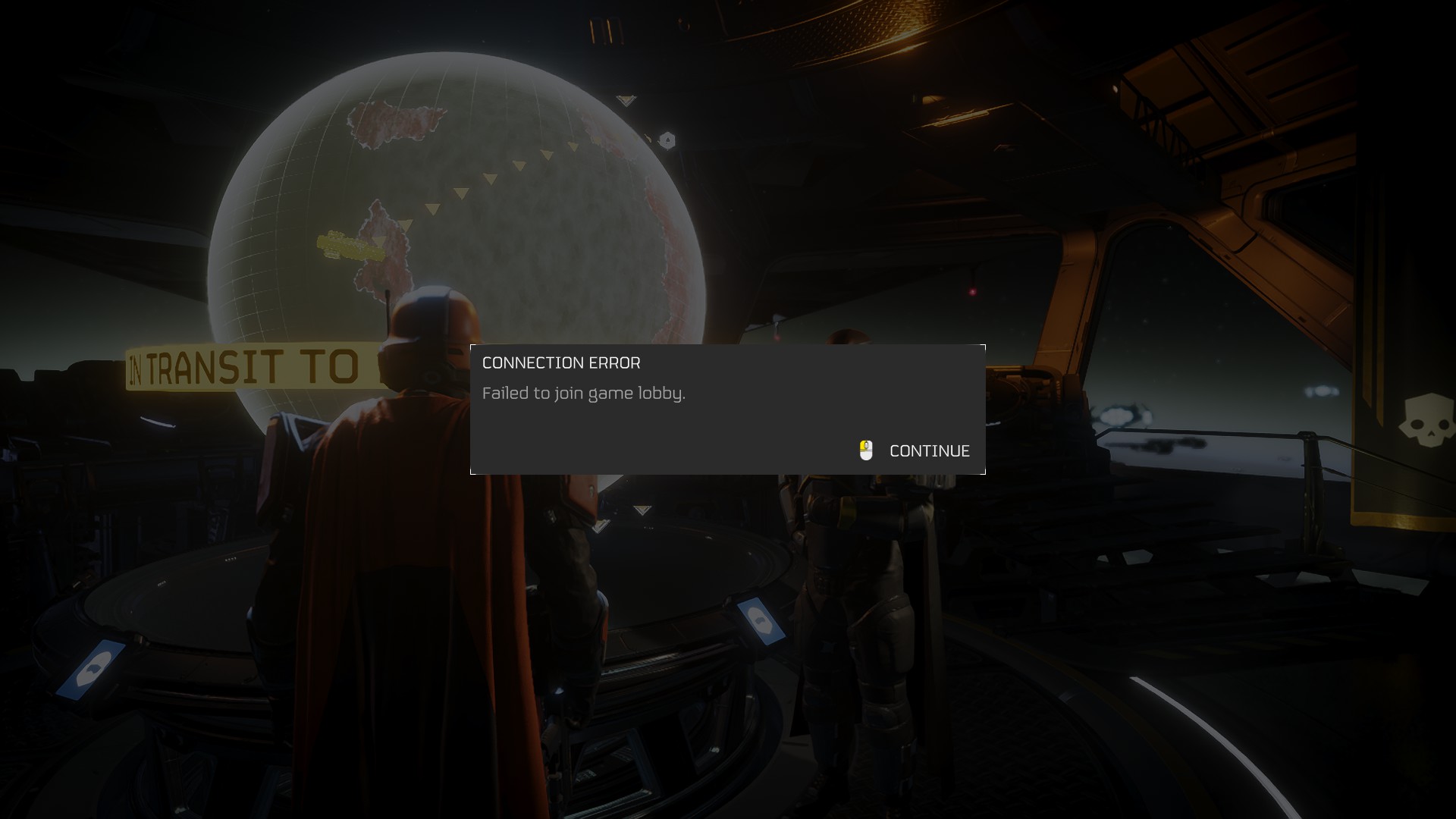
Quick Answer: How to Fix Helldivers 2 Error 55
Helldivers 2 Error 55 is not actually an error code. It is a 55-second automatic retry countdown timer. When the game loses connection to the login servers (usually because the servers are at capacity), it displays a message like “Retrying in 55…”. To fix this, do absolutely nothing. Leave the game on the login screen and let it count down. It will automatically ping the server every 55 seconds until a slot opens up. Do not restart the game, as doing so drops you to the back of the login queue.
The Truth About “Error 55”
If you are frantically searching the internet for network fixes, router resets, or file verification methods to solve Error 55, you can stop. Most gaming guides misread this screen. When Helldivers 2 explodes in popularity during weekends or major game updates, the login servers reach their maximum capacity. Instead of crashing, the game places you in a waiting queue.
The number 55 is simply the starting point for the automatic retry loop. If you see this number ticking down, your game is working perfectly fine.
Why You Should Never Restart the Game
- You Lose Your Place: Closing the game client and reopening it resets your progress toward a server slot.
- Auto-Retry is Efficient: The 55-second timer is specifically designed to quietly poll the server the exact moment another player logs off.
- It is Entirely Server-Side: Your local internet connection, hardware, and firewall have nothing to do with this specific queue timer.
How to Fix “Upload Error Facebook” (Photo & Video Troubleshooting)
Decoding Other Helldivers 2 Login Errors
While Error 55 isn’t a real bug, the game does have legitimate error codes that require manual troubleshooting. Use this table to differentiate between a server queue and an actual broken connection.
| Error Indicator | What It Means | Correct Action |
|---|---|---|
| Error 55 / Retrying | The login queue is full. | Leave the screen open. Let the timer count down. |
| Error 35 (Status -1) | PC handshake failure with Steam. | Clear Steam cache, verify game files, and disable mods. |
| 10002038 / 10003001 | Servers explicitly at capacity. | Wait in the lobby. Do not use a VPN, as it routes you to busier regions. |
| Error 114 / 360 | GameGuard anti-cheat conflict. | Run helldivers2.exe as Administrator to reinstall GameGuard. |
Related Topics
To help you navigate Arrowhead’s server quirks, we have answered the most common questions players search for when they get locked out of the game:
-
1. “Helldivers 2 error code 55 fix”
Explanation: Players trying to troubleshoot a countdown timer.
Short Answer: There is no fix because it is not an error. The game is simply waiting for 55 seconds before trying to connect to the login server again. Leave your controller alone and wait. -
2. “Helldivers 2 stuck on retrying connection”
Explanation: The game loops the countdown multiple times without letting the player in.
Short Answer: This means the servers are completely full. Arrowhead has hard-capped server limits to prevent the entire database from crashing. You will remain in this loop until another player logs out. -
3. “Does reinstalling Helldivers 2 fix server capacity?”
Explanation: Players attempting drastic local fixes for server-side issues.
Short Answer: No. Reinstalling the game or resetting your router does absolutely nothing for capacity issues. It is entirely dependent on the developer’s server health. -
4. “Helldivers 2 disable crossplay to login faster”
Explanation: A popular community myth regarding queue times.
Short Answer: Disabling crossplay on PS5 (Options > Gameplay > Crossplay Off) can sometimes connect you faster during a spike, but it limits you to only matchmaking with players on your platform once inside. -
5. “How to check Helldivers 2 server status”
Explanation: Looking for official confirmation of server outages.
Short Answer: The fastest way to check server health is by visiting the official Helldivers Discord or following the@helldivers2account on X (Twitter), where developers post real-time capacity warnings.
Further Help
If you finally get past the queue but start experiencing sudden disconnections mid-mission, you might be facing actual local network problems. Check out our internal guide on fixing packet loss and multiplayer lag to ensure your connection remains stable while spreading Managed Democracy. You can also visit the Arrowhead Game Studios Support Desk for updates on major server patches.
TL;DR: The “Error 55” Reality Check
- It is a timer, not a bug: Error 55 simply means “Retrying connection in 55 seconds”.
- Servers are full: You are seeing this screen because the maximum player capacity has been reached.
- Do not restart: Closing the game resets your place in the login line. Leave it running in the background.
- Skip local troubleshooting: Reinstalling, clearing cache, or resetting your router will not get you in any faster.
- Wait for a slot: The game will automatically log you in the exact moment another player leaves the server.
