
Quick Answer: How to Fix the Character AI Date of Birth Error
The Character AI Date of Birth Error happens when the platform’s new Age Assurance system flags your account or traps you in a verification loop. To fix it immediately: 1) Ensure your app is updated to the latest version, 2) Go to Settings > Advanced > Verify Age to force the prompt to appear, 3) If stuck in the “selfie loop,” move to a room with bright, even lighting and remove your glasses/hats, or 4) Log into the desktop web browser version instead of the mobile app to complete the scan.
Understanding the C.AI Age Assurance Update
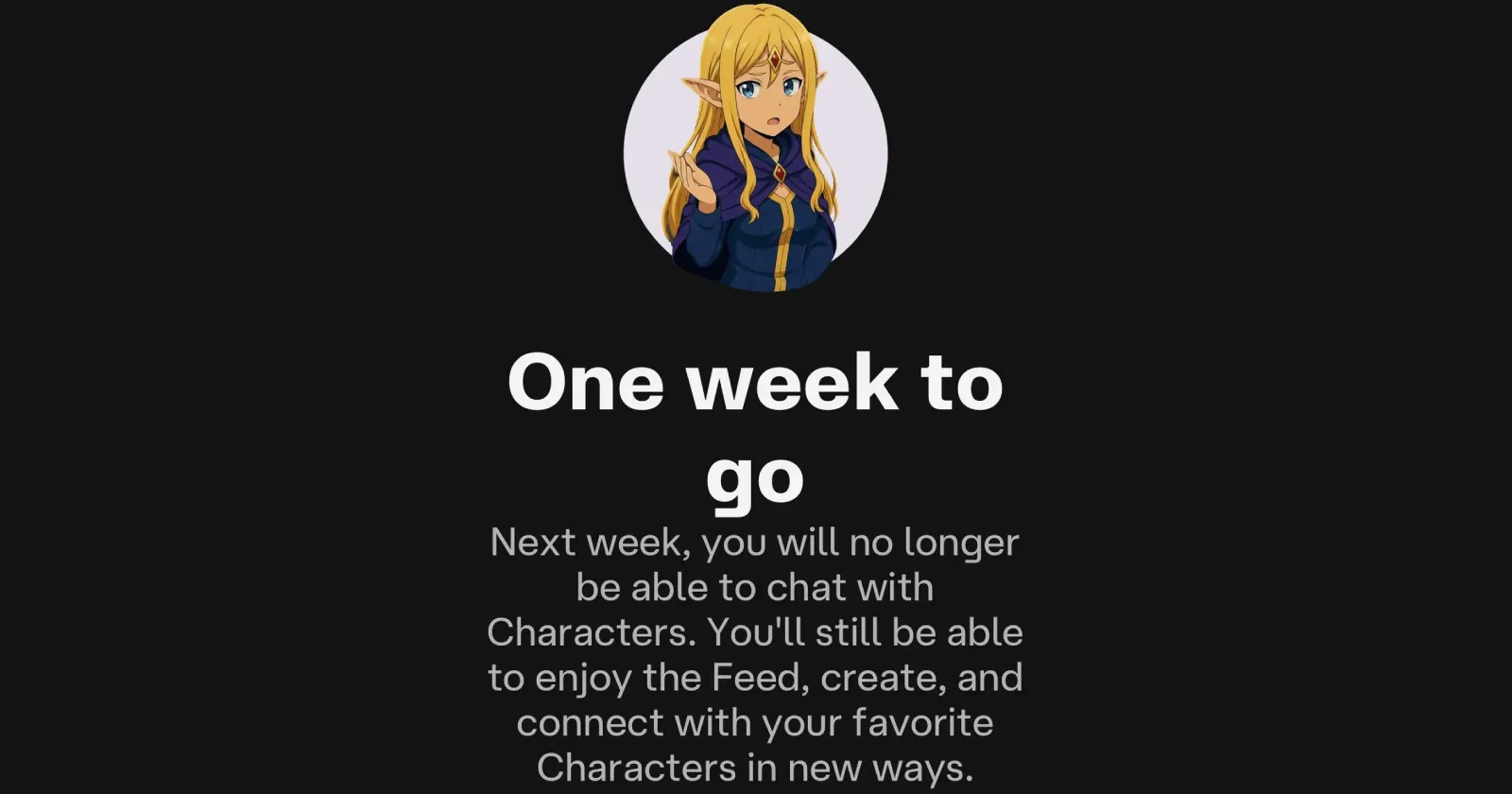
To comply with legal safety obligations, Character.AI recently rolled out a mandatory Date of Birth verification prompt. Unfortunately, the rollout has been plagued by glitches. If you accidentally typed the wrong birth year or the system failed to scan your face properly, you might find yourself abruptly locked out of your account or pushed into a highly restricted “U18” mode where your previous chats vanish.
Here is why you might be experiencing this specific error:
- The Selfie Verification Loop: The facial recognition AI failed to confidently determine your age due to poor lighting, blurriness, or server timeouts.
- Accidental Underage Inputs: Entering a birth year that makes you under 18 immediately restricts your access to certain characters and open-ended chats.
- Outdated App Versions: Older versions of the Character.AI mobile app simply cannot process the new Persona/ID API, resulting in a blank screen or a repeating DOB prompt.
CVE-2026-8037: Critical Progress Kemp LoadMaster RCE Flaw (2026)
Troubleshooting Matrix: Bypassing the Error
Use the following color-coded table to find the best immediate fix for your specific device and error symptom.
| Your Issue | Platform | The Solution |
|---|---|---|
| Age Prompt Never Appears / Stuck | Mobile App (iOS/Android) | Update the app via the App Store. Then go to Settings > Advanced > Verify Age to force the pop-up. |
| Selfie Scan Keeps Failing | Mobile & Web | Turn on all room lights so they hit your face directly. Remove glasses, hats, and hold the camera steady at eye level. |
| Locked Out Due to Wrong Age | All Platforms | You cannot manually edit your DOB once submitted. You must submit a manual age correction ticket to Support. |
Related Topics
If you are confused by the sudden changes to the platform, you aren’t alone. Here are the top five queries users are actively searching for regarding this glitch, and the clear answers you need.
-
1. “Why did Character AI ask for my birthday?”
Explanation: A sudden pop-up that interrupted user sessions globally.
Short Answer: Character AI is rolling out an “Age Assurance” system to separate adult accounts from minors to comply with online safety laws. It determines if you should receive the standard experience or the restricted “U18” experience. -
2. “Character AI DOB error locked out birth date”
Explanation: Users who typed the wrong year and were instantly banned or restricted.
Short Answer: If the system thinks you are underage, you trigger an automatic time limit and content restriction. To bypass this, you will need to submit an official government ID (like a Driver’s License or Passport) through their Persona verification system. -
3. “Character AI age verification selfie not working”
Explanation: The camera scan loops infinitely and refuses to verify the user.
Short Answer: The facial recognition AI needs high confidence to proceed. Glare from glasses, poor backlighting, or a dirty camera lens will cause it to fail. Move to a brightly lit room and try it via a desktop webcam if your phone fails. -
4. “Where are my Character AI chats after age update?”
Explanation: Users logging in only to find their history wiped clean.
Short Answer: Your chats were not deleted. If your account was flagged as under 18, the system hides conversations that do not meet the new safety guidelines. Verifying your age as an adult will restore visibility to those chats. -
5. “Can I change my age on Character AI?”
Explanation: Looking for a simple settings toggle to fix the mistake.
Short Answer: No, you cannot manually edit your birthdate in the app once it is submitted. You must contact support directly with the phrase “My account is incorrectly flagged as underage” and request a manual ID verification link.
Further Help and Contacting Support
If you’ve followed all troubleshooting steps and your app is still glitching, your best route is to reach out directly. Visit the Official Character.AI Help Center to submit a support ticket. If you’re experiencing broader issues with AI applications timing out or crashing, check out our internal guide on resolving mobile app server timeouts.
TL;DR: Beating the Age Verification Glitch
- Don’t panic about lost chats: If your chats disappeared, they are just hidden because the system flagged you as underage. Get verified to restore them.
- Fix the infinite loop: If the prompt keeps popping up, update your app and navigate to Settings > Advanced > Verify Age.
- Perfect the selfie: Remove hats/glasses and use direct, bright lighting to pass the facial scan easily.
- Use a desktop: If the mobile app fails the camera check, log into Character.ai on your computer to complete it.
- Correcting mistakes: Entered the wrong year? You cannot edit it yourself. You must submit a support ticket with a photo ID.
