
Quick Answer
If you are asking “is Battlefield 6 servers down right now?”, the fastest way to confirm is by checking the official EA Server Status Page. Since the game’s massive launch in October 2025, high traffic periods and scheduled updates (like the Season 3 Warlords Supremacy rollout) can cause temporary outages. Quick Fix: Fully restart the EA App or your console, verify your game files, and check if the outage is isolated to your specific region (like Asia or NA).
Battlefield 6 brought the franchise back to its roots with intense modern combat and the wildly popular free-to-play RedSec mode. However, a game with over 7 million players on opening weekend puts immense strain on EA’s backend servers. As gaming technicians and daily players, we know how frustrating it is to get booted back to the main menu with a “Disconnected” error right in the middle of a match.
Whether you’re encountering the infamous 502 Bad Gateway error or struggling with endless matchmaking loops, here is exactly how to verify if Battlefield 6 is down and what steps you can take to get back onto the battlefield.
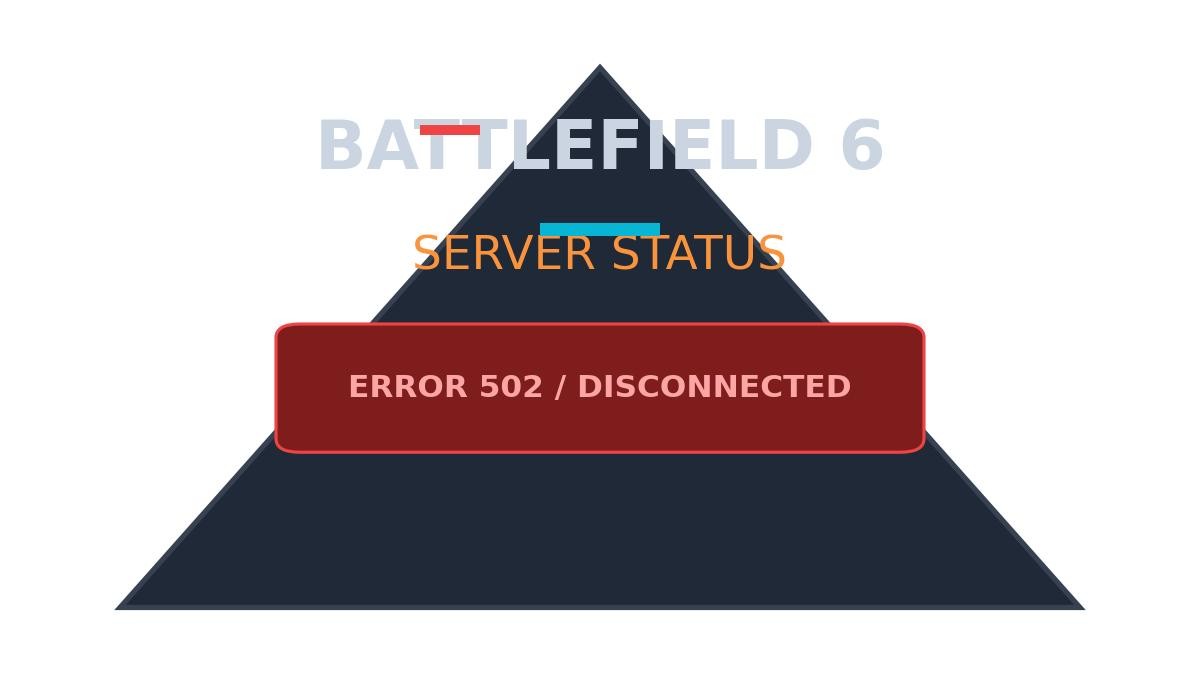
How to Check Battlefield 6 Server Status Live
Before you reboot your router or reinstall the game, you need to verify if the problem is on EA’s end. Here are the most reliable methods to check the server status for Battlefield 6:
- Official EA Help: Navigate to the EA Help website and look for the Battlefield 6 section. A green bubble means “Online” and functioning normally.
- Battlefield Comms on X (Twitter): The official @BattlefieldComm account posts real-time updates regarding unexpected outages and scheduled maintenance.
- Third-Party Detectors: Sites like DownDetector or GameServerPing track user-reported outages globally, letting you know if an issue is specifically affecting the NA, EU, or Asian regions.
How to Fix Error 082 Unable to Connect (Quick Troubleshooting Guide)
Troubleshooting BF6 Connection Errors
If EA’s official pages say the servers are live, but you still cannot connect, the issue might be localized. Use this table to diagnose common Battlefield 6 connection problems:
| Error Type | Likely Cause | Quick Fix |
|---|---|---|
| “Unable to Connect to EA Servers” | Global EA App outage or general server maintenance. | Check @BattlefieldComm for downtime announcements. |
| Infinite Matchmaking | Regional (GEO) server stress. Very common in Asia and Middle East datacenters. | Cancel the queue, completely restart the game, and queue up again. |
| Game Crash / Missing Files | Corrupted game installation following a new Season update. | Right-click BF6 on Steam or the EA App and select “Verify integrity of files”. |
What to Play While Waiting?
Scheduled maintenance for Battlefield 6 usually takes between 2 to 4 hours, depending on the size of the patch. If the servers are down, check out our guide on the Outage Tracker
TL;DR
- Are servers down? Outages are common following the massive 2025 launch. Always verify via the EA Help site first.
- Regional Issues: If EA shows a green “Online” bubble but you can’t play, the issue may be isolated to your region (NA, EU, Asia, etc.).
- First Steps: Do not uninstall your game. Simply restart the EA App, verify your game files, and check Twitter for official updates.
