
If a call to the Google Health API is coming back with a 401 Unauthorized response, the cause is almost always the same thing: an expired OAuth 2 access token. This is the API that replaced the old Fitbit Web API, so if you are migrating an existing integration, this error shows up constantly during the switch. Here is exactly what Google’s own documentation says about it, and how to stop it happening again.
Quick answer
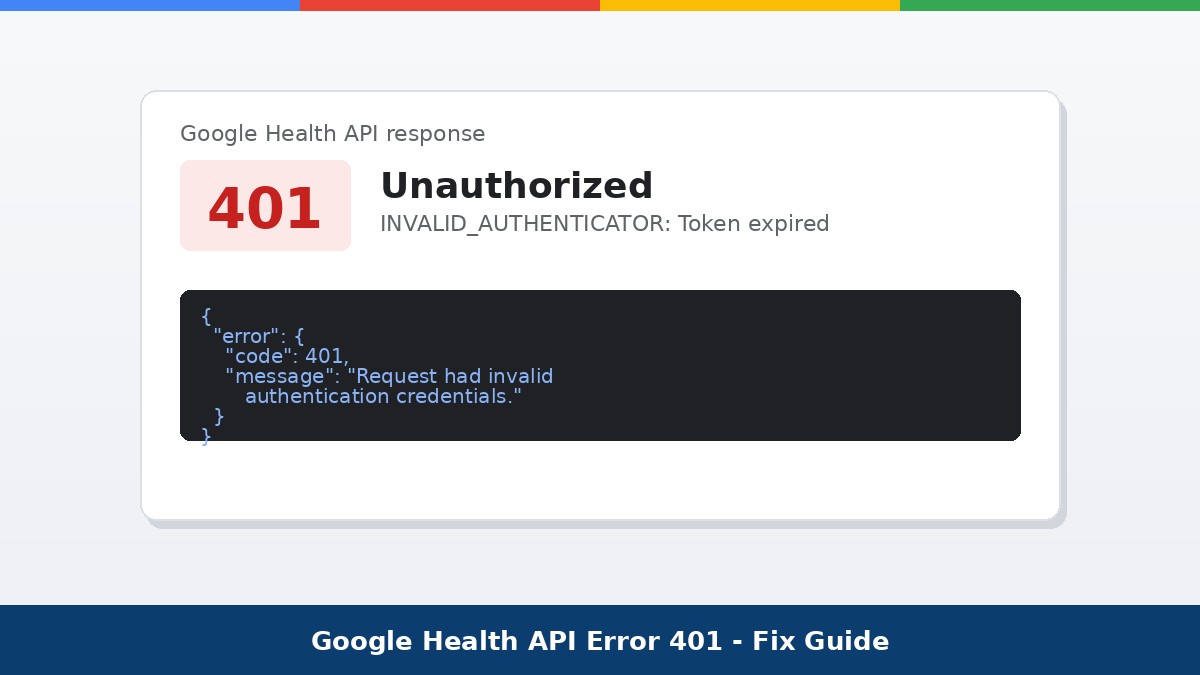
A 401 from the Google Health API with the message “Request had invalid authentication credentials” almost always means INVALID_AUTHENTICATOR: Token expired, meaning your OAuth 2 access token has expired. Exchange your stored refresh token for a new access token at the Google OAuth 2.0 token endpoint. If the refresh token itself has expired or was revoked, the user has to re-consent to your app from scratch.
TLDR
- Access tokens are short lived, about one hour, so expiry is expected and normal
- Use the refresh token to silently get a new access token, do not make the user log in again for this
- If the refresh call also fails, the refresh token expired or was revoked, so the user must re-consent
- Legacy Fitbit access and refresh tokens do not carry over to the Google Health API at all
- Refresh token lifespan is shorter while your OAuth client is still in Testing publishing status
Jump to a section:
- What the 401 error actually means
- Common causes at a glance
- The fix: refresh the access token
- Migrating from the Fitbit Web API
- How to stop it recurring in production
- Related errors: 403 and 404
- Frequently asked questions
What the 401 error actually means
According to Google’s Health API troubleshooting guide, a 401 Unauthorized response returns the message “Request had invalid authentication credentials. Expected OAuth 2 access token, login cookie or other valid authentication credential,” with the description INVALID_AUTHENTICATOR: Token expired. In plain terms, the request reached Google fine, but the access token attached to it is no longer valid. This is a 4xx class error, which means the problem is on the client side, in how your app is handling authentication, not on Google’s servers.
Common causes at a glance
| Cause | Why it happens | Fix |
| Access token expired | Access tokens are short lived by design, roughly one hour | Exchange the refresh token for a new access token |
| Refresh token expired or revoked | Longer lived, but not permanent, especially in Testing mode | Prompt the user to re-consent through the OAuth flow |
| Using an old Fitbit token | Legacy Fitbit Authorization tokens are not compatible with Google OAuth 2.0 | Have the user re-authenticate through the new Google OAuth flow |
| No credentials sent at all | Missing Authorization header or malformed bearer token | Check the request is sending a valid OAuth 2 access token |
The fix: refresh the access token
Per Google’s setup documentation, your app should already be storing a refresh token from the initial OAuth flow. To get a new access token, send a POST request to Google’s OAuth 2.0 token endpoint:
curl -L -X POST 'https://oauth2.googleapis.com/token' \
  -H 'Content-Type: application/x-www-form-urlencoded' \
  -d 'client_id=client-id&client_secret=client-secret&refresh_token=refresh-token&grant_type=refresh_token'
A successful call returns a fresh access token, its expiry in seconds, the granted scopes, and in most cases a refresh token as well:
{
  "access_token": "access-token",
  "expires_in": 3599,
  "scope": "scope-list",
  "token_type": "Bearer",
  "refresh_token": "refresh-token",
  "refresh_token_expires_in": 112154
}
Store the new tokens, retry the original request, and the 401 should clear. If this refresh call itself fails, the refresh token has expired or been revoked, and there is no way around asking the user to sign in again.
Force a fresh consent screen if needed
If you need the user to explicitly re-grant access, for example after a revoked refresh token, add prompt=consent to your authentication request. This forces Google to show the consent screen again even if the scopes were previously approved.
Migrating from the Fitbit Web API
If this 401 started right after you moved an existing integration over from the Fitbit Web API, that is expected, not a bug in your migration. Google’s documentation is explicit that Google Health API apps only support Google’s own OAuth2 client libraries, and it is not possible for old Fitbit access and refresh tokens to be carried over and work on the new API. Every user has to complete the Google OAuth 2.0 flow at least once, even if they were already authorized under the old Fitbit system.
How to stop it recurring in production
- Build automatic token refresh into your app so a near expired access token is renewed before it is used, not after it fails
- Handle the refresh token expiry case gracefully with a clear re-login prompt, rather than a silent failure
- Remember that refresh token lifespan is shorter while your OAuth consent screen’s publishing status is set to Testing, so this error will appear more often during development than in production
- Move your app from Testing to In production once OAuth verification is complete, which also removes the 100 test user cap
- Monitor API error rates in Google Cloud console so a spike in 401s is caught early rather than reported by users
For the full credential setup walkthrough, including how to configure scopes and OAuth consent screens, see Google’s Set up Google Cloud and OAuth guide. If you are tracking uptime or incidents across multiple Google services alongside your own API monitoring, our outage tracker covers Google Cloud status separately from client side auth errors like this one. For other developer reference calculators and tools, check our calc hub.
Related errors: 403 and 404
403 Forbidden: could not mint UberMint from GaiaMint
This is a different problem from a 401. It means the user completed authorization successfully, but the account behind it is still a legacy Fitbit account rather than a converted Google Account. The fix is to have the user convert their Fitbit account into a Google Account, then restart the authorization flow.
404 Not Found
A 404 on an endpoint like /v4/users/me/dataTypes/{dataType}/dataPoints usually means the wrong HTTP verb or a typo in the endpoint path, not an authentication problem at all.
Frequently asked questions
Is a 401 error a sign my app is broken?
Not necessarily. Access tokens are designed to expire after about an hour, so a 401 is often just a normal part of the OAuth 2 lifecycle. It only signals a real problem if your app is not refreshing the token automatically.
Can I reuse my old Fitbit Web API tokens?
No. Google’s documentation states plainly that legacy Fitbit access and refresh tokens cannot be transferred to the Google Health API. Every user needs to go through the new Google OAuth 2.0 flow at least once.
Why does the error happen more during testing?
While your OAuth client is in Testing publishing status, refresh tokens have a shorter lifespan than in production, so they expire and trigger re-consent more often during development.
