
Few issues disrupt a gaming session faster than getting kicked by an unexpected Roblox connection error. Whether it happens the second you click the green “Play” button or 15 minutes into an intensive experience, errors like Error Code 279 (ID=17) and Error Code 277 mean the client lost communication with Roblox’s cloud orchestration nodes.
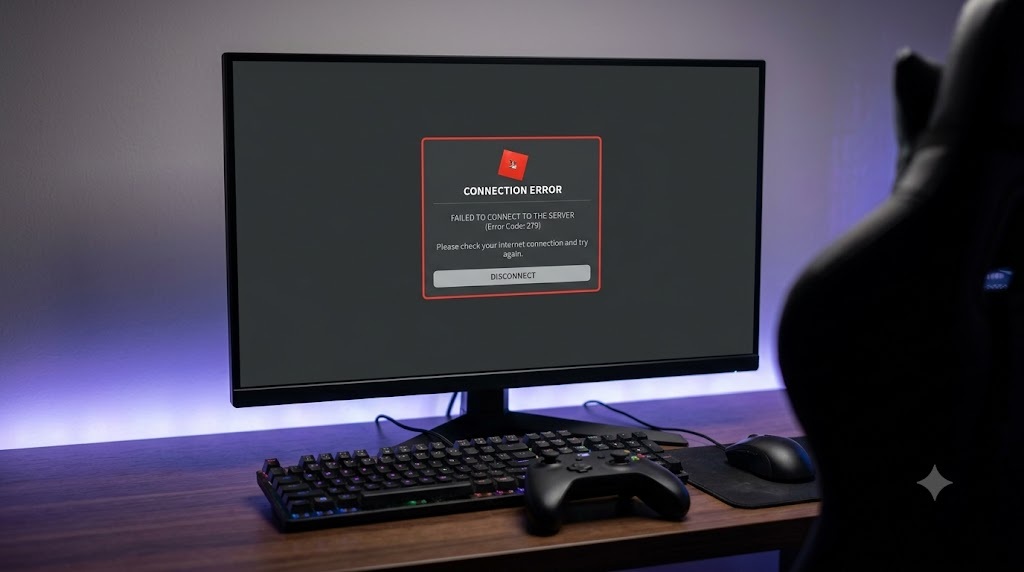
Because Roblox routes gameplay over custom dynamic UDP ports (typically ranging from UDP 49152 through 65535) while processing account authorization via standard HTTPS, a standard web browser might work perfectly while the game engine itself repeatedly disconnects.
1. Error Code Matrix: Pinpointing the Connection Failure
Different disconnection prompts indicate distinct points of failure in the network pipeline:
| Error Code / Prompt | Technical Meaning | Root Cause | Immediate Solution |
|---|---|---|---|
| Error Code 279 (ID=17) | Connection Attempt Failed | Firewall, antivirus, or ISP blocking UDP port range | Add firewall exception & change DNS |
| Error Code 277 | Lost Connection to Server | High packet loss, Wi-Fi stutter, or server teardown | Switch to wired Ethernet or reset router |
| Error Code 529 | Service Unavailable / HTTP 500 | Internal Roblox database congestion or outage | Wait for server recovery (Client-side is fine) |
| Error Code 268 | Unexpected Client Behavior | Antivirus flag, exploit residue, or memory conflict | Reinstall client & disable overlays |
2. Step-by-Step Troubleshooting for Client-Side Disconnects
Step 1: Whitelist Roblox Through Windows Defender Firewall
When Roblox pushes an engine update, the executable path updates. Outdated security policies often block the updated binary from binding to outbound UDP sockets:
- Press
Windows Key + R, typefirewall.cpl, and hit Enter. - Click Allow an app or feature through Windows Defender Firewall in the left pane.
- Click Change settings (requires administrator privileges).
- Locate all entries labeled Roblox or RobloxPlayerBeta, and ensure checkboxes for both Private and Public networks are checked.
- Click OK and restart the client.
Step 2: Flush Resolver Cache & Reconfigure Static DNS
ISP routing tables occasionally drop records for edge-balancing reverse proxies used by Roblox, leading to socket initialization timeouts:
- Open Command Prompt as Administrator.
- Execute the command:
ipconfig /flushdnsand press Enter. - Open network adapter properties and assign manual IPv4 DNS addresses:
- Preferred DNS:
1.1.1.1(Cloudflare) or8.8.8.8(Google) - Alternate DNS:
1.0.0.1or8.8.4.4
- Preferred DNS:
Nelk Boys Meta Card: Full Send NFT Utility, Crash & Legal Fallout Explained
Step 3: Remove Corrupted App Data and Temporary Cache
Stale experience data, textures, and downloaded scripts saved in your local application directory can trigger silent deserialization errors that cause the game client to drop connections:
- Close all Roblox processes via Task Manager (
Ctrl + Shift + Esc). - Press
Windows Key + R, type%temp%\Roblox, and press Enter. Select all files inside and delete them. - Press
Windows Key + Ragain, type%localappdata%, locate the Roblox folder, and remove theDownloadsandlogssubfolders.
Step 4: Resolve Mobile (iOS / Android) Connection Drops
Mobile connection errors often stem from aggressive battery-saver policies throttling background network handshakes or corrupt local caches:
- Android: Open Settings > Apps > Roblox > Storage and tap Clear Cache (do not tap Clear Data unless you know your password).
- iOS: Offload the app by going to Settings > General > iPhone Storage > Roblox > Offload App, then reinstall to clear system memory fragments.
- Network Isolation: Toggle off Wi-Fi and attempt entering the experience over 5G/LTE mobile data. If it connects instantly, your local Wi-Fi router is blocking dynamic UDP ranges or running restrictive parental filtering.
3. Server-Side Degradation: How to Verify Real-Time Outages
Not every connection error indicates an issue with your equipment. When Roblox experiences broad platform degradation, attempting complex client troubleshooting wastes time:
- Roblox Status Dashboard: Check
status.roblox.comfor notices regarding “Player Experience” or “Core Services”. - Downdetector Spike Analysis: A sudden spike exceeding 1,000 reported outages within 15 minutes almost always indicates an operational issue on Roblox’s cloud infrastructure.
- Specific Experience Issues: If you can join basic games (like standard baseplates) but crash only on heavily scripted titles (like *Blox Fruits* or *Pet Simulator 99*), the problem typically lies in an unhandled server script crash on that specific place instance.
If you run third-party software like RivaTuner Statistics Server, Discord Game Overlay, or custom graphics enhancement shaders, disable their hooks before launching Roblox. Dynamic anti-cheat routines may flag memory injections as unauthorized interference, dropping the server connection before the world geometry finishes loading.
