
Quick Answer: How Do You Fix LoL Error OU?
If League of Legends displays error code OU, first check whether the message reads OU (letter O) or 0U (zero). Riot has not published a confirmed definition for this exact code in its available support documentation. Restart the Riot Client completely, check Riot’s server status, and use the built-in repair tool if the problem persists. The correct next step depends on whether the error occurs during login, patching or game launch.
- Check the exact error message.
- Restart Riot Client and your PC.
- Check Riot’s server status.
- Repair League of Legends if necessary.
Getting an unfamiliar error when you’re ready to join a match is frustrating, particularly when the message doesn’t explain what’s wrong. Before reinstalling League of Legends or changing Windows settings, identify when the error appears. That single detail can help you choose the appropriate troubleshooting method.
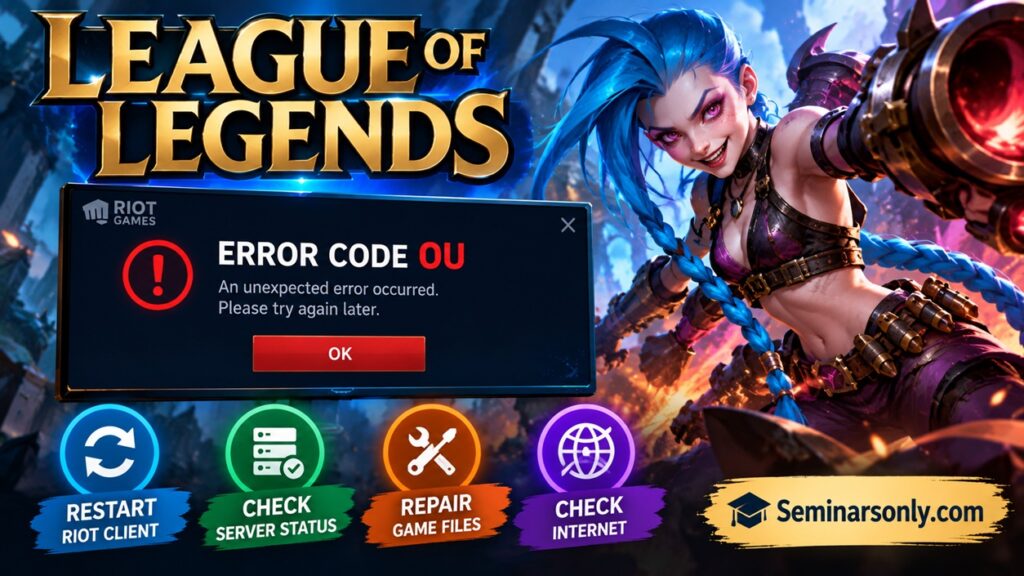
What Does League of Legends Error Code OU Mean?
There is currently no verified official Riot explanation identifying OU as a standalone League of Legends error code. Avoid assuming that it always indicates a server outage, damaged installation or network failure.
Record the exact message and identify whether the problem occurs while signing in, downloading an update, opening the game or entering a match. If the message begins with VAN, consult Riot’s Vanguard troubleshooting documentation instead.
What Should You Check First?
| Symptom | First action |
|---|---|
| Error during login | Sign out and restart Riot Client. |
| Error during patching | Restart and check the repair option. |
| Several Riot services affected | Check the official server status. |
| Game fails to launch | Check installation and client logs. |
Method 1: Restart Riot Client Completely
A normal window close may leave Riot processes running. A complete restart is a low-risk first step recommended in Riot’s general client troubleshooting guidance.
- Close League of Legends and the Riot Client.
- Open Task Manager by pressing Ctrl + Shift + Esc.
- Find any remaining Riot Client or League of Legends processes.
- Select the relevant process and click End task.
- Restart your computer.
- Launch Riot Client and sign in again.
If the issue disappears, no additional repair is necessary. If it returns, note exactly when it happens.
Method 2: Check Riot’s Server Status
Before changing your installation, check whether Riot has announced maintenance or an incident affecting your region. A service interruption cannot be fixed by reinstalling the game on your computer.
Check Official Riot Server Status
Select League of Legends and your region. If there is a relevant ongoing incident, wait for Riot’s update before attempting extensive troubleshooting.
Method 3: Repair League of Legends
If the error occurs after a patch, or the game repeatedly fails to launch, use Riot’s built-in repair feature to check the installation.
- Open Riot Client and sign in.
- Click your profile icon in the upper-right corner.
- Choose Settings.
- Select League of Legends.
- Choose Repair or Start Repair, if available.
- Allow the repair process to finish before launching the game again.
Do not interrupt the repair or delete game folders while it is running. The available controls may differ between client versions.
Method 4: Troubleshoot a Login Session Error
If the full message says that an unexpected login-session error occurred, Riot documents a more specific procedure.
- Press Alt + F4 while the League client is open.
- Choose Sign Out rather than Exit.
- Open Task Manager.
- End remaining RiotClientServices.exe and LeagueofLegends.exe processes.
- Reopen Riot Client and sign in.
Use this procedure for the matching login-session message, not as proof that OU means the same thing.
Method 5: Investigate Connection Problems
If the error coincides with failed sign-ins, disconnections or other connectivity symptoms, investigate your connection before making advanced changes.
- Check whether other websites and online services work.
- Restart your router if your internet connection is unstable.
- Temporarily disconnect a VPN or proxy to test whether it affects the connection.
- Check Riot’s official connectivity troubleshooting instructions.
Avoid changing DNS settings, firewall rules or antivirus exclusions without evidence that they are related to the problem. These are not verified universal fixes for error OU.
Method 6: Collect Logs and Contact Riot Support
If the error persists after the relevant checks, contact Riot Player Support. Include the exact code, the full error message, your operating system, your region and the stage at which the error appears.
Riot’s repair and diagnostic tools can collect logs that help its support team investigate problems. Attach those logs when requested, rather than relying on the code alone.
How Can You Avoid Unnecessary Troubleshooting?
The safest approach is to match each troubleshooting action to an observable symptom. If the servers are experiencing an outage, wait for an official update. If the client is stuck, restart it. If the installation reports missing or damaged files, use the repair feature.
Reinstallation should be considered only when the problem persists and installation damage is suspected or Riot Support recommends it. Back up any locally saved files you want to keep before removing game folders.
Official Resources
Related Troubleshooting Guides
Explore more PC gaming error guides in our Game Fix section.
TL;DR: League of Legends Error OU
Confirm the exact error text, restart Riot Client, check the service status and use the built-in repair feature if necessary. Riot has not established a verified standalone meaning for OU in its available documentation. If the problem continues, submit the exact message and diagnostic logs to Riot Support.
Last reviewed: September 27, 2026. Troubleshooting guidance is based on Riot’s published support procedures. A universal fix for the exact OU code has not been established.
