
Activate Salik Tag Online and App
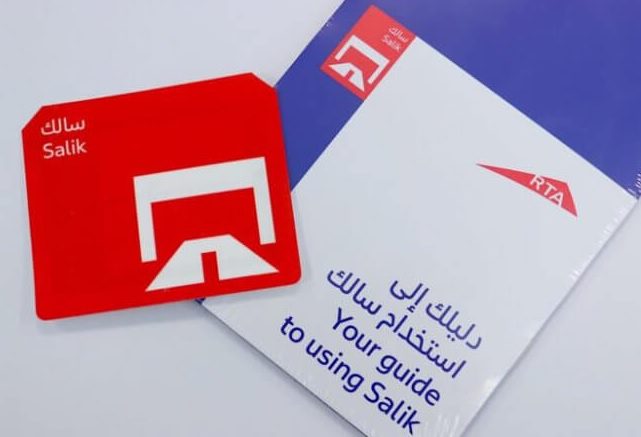
To activate your Salik tag, Download the Smart Salik app. Register your purchased Salik tag and create a new account. If you already have an account, add the tag and your vehicle to it.
To activate your Salik tag, follow these steps:
-
Smart Salik App:
- Download the Smart Salik app.
- Register your purchased Salik tag and create a new account.
- If you already have an account, add the tag and your vehicle to it.
-
Dubai Drive App:
- Log in to the Dubai Drive App.
- Select “Salik” and click on “Tag Activation.”
- Fill in the required details.
- After successful activation, you can easily manage your Salik account through the Dubai Drive App.
Remember to have your Salik tag number, activation key, mobile number, and vehicle registration card details handy during the activation process. 🚗✨
Also Read : How To Activate DU SIM Card
How do I recharge my Salik account?
To recharge your Salik account, you have a few options:
-
Online Recharge (Salik Website):
- Log in to the Salik online recharge portal.
- Choose the “Recharge Number” option.
- Fill in your account details, including your phone number, country, emirate state, car category, and vehicle plate code.
- Enter your 12-digit recharge number and click the red recharge button. Your Salik account will be recharged instantly.
-
Recharge Cards:
- Several registered outlets sell Salik Recharge cards.
- Visit salik.rta.ae or call 800 SALIK.
- Provide your Salik account number and the recharge card number to top up your account.
Remember to keep your Salik account number, PIN code, and other relevant details handy during the recharge process. 🚗💸
How do I check my Salik balance?
To check your Salik balance, you have a couple of options:
-
Online Method:
- Visit the official Salik website.
- Navigate to the “My Account” or “Check Balance” section.
- Enter your Salik account details (username and password).
- Once logged in, you’ll see your Salik account balance, recent transactions, and other relevant information.
-
Phone Method:
- Call Salik’s 24-hour self-service number at 800 SALIK (72545).
- Choose your preferred language (English or Arabic).
- Select the option to check your balance.
- Enter your account number and PIN, and your balance will be announced to you.
Remember to keep your account details handy when checking your balance!


