
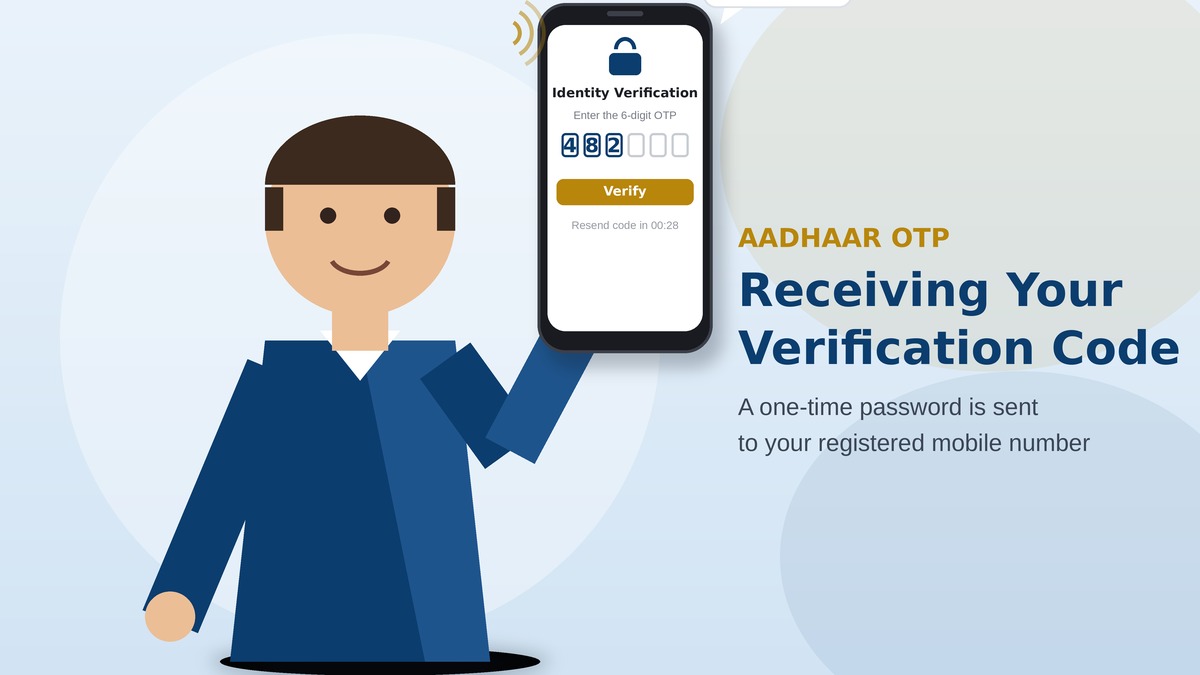
Quick Answer: If you are dealing with an Aadhaar OTP not received or coming error, the fastest fix is to switch your phone to Airplane Mode for 10 seconds and turn it back on to reset your network. If the SMS still doesn’t arrive, ensure your current mobile number is actively linked to your UIDAI profile. Alternatively, you can bypass the SMS delay entirely by using the TOTP (Time-based One-Time Password) feature generated instantly within the official mAadhaar mobile app.
Whether you are trying to e-verify your Income Tax Return, download a fresh copy of your ID, or update your demographic details online, everything hinges on that crucial 6-digit number. When the UIDAI server says “OTP Sent successfully,” but your phone remains completely silent, it can halt your most important administrative tasks.
The internet is flooded with similar complaints. Let’s break down the exact reasons why this happens, address the most common Google searches surrounding this glitch, and provide actionable fixes.
Top Google Searches: Why Is My Aadhaar OTP Not Coming?
If you search for solutions online, you will notice millions of citizens asking the same specific questions. Here is the reality behind the most popular queries:
- “UIDAI server down today OTP not working”: The UIDAI central servers occasionally undergo maintenance or face extreme load during tax-filing seasons, causing massive delays in SMS dispatch.
- “How to get Aadhaar OTP on email?”: Currently, UIDAI does not send authentication OTPs via email for security reasons. It is strictly tied to your registered mobile number.
- “Aadhaar OTP sent to wrong number”: If you recently changed your SIM card and forgot to update it at an Enrolment Center, the OTP is going to your old, deactivated number.
- “Aadhaar authentication failed due to timeout”: This means the server took too long to generate the code, and the session expired before the SMS even reached your telecom provider.
Diagnostic Matrix: Fixing the OTP Error
| The Problem | Likely Cause | Immediate Action |
|---|---|---|
| Delayed by 10+ Minutes | Telecom network congestion or UIDAI server overload. | Do not click “Resend” multiple times. Wait 15 minutes or use the mAadhaar TOTP. |
| Never Arrives at All | Unregistered number or blocked short-code SMS. | Check your SMS spam folder. Verify the registered number on the UIDAI portal. |
| “Invalid OTP” Error | Entering an older, expired OTP after clicking “Resend”. | Delete all previous UIDAI messages. Request a fresh code and wait. |
Typhoon Dolphin Tracker 2026: Live Path, Okinawa Landfall & Forecast
Step-by-Step Fixes to Get Your Code
If you are stuck, follow these steps sequentially. Often, the easiest trick resolves the issue.
- Clear Your SMS Inbox Cache: Sometimes, a full inbox or a glitchy messaging app prevents automated short-codes from arriving. Restart your phone and clear your default messaging app’s cache.
- Verify Your Linked Number: Are you sure the correct SIM is in your phone? Go to the official myAadhaar Portal, select “Verify Email/Mobile,” and enter your number to confirm it is actually linked to your ID.
- Use the TOTP Bypass (Pro Tip): If the SMS gateway is completely down, download the mAadhaar App. Once your profile is set up in the app, you can generate a Time-based One-Time Password (TOTP). This 8-digit code changes every 30 seconds, does not rely on cellular SMS delivery, and is accepted on all UIDAI portals.
If you discover that your current mobile number is not registered at all, you cannot fix this online. You must visit a physical Enrolment Center. For more on managing your digital identity, check out our related guide on updating your demographic details seamlessly.
TL;DR: The Instant OTP Troubleshooting Checklist
- Network Reset: Toggle Airplane mode on and off to refresh your cellular connection to the nearest tower.
- Check Spam: Ensure your phone hasn’t accidentally blocked automated SMS short-codes from government IDs.
- Verify the Number: Confirm that the SIM card currently in your phone is the exact one linked to your UIDAI profile.
- The Ultimate Backup: If SMS delivery is failing due to UIDAI server load, use the mAadhaar app to generate a TOTP (Time-based OTP) which bypasses the SMS gateway entirely.
