
⚡ Quick Answer
The “Error 500 Protocol Error — HTTP/1.1 500 Internal Server Error” in TBH: Task Bar Hero means the game has lost its connection to the developer’s servers. It is a server-side issue, not something wrong with your PC, your Steam account, or a sign that you’ve been banned. The game’s developers have confirmed on their official Discord that recent occurrences were tied to emergency server maintenance for a security issue, alongside routine Steam Tuesday maintenance and heavy player traffic. There’s nothing to fix locally — the correct response is to check for a known outage and wait for the servers to come back online.
📝 TL;DR
- Error 500 Protocol Error is a backend server disconnect, confirmed by the developers as a server-side issue.
- It is not a ban, even though the sudden kick-out can feel like one.
- Restarting your router or verifying game files will not fix it — the problem isn’t on your PC.
- It commonly appears during Steam’s routine Tuesday maintenance, sudden player traffic spikes, or announced emergency maintenance.
- The only real fix is to wait it out and check official channels for an “all clear” update.
On this page
What the Protocol Error Actually Is
TBH: Task Bar Hero is an idle RPG that runs directly over your Windows taskbar, constantly syncing in the background with the developer’s servers and the Steam Marketplace to track your inventory, verify your session, and manage item trades. When that connection drops, the client shows a blunt but informative message: “Error 500 Protocol Error, HTTP/1.1 500 Internal Server Error.”
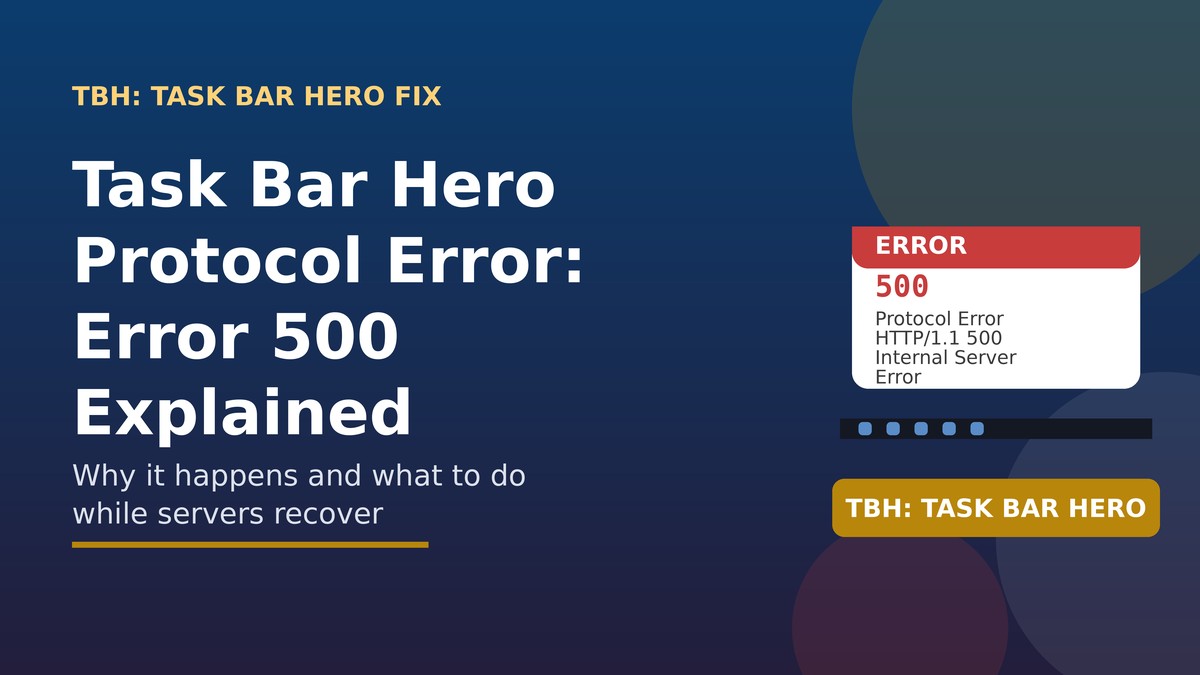
The “500 Internal Server Error” part is the key detail — in standard web terminology, a 500-series error always originates on the server side, not the client (your PC). The game forces a shutdown when this happens specifically to protect your save data and prevent item-duplication glitches, rather than let the client keep running against a broken connection.
- Your account is not affected — this is not a ban, suspension, or anti-cheat flag.
- Your save data is protected, since the shutdown is designed to prevent corruption rather than cause it.
- It typically affects many players simultaneously when the underlying cause is a server-wide issue.
Why It Happens
Several documented causes have driven this error in TBH: Task Bar Hero’s Steam community discussions:
- Emergency server maintenance: the development team has directly confirmed on their official Discord that a server security issue triggered emergency maintenance, which produced this exact error for affected players.
- Routine Steam Tuesday maintenance: Steam’s regular weekly maintenance window can interrupt the game’s background sync and trigger the same message.
- Sudden traffic spikes: as an idle game with a very large concurrent player base, unexpected surges in players can overload the backend and force temporary disconnects.
- API bottlenecks: the bridge between the game client and the Steam community network can occasionally drop requests, contributing to protocol-level errors like this one
What to Do When You See It
1. Check Steam’s server status
Confirm whether Steam itself is undergoing maintenance or experiencing a broader outage before assuming the issue is specific to TBH: Task Bar Hero.
2. Check the game’s official community channels
Visit the game’s Steam Community hub or the official Discord server for the most current status update. If it’s a known, widespread outage, the developers or other players will usually confirm it within minutes.
3. Wait 10 to 30 minutes and retry
Most occurrences resolve once server-side maintenance completes. Repeatedly relaunching the game in the meantime won’t speed anything up and can add unnecessary load to already-stressed servers.
4. Watch for an official “all clear” post
The development team has a track record of posting a follow-up announcement once emergency maintenance is complete — that’s your signal it’s safe to try logging back in.
What NOT to Waste Time On
These steps do not fix a server-side Protocol Error:
- Restarting your router or modem
- Verifying integrity of game files through Steam
- Reinstalling the game
- Changing your network or DNS settings
- Contacting Steam support about your account status
Since the failure point is the developer’s backend, none of the usual local troubleshooting steps apply here. Save your time and check official channels instead.
Related Error Codes in TBH
| Error | Likely Meaning | What to Do |
|---|---|---|
| 500 / Protocol Error | Server-side disconnect or maintenance | Wait and check official channels |
| 401 Unauthorized | Session/authentication issue, often tied to connection drops | Restart the game once servers are confirmed stable |
| 505 | Related backend/version handling error during outages | Treat the same as a 500 error — wait it out |
| Item Synchronization Error | Inventory failed to sync with the server | Check the in-game Settings > Others tab for a manual sync option |
🔗 Related on SeminarsOnly News: TBH: Task Bar Hero Chests Not Opening? Full Fix Guide
Frequently Asked Questions
Does the Protocol Error mean I’ve been banned from TBH: Task Bar Hero?
No. Despite how abrupt the shutdown feels, developers and community reports consistently confirm this is a server-side connection issue, not an account ban or anti-cheat action.
Will I lose my progress or items when this error appears?
The shutdown is specifically designed to protect your save data and prevent item-duplication issues, so your progress should be intact once you’re able to log back in.
How long does the error usually last?
Duration varies by cause — routine Steam maintenance windows tend to resolve within an hour, while emergency security-related maintenance can take longer. Checking official Discord or Steam Community announcements gives the most accurate current estimate.
Should I contact Steam support about this error?
Since this is a developer-side server issue rather than a Steam platform issue, the game’s own Discord and Steam Community discussion board are more likely to have current, relevant updates than Steam support.
