
⚡ Quick Answer
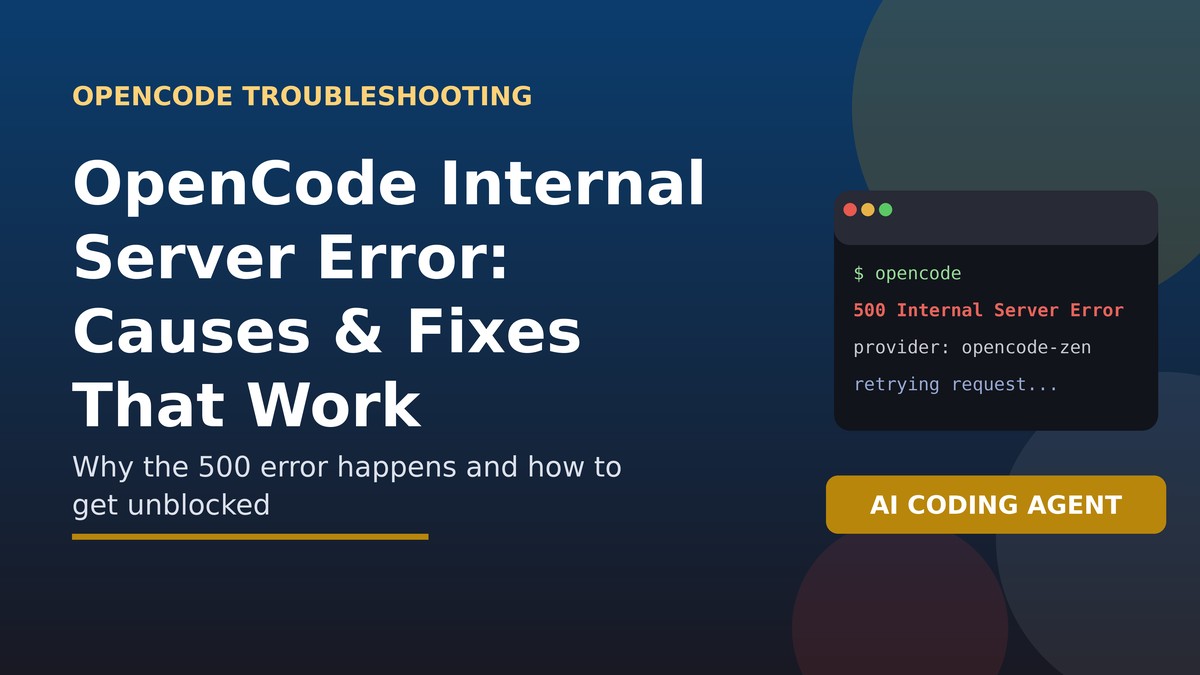
An “Internal Server Error” in OpenCode (the open-source AI coding agent) almost always means the request failed on the model provider’s or OpenCode Zen’s backend, not in your local terminal or project setup. It shows up as a 500 response and is commonly tied to a specific AI model provider having a temporary outage or bug, an OpenCode Zen gateway issue, or an incompatible custom API configuration. The fix depends on which of these is causing it: switching models or providers resolves most cases immediately, while provider-side outages simply require waiting and checking the official OpenCode GitHub repository for related open issues before assuming it’s something you broke.
📝 TL;DR
- Internal Server Error is a 500-series response — by definition, the failure originates server-side, not on your machine.
- It’s most often tied to a specific AI model or provider (OpenCode Zen, Gemini, DeepSeek, Qwen, or a custom endpoint) having issues.
- Switching to a different model or provider is the fastest way to confirm whether it’s provider-specific.
- Custom or enterprise API configurations (like university or corporate Azure endpoints) are a common source of this error too.
- Check the GitHub Issues page before filing a new report — this exact error has many existing threads by model and provider.
On this page
What Is OpenCode?
OpenCode is an open-source AI coding agent that runs in your terminal, letting you connect various large language model providers — including its own hosted gateway, OpenCode Zen — to assist with coding tasks directly from the command line or a terminal UI (TUI). Because it routes requests through multiple possible providers and endpoints, errors can originate from several different layers: your local client, OpenCode’s own server, or the underlying model provider itself.
What This Error Actually Means
In HTTP terms, any 500-series status code indicates the server processing your request failed — not your local request format or network connection (that would typically be a 400-series error instead). When OpenCode surfaces “Internal Server Error,” it’s reporting that whichever backend handled your request — OpenCode Zen, or the model provider you configured — hit an unhandled failure while generating a response.
- It is not typically a local configuration problem with your terminal, OS, or project files.
- It can be model-specific: some models on OpenCode Zen (like certain Gemini or DeepSeek versions) have shown documented server-side bugs that others don’t.
- It can also appear on custom provider setups, such as university or enterprise API gateways that aren’t fully compatible with OpenCode’s expected request format.
New Jersey Voter Roll Error: What Happened & What It Means for 2026
Common Causes, Based on Real Reports
Reviewing publicly filed issues on OpenCode’s GitHub repository shows a consistent pattern of root causes:
- Model-specific backend bugs: some OpenCode Zen model integrations (for example, certain Gemini endpoints) have thrown 500 errors due to server-side response-handling bugs unrelated to anything the user did.
- Intermittent provider instability: specific models occasionally return 500 errors on some requests but not others, even with identical prompts, pointing to backend instability rather than a client-side mistake.
- Custom API endpoints: connecting OpenCode to a non-standard provider (like a university’s restricted Azure OpenAI access) can produce Internal Server Errors if the endpoint’s response format doesn’t match what OpenCode expects.
- Session or database-layer issues: in rarer cases, backend database or connection-pool limits on OpenCode’s own infrastructure have caused 500 errors on non-chat features like billing pages.
Step-by-Step Fixes
1. Switch to a different model or provider
If you’re using OpenCode Zen or a specific model, try switching to a different one to see if the error is model-specific. Many reported cases resolve immediately when a different model handles the same prompt.
2. Start a completely new session
Clear your session or cache and start fresh. While this doesn’t fix a genuinely server-side bug, it rules out corrupted local session state as a contributing factor.
3. Update OpenCode to the latest version
Since OpenCode is actively developed, many Internal Server Error reports get resolved in subsequent releases. Update to the latest version before assuming the issue is unresolved.
4. Check your local logs for more detail
OpenCode writes detailed logs (typically under your local share directory) that often show the exact provider, model, and endpoint involved in the failure — this detail is far more useful for diagnosis than the generic error message shown in the terminal.
5. If using a custom provider, verify the endpoint format
Custom or enterprise API configurations should be double-checked against OpenCode’s expected request/response schema. A working configuration in another tool (like a raw Python script) doesn’t guarantee compatibility with OpenCode’s specific implementation.
6. Wait and retry if it’s a known outage
If the error is widespread across a specific provider or model, it’s likely a temporary backend issue. Waiting and retrying after a short interval resolves most of these cases without any local changes.
Cause vs. Fix Comparison Table
| Likely Cause | How to Confirm | Fix |
|---|---|---|
| Specific model/provider bug | Error only happens with one model, not others | Switch models; check GitHub issues for that model |
| Intermittent backend instability | Same prompt fails sometimes, succeeds other times | Retry after a short wait; no local fix needed |
| Custom/enterprise API endpoint | Only fails with your custom provider config, not default OpenCode Zen | Verify request/response schema compatibility |
| Outdated OpenCode version | Issue already fixed in a newer release on GitHub | Update to the latest version |
| OpenCode backend/database issue | Error appears on the website (e.g., billing) rather than chat | Wait and retry; report if it persists |
When and How to Report a Bug
- Search OpenCode’s GitHub Issues for your specific model or provider before filing a new report — this exact error has many existing threads organized by model.
- Include your OpenCode version, the model/provider you were using, your operating system, and any relevant log output when reporting.
- If the error is reproducible with a simple prompt, include that exact prompt — maintainers have used minimal reproductions to isolate model-specific bugs quickly in the past.
- Avoid pasting API keys or other credentials into a public issue when sharing logs.
🔗 Related on LogCure: Task Bar Hero Protocol Error: Error 500 Explained
Frequently Asked Questions
Is OpenCode’s Internal Server Error caused by my project files?
No. Since it’s a 500-series HTTP response, the failure originates on the backend serving your request (OpenCode Zen or your configured model provider), not in your local project or codebase.
Does reinstalling OpenCode fix this error?
Rarely, since the problem is server-side. Updating to the latest version is worth trying because bug fixes ship regularly, but a full reinstall on its own won’t resolve a backend issue.
Why does the error only happen with certain models?
Different models route through different backend integrations on OpenCode Zen or third-party APIs, and some of these integrations have had documented server-side bugs that others haven’t, which is why switching models often resolves the issue immediately.
Should I be worried this means my API key or account is broken?
Not typically. A genuine authentication problem usually surfaces as a 401 or 403 error rather than a 500. An Internal Server Error points to a backend processing failure rather than an authorization issue.
