
Quick Answer & TL;DR
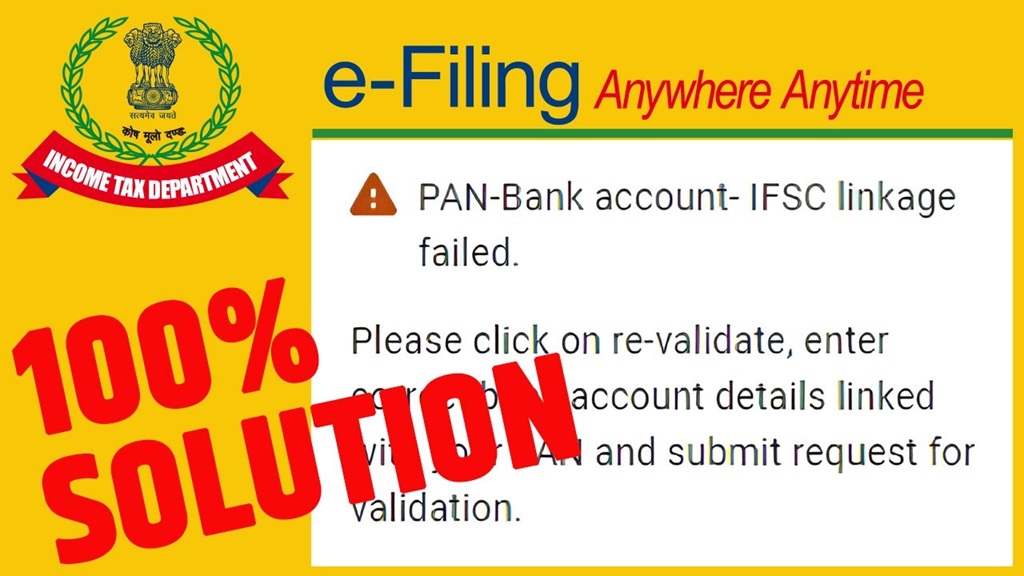
If you see the “pan-bank account- ifsc linkage failed” error on the Income Tax portal, your tax refund cannot be processed. This usually happens due to an outdated IFSC code (often from bank mergers), a name mismatch between your PAN and bank account, or your PAN not being linked to the specific bank account.
How to fix: Contact your bank branch to update your PAN/Name/IFSC. Then log into the e-Filing portal, go to Profile > My Bank Accounts > Failed Bank Accounts, and click Re-Validate. Once validated, ensure you toggle the “Nominate for Refund” option.
Filing your Income Tax Return (ITR) is only half the battle. Many taxpayers breathe a sigh of relief after hitting submit, only to log in weeks later and find a frustrating alert: bank account validation failed. If your refund is stuck because the PAN-bank account-IFSC linkage failed, you are not alone.
The Income Tax Department relies entirely on the bank details stored and validated in the e-filing portal to process refunds through the Automated Clearing House (ACH) system. Let’s break down exactly why this happens and how to resolve it quickly.
Why Did Your PAN-Bank Account-IFSC Linkage Fail?
Validation failures are almost always a data mismatch issue between the Income Tax Department’s records, the Public Financial Management System (PFMS), and your bank. Here are the primary culprits:
- IFSC Code Mismatch: Has your bank merged with another bank recently? Or did your branch relocate? If the IFSC code in your portal doesn’t perfectly match the active RBI database, validation fails immediately.
- Name Mismatch: The name on your bank account must match the name on your PAN card. Even minor spelling variations can trigger a rejection.
- PAN Not Linked at the Bank Level: You might have added the account on the tax portal, but if your PAN isn’t officially seeded into your bank account’s KYC, the bank cannot verify it.
- Dormant or Closed Accounts: If your account has been inactive for a long time or closed, the bank will reject the validation request.
Step-by-Step Guide to Re-validate Your Bank Account
Fixing a failed validation is a straightforward process once you know the root cause. Follow these steps to get your account pre-validated and ready for your tax refund.
Step 1: Check the Exact Reason for Failure
Log in to the Income Tax e-Filing portal. Navigate to Dashboard > My Profile > My Bank Account. Click on the Failed Bank Accounts tab. The portal will display the exact reason for the failure (e.g., “PAN-Bank Account-IFSC linkage failed” or “Name mismatch”).
Step 2: Fix the Issue at the Bank
Before clicking anything on the tax portal, you must fix the source data. If your IFSC changed, find the new one on your latest cheque book or internet banking. If your PAN isn’t linked, you may need to visit your branch or use your bank’s net banking portal to update your KYC details.
Step 3: Re-Validate on the Portal
Once the bank confirms your details are updated, go back to the Failed Bank Accounts tab and click the Re-Validate button. Update any fields (like the new IFSC or Account Number) and submit the request. Validation usually takes 10 to 12 working days, though it can happen faster.
Step 4: Nominate for Refund
Crucial Step: Once the status changes to “Validated,” you must enable the “Nominate for Refund” toggle switch. If you skip this, the Income Tax Department will not send the money to that account. Afterwards, you will need to submit a Refund Reissue Request under the Services menu.
Common Validation Errors & Quick Fixes
| Error Message on Portal | What It Means | Action Required |
|---|---|---|
| PAN-Bank Account-IFSC linkage failed | PAN isn’t mapped to the account at the bank, or IFSC is outdated. | Link PAN via bank branch, verify active IFSC, then Re-Validate. |
| Name Mismatch | Spelling differs between PAN database and Bank records. | Update name in bank records to match PAN, then Re-Validate. |
| Account Closed / Inactive | The selected bank account is dormant or shut down. | Add a different, active bank account to the portal. |
Pro Tips for a Smooth Refund Process
To avoid this headache next tax season, make it a habit to check your bank account validation status before you file your return. If you have multiple bank accounts, only nominate the most active one for refunds.
For more comprehensive guidance on filing, check out the official My Bank Account User Manual provided by the Income Tax Department. If you’ve resolved the bank issue but your refund is still delayed, read our detailed guide on Tax Calculator to ensure you haven’t missed a defective return notice. Additionally, you can track your grievance status using the CPGRAMS portal if the delay exceeds statutory timelines.
Conclusion
A “pan-bank account- ifsc linkage failed” status is not a cause for panic—it is simply a security measure to ensure your tax refund goes to the right person. By promptly updating your KYC with your bank and re-validating the account on the e-filing portal, you can clear the roadblock and initiate your refund reissue request without hassle.

About the Author
Freddy John is a Tech Support Specialist with 8+ years of experience troubleshooting government digital services, authentication systems, and enterprise IT infrastructure. Passionate about making technology accessible and helping users resolve complex login issues quickly.
📧 contact@seminarsonly.com | facebook.com/seminarsonly | twitter.com/seminarsonly
🌐 seminarsonly.com
