

2 min read • Updated 19 June 2026 • News
TL;DR
A student loans company technical issue is almost always a temporary server or login problem, not something wrong with your account. First, check if the portal is down for everyone using a private window, mobile data and an outage tracker. If it is their server, wait and retry off-peak. If it is only your device, clear the cache, switch browser or use the mobile app. Your balance and scheduled payments are not affected by a short outage.
On this page
What this error really means
Is it their server or your device?
Fastest fixes that work
How to check if it is really down
When to contact support
FAQs
What this Error Really Means
You log in to check a balance or make a payment, and the page throws a vague message. Something went wrong. Try again later. It feels personal, but it rarely is. A student loans company runs a huge portal that thousands of people hit at the same time, so a brief wobble during busy hours is normal. The trick is knowing whether the fault sits with their server or with your browser, because the fix is completely different for each.
Is it their server or your device?
Spend thirty seconds sorting this out before you do anything else. It saves you from resetting a password you never needed to touch.
| Sign you notice | Most likely cause | Who fixes it |
|---|---|---|
| 500 or 503 error, blank page, maintenance banner | Their server or planned downtime | Them. Wait and retry |
| Works on phone but not laptop | Cached login or extension | You. Clear cache |
| Endless loading wheel, then timeout | Network or high traffic | Both. Try off-peak |
Fastest fixes that work
Run these in order. Most people are back in by step three.
- Open the portal in a private or incognito window. This skips your cached login.
- Switch networks. If you are on wifi, try mobile data, or the other way round.
- Clear cookies and cache for the site, then sign in fresh.
- Try the official mobile app instead of the website, or a different browser.
- If it still fails, wait twenty minutes and retry away from peak hours.
How to check if it is really down
Before you blame your laptop, confirm the status. A live outage tracker and the company’s own social feed will tell you in seconds whether the disruption is on their side and being worked on.
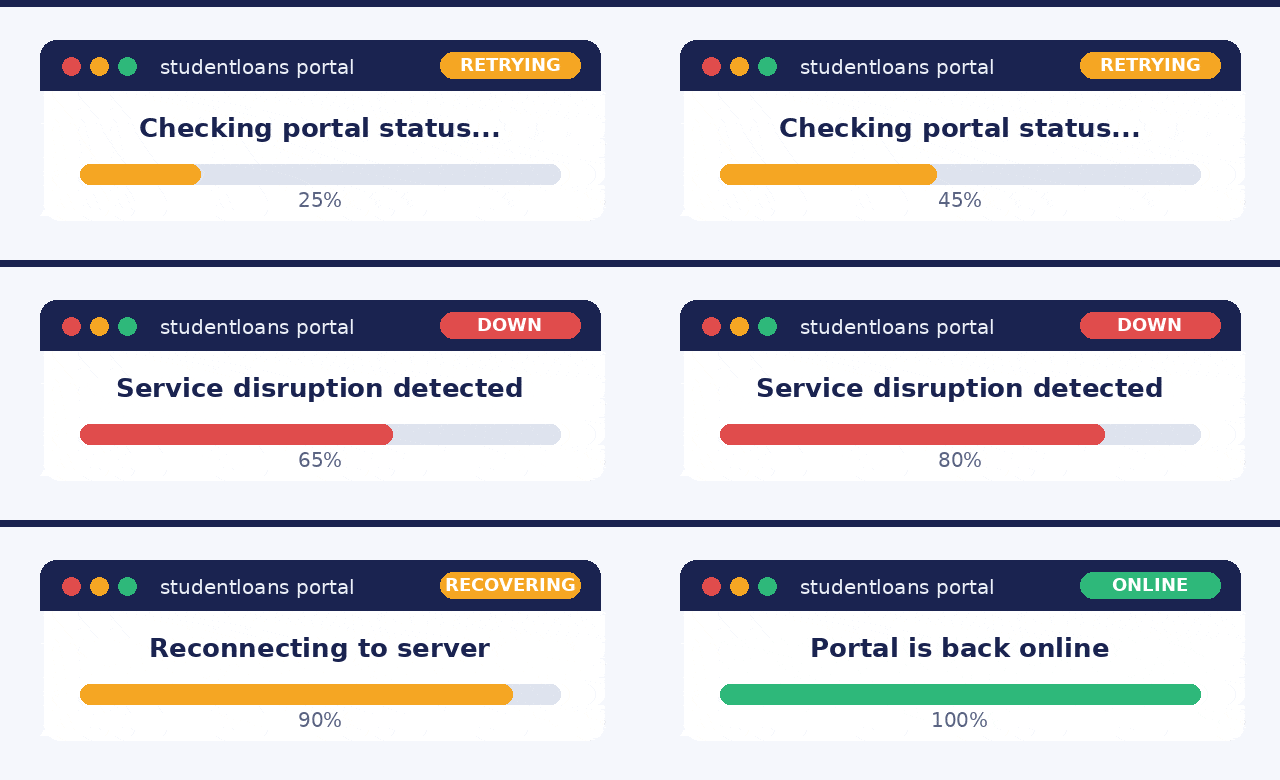
A real outage moves from disruption to recovery to back online, usually within minutes.
When to contact support
Skip the phone queue for a brief glitch. Reach out only when the problem points at your specific account.
| Wait it out | Contact support |
|---|---|
| Site wide outage reported by many | Account locked after several tries |
| Planned maintenance message | A payment was taken twice |
| Slow page during peak evening hours | Balance or details look wrong |
When you do call or message, have your reference number ready and copy the exact error text. That one detail often turns a long support chat into a two minute fix.
FAQs
Why does the student loans company portal keep saying technical error?
Most of the time it is a temporary server problem on their end, often during peak hours or a maintenance window. A smaller share of cases come from your own saved login token, browser cache or an extension blocking the page. If many people report it at once, the fault is almost certainly theirs, not yours.
How do I know if the student loans company website is down for everyone?
Try the site in a private window and on mobile data. If it still fails, check a live outage tracker like Downdetector and the company’s official social account. Matching reports within the last hour usually confirm a real outage.
Will a technical issue affect my loan balance or payment?
A short outage does not change your balance. Scheduled direct debits are processed by the bank, so they usually still run even when the portal is offline. Keep a screenshot if a manual payment fails, then retry once the service is restored.
How long do student loans company outages usually last?
Brief glitches clear in a few minutes. Planned maintenance is often posted in advance and can run a few hours, usually overnight. Larger incidents are tracked on the official status page until they are marked resolved.
What should I do if I still cannot log in after the outage ends?
Reset your password, clear cookies for the site, then sign in from a fresh browser. If the account is still locked, contact support with your reference number and the exact error text so they can look it up faster.
This guide is general information about portal and login problems and does not represent any single lender. Always confirm details on your provider’s official status page.

