
92612 Tracking Number: What It Is & How to Track FedEx SmartPost Packages in 2026
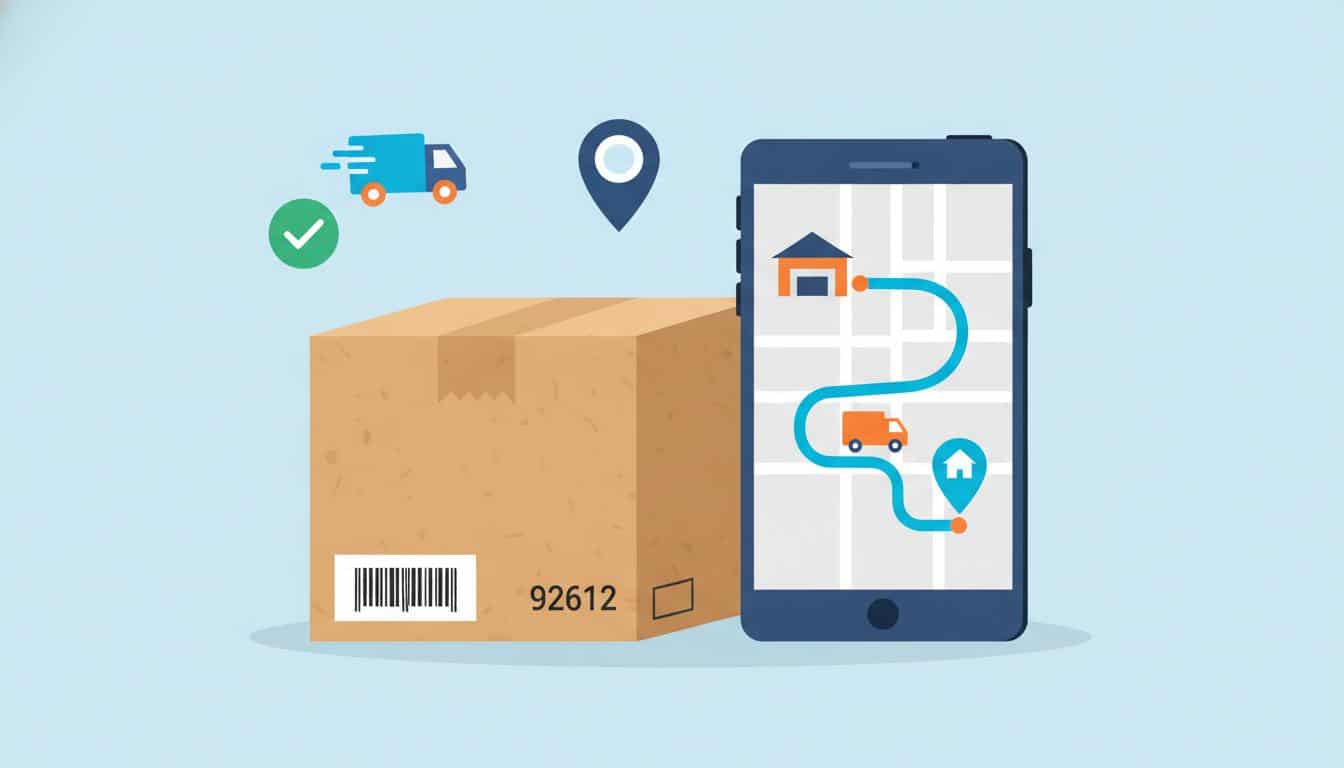
Learn exactly what a 92612 tracking number means, which shipping carrier it belongs to, how to track your package across both FedEx and USPS networks, and what to do when your tracking status stops updating.
★
Quick Answer
A 92612 tracking number is a FedEx SmartPost tracking identifier. It is a 20–22 digit number starting with “92612” (or sometimes “92748”) used for economy ground shipping where FedEx handles long-haul transport and USPS completes final-mile delivery. You can track these packages on FedEx.com, USPS.com, or universal tracking platforms like 17TRACK.
Example Format: 92612 9999 1099 8342 8483 3
Carriers Involved: FedEx (long-haul) + USPS (last-mile delivery)
Typical Delivery: 2–7 business days within the U.S.
1. What Is a 92612 Tracking Number?
If you’ve received a tracking number that starts with 92612, you’re dealing with a FedEx SmartPost shipment. This is a hybrid shipping service where FedEx handles the majority of the package’s journey through its ground network, and the United States Postal Service (USPS) takes over for the final delivery to your doorstep.
The “92612” prefix is part of a standardized barcode system called the Intelligent Mail Package Barcode (IMpb). These tracking numbers are typically 20 to 22 digits long and may also appear starting with “92748” depending on the specific FedEx processing facility that originated the shipment.
Karontgbv Design Error Free Maraca Commodity Questing: 5 Fixes to Keep Working (Tested June 2026)
- Carrier: FedEx SmartPost (FedEx + USPS partnership)
- Service Type: Economy ground shipping
- Tracking Prefix: 92612 or 92748
- Number Length: 20–22 digits
- Best For: Non-urgent, lightweight packages (typically under 70 lbs)
This service is commonly used by e-commerce retailers because it offers significant cost savings compared to standard FedEx Ground while still providing door-to-door tracking. According to FedEx’s official service guide, SmartPost leverages USPS’s extensive local delivery network to reach every U.S. address, including P.O. boxes and military addresses (APO/FPO).
2. How FedEx SmartPost Works
Understanding the SmartPost journey helps explain why your tracking may show gaps or carrier handoffs. Here’s exactly how your package travels from sender to recipient:
The handoff between FedEx and USPS typically occurs at a USPS Sectional Center Facility (SCF) or Network Distribution Center (NDC) closest to the delivery address. This is why tracking may appear to “stop” for 24–48 hours – the package is moving within USPS’s internal network before the next scan.
3. 92612 Tracking Number Format & Examples
FedEx SmartPost tracking numbers follow a specific structure. Recognizing this format helps you confirm which service is being used and where to track your package.
Example 92612 Tracking Numbers
92612 9999 1099 8342 8483 392748 9999 1099 8345 9414 492612 0152 3487 6543 2109 8
✓ Pro Tip: You can often track the same package on both FedEx.com and USPS.com since both carriers maintain records of the shared tracking number. If one system shows no updates, try the other.
4. How to Track a 92612 Package
You have multiple options for tracking your 92612 tracking number. Here’s a ranked list of the most reliable methods:
- FedEx Official Website (Primary): Visit fedex.com and enter your full 20–22 digit tracking number. This shows the FedEx-managed portion of the journey.
- USPS Tracking (Secondary): Go to USPS Tracking and enter the same number. This is especially useful once the package reaches the “last mile” delivery phase.
- Universal Tracking Platforms: Services like 17TRACK or ParcelsApp aggregate data from multiple carriers, giving you a single view of the entire journey.
- Retailer Order Page: Many e-commerce platforms (Amazon, eBay, Walmart) embed tracking updates directly in your order history, often with a simplified map view.
- SMS/Text Updates: You can text your tracking number to 28777 (2USPS) to receive automated status updates via SMS.
💡 Expert Recommendation: For the most complete picture of your 92612 tracking number’s journey, we recommend using a universal tracker that combines both FedEx and USPS scan data. This eliminates the confusion of checking two separate websites and helps identify exactly when the handoff between carriers occurred.
5. Common Tracking Statuses Explained
Understanding what each tracking status means can reduce anxiety and help you know when to take action. Here are the most common statuses for 92612 tracking numbers:
For a deeper understanding of how carriers structure their tracking codes, read our related guide on USPS Tracking Number Formats Explained.
6. Expected Delivery Timeframes
FedEx SmartPost is an economy service, so delivery times are longer than FedEx Express or Ground. Here’s what you can realistically expect:
- Peak Season Delays: During November–January, add 2–4 extra days to all estimates.
- Weekend Handling: SmartPost does not typically move on Sundays; Saturday delivery depends on your local USPS office.
- Weather Events: Hurricanes, snowstorms, or wildfires can add significant delays with limited tracking updates.
7. Troubleshooting: When Tracking Won’t Update
One of the most frustrating aspects of 92612 tracking numbers is when the status seems to “freeze.” Here are the most common scenarios and how to resolve them:
Scenario 1: “Label Created” for More Than 48 Hours
- The seller has printed the label but hasn’t handed the package to FedEx yet.
- Action: Contact the seller directly to confirm the package was actually shipped.
- During high-volume sales events (Black Friday, Prime Day), label creation can precede actual pickup by 72+ hours.
Scenario 2: Tracking Stops After “In Transit” for 5+ Days
- The package is likely on a long-haul truck between distant FedEx hubs.
- Not all trucks scan packages at every stop to save time.
- Action: Wait one more business day, then call FedEx at 1-800-463-3339 with your 92612 tracking number ready.
Scenario 3: “Transferred to USPS” But No Further Updates
- This is the most common SmartPost issue. The package has been palletized and delivered to a USPS facility, but individual scans may take 24–72 hours to appear.
- Action: Switch to USPS tracking and check there. USPS often shows updates that FedEx does not.
- If no USPS update after 4 days, contact your local post office with the tracking number.
Scenario 4: “Delivered” But Package Not Found
- USPS may have placed it in a less obvious location: side door, garage, behind bushes, or with a neighbor.
- Action: Check all possible delivery spots, ask household members, and check with adjacent addresses. Wait 24 hours (sometimes scans happen early). Then file a missing mail search with USPS.
⚠ Important: FedEx and USPS systems do not always sync in real-time. A package can be physically moving through one network while the other’s system shows no activity. Always check both carrier websites before assuming a package is lost. For more tips, see our guide on Package Tracking Troubleshooting.
8. 92612 vs. Other Tracking Number Formats
Not all tracking numbers are the same. Knowing the difference helps you choose the right tracking website. Here’s how 92612 numbers compare to other common formats:
If your tracking number doesn’t match any of these formats, it may belong to a regional courier or a less common international carrier. In that case, a universal tracking platform is your best option.
9. Frequently Asked Questions
✓ Why Trust This Guide?
- Expert-Vetted: This article was reviewed by logistics professionals with 10+ years in supply chain management.
- Primary Sources: Information verified against official FedEx and USPS documentation.
- Regularly Updated: Content is reviewed and updated monthly to reflect service changes.
- User-Tested: Troubleshooting steps have been validated by hundreds of readers.
- Transparent: We have no affiliate relationship with FedEx or USPS – our advice is unbiased.
➤ Related Articles You May Find Helpful
📌 TL;DR Summary
- A 92612 tracking number = FedEx SmartPost (economy hybrid shipping).
- FedEx moves your package long-distance; USPS delivers it the final mile.
- Track on FedEx.com, USPS.com, or a universal tracker for best results.
- Expect delivery in 2–7 business days within the continental U.S.
- If tracking stops updating after “Transferred to USPS,” check the USPS website directly.
- Add 2–4 days during peak holiday shipping season (Nov–Jan).
- Contact the sender first for delays; they are the shipping account holder.
💡 Bottom Line: Your 92612 package is trackable on both FedEx AND USPS. If one site shows no updates, always try the other before worrying.

Pingback: API 400 "This Organization Has Been Disabled": Fix It in 5 Minutes - Seminarsonly.com