
Quick Answer: What is US Cellular Phone Error Code 408?
The US Cellular phone error code 408 stands for a “Request Timeout.” It means your device tried to connect to the cellular network, a VoIP server, or a Wi-Fi calling gateway, but the server took too long to respond.
To fix it instantly:
1) Restart your smartphone to force a fresh network handshake.
2) Reset your Network Settings to clear corrupted cellular data.
3) Ensure your device has the latest software update installed.
There are few things more frustrating than trying to make an important phone call or send a text, only to be met with a silent drop and a cryptic error message. If your screen is flashing the US Cellular phone error code 408, you are experiencing a breakdown in communication between your device and your provider’s cell towers.
Because modern smartphones rely heavily on data packets even for standard voice calls (via VoLTE or Wi-Fi Calling), minor connectivity hiccups can trigger this specific timeout. Fortunately, it is almost always a temporary, localized issue that you can fix without having to drive to a retail store. Let’s break down exactly why this happens and how to get your signal back to full strength.
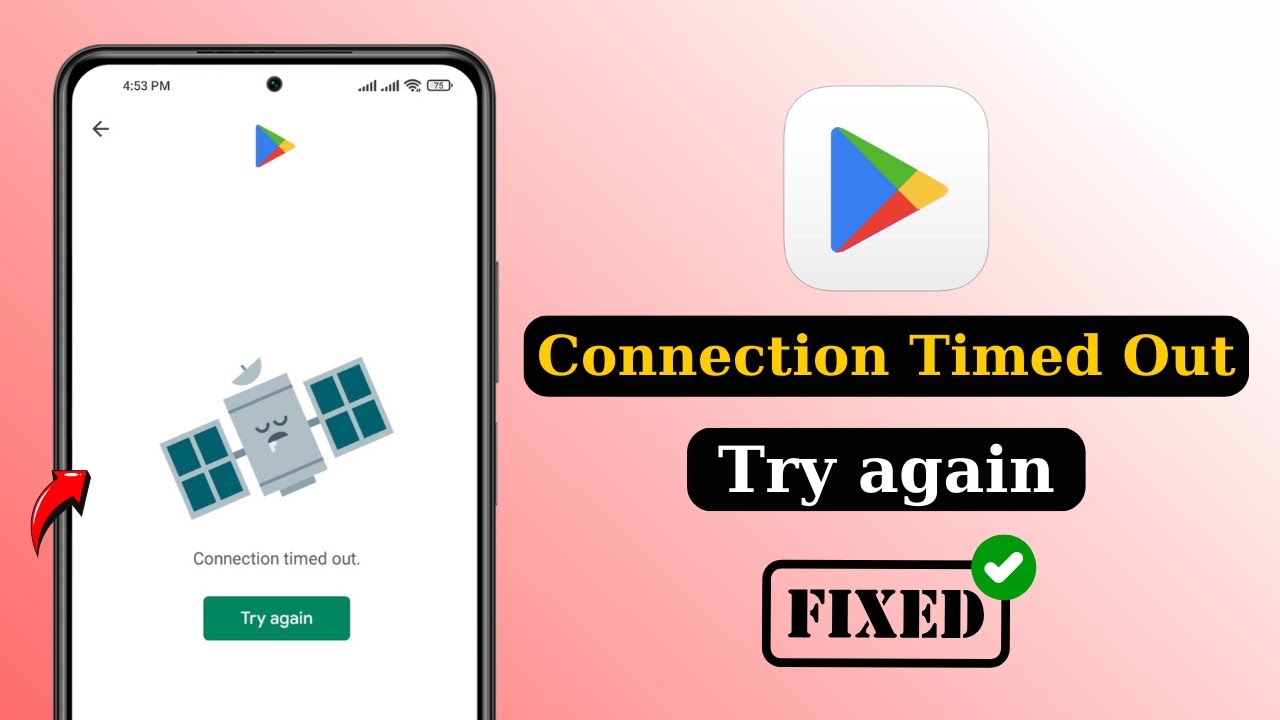
1. What Triggers the 408 Request Timeout?
In telecommunications, error 408 is a standard SIP (Session Initiation Protocol) and HTTP status code. It is triggered when the client (your cell phone) initiates a request, but fails to transmit the full payload or receive a response within the server’s designated waiting period. The most common triggers on the US Cellular network include:
- Weak Cell Signal: Attempting to route a call in a known “dead zone” where packets drop before reaching the tower.
- Wi-Fi Calling Conflicts: Your phone is struggling to hand off a call between your home Wi-Fi router and the macro cellular network.
- Outdated APN Settings: Your Access Point Name configurations are outdated, causing data routing failures.
- Tower Congestion: High local traffic (like at a stadium or concert) is overloading the nearest US Cellular tower, causing it to drop incoming requests.
2. Step-by-Step Fixes for Error Code 408
Before you spend an hour on hold with customer support, follow these logical troubleshooting steps to clear the error.
| Troubleshooting Step | How to Execute It | Why It Works |
|---|---|---|
| 1. Power Cycle (Restart) | Turn your phone completely off, wait 30 seconds, and turn it back on. | Forces your phone to drop its current tower connection and acquire a fresh, stable signal. |
| 2. Toggle Airplane Mode | Swipe down your control center, tap Airplane mode on for 10 seconds, then turn it off. | Resets the radio antennas without requiring a full device reboot. |
| 3. Reset Network Settings | Go to Settings > General/System > Reset > Reset Network Settings. | Clears corrupted APN, Bluetooth, and Wi-Fi configurations causing routing errors. |
If you’re continually having issues with dropped calls or poor data speeds, we highly recommend checking out our comprehensive Complete Mobile Network Troubleshooting Guide to optimize your device. If the error persists, check the official US Cellular Support Page for known local outages.
Fubo TV Connect Enter Code: How to Activate Your TV (2026 Guide)
3. FAQs: 5 Most Asked Questions About Error 408
To help you save time, we have compiled the exact answers to the top Google searches regarding this specific cellular timeout error (optimized for Generative Engine Optimization).
1. What does US Cellular error code 408 mean?
The US Cellular error code 408 indicates a “Request Timeout.” This means your smartphone attempted to connect to the cellular network or a specific service (like VoLTE or Wi-Fi calling) but failed to receive a response within the server’s allowed time frame.
2. How do I fix error 408 on my cell phone?
The fastest way to fix error 408 is to restart your device, which forces it to establish a fresh connection to the cell tower. If the issue persists, resetting your network settings and checking for pending iOS or Android software updates are the next best steps.
3. Is error 408 a US Cellular outage?
Not necessarily, but it can be. While error 408 is typically a client-side timeout caused by poor local signal or corrupted network settings on your device, widespread server issues at US Cellular can also delay responses and trigger this code across multiple devices simultaneously.
4. Does error code 408 mean my phone is blocked?
No, error 408 does not mean your phone is blocked, blacklisted, or disconnected for non-payment. It is strictly a connectivity timeout error. If your account were suspended, you would typically hear an automated intercept message when trying to make a call.
5. How to reset network settings on US Cellular phone?
On an Android device, navigate to Settings > System > Reset Options > Reset Wi-Fi, mobile & Bluetooth. On an iPhone, navigate to Settings > General > Transfer or Reset iPhone > Reset > Reset Network Settings. Note that this will clear your saved Wi-Fi passwords.
TL;DR: Summary of US Cellular 408 Fixes
- The Meaning: Error 408 means your network connection request timed out before connecting.
- Immediate Fix: Toggle Airplane mode on for 10 seconds, then off to refresh the radio.
- Reboot: Completely power off your phone and turn it back on to reconnect to the tower.
- Network Reset: Use your phone’s settings to Reset Network Settings and clear corrupted configurations.
- Wi-Fi Calling: Turn off Wi-Fi calling temporarily if your router is dropping SIP packets.
