
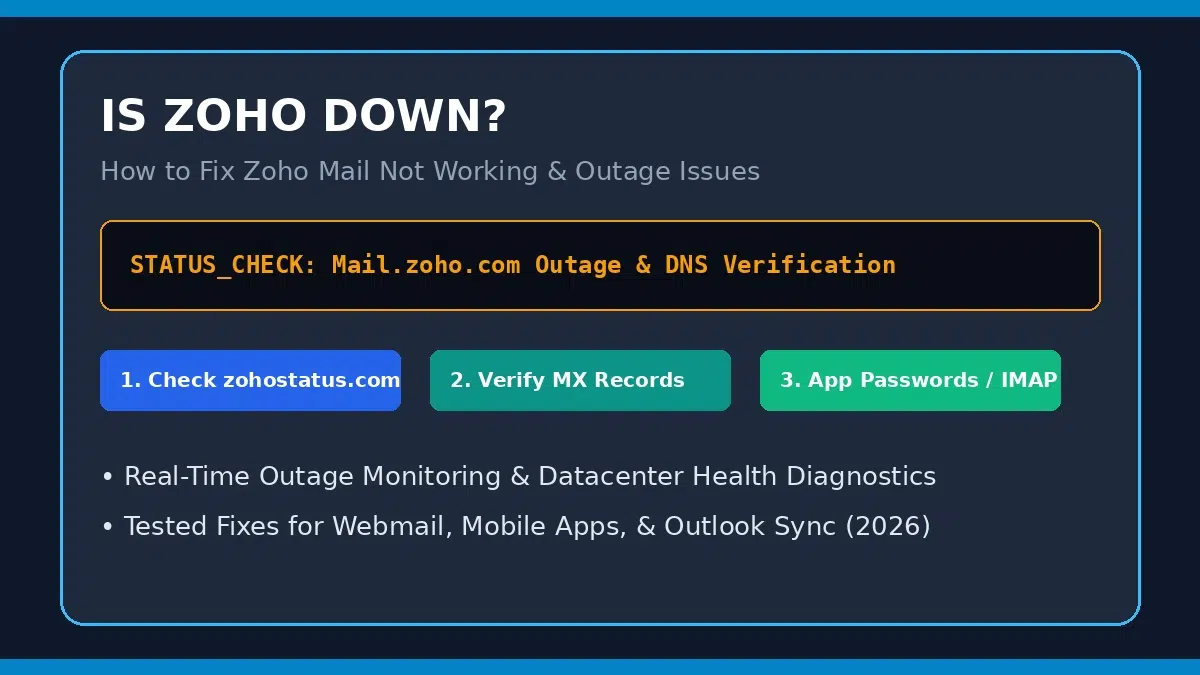
Is Zoho Down? How to Diagnose Zoho Mail Outages & Fix Sending/Receiving Errors
Updated August 2026 | By Senior Cloud Infrastructure & Mail Systems Architect | 7 min read
Quick AnswerIs Zoho Down Right Now & Why is Zoho Mail Not Working?
If you are asking “is Zoho down” or experiencing Zoho Mail not working, the issue is typically caused by a regional datacenter outage (US, EU, IN, AU, CA, JP), broken domain MX/SPF DNS records, outdated browser cache, or incorrect IMAP/SMTP port configurations in third-party clients like Outlook or Apple Mail.
Immediate Actions: Check the official Zoho Status Dashboard, test webmail access in an Incognito window, verify your domain MX records (mx.zoho.com), and generate an App-Specific Password if Two-Factor Authentication (TFA) is enabled.
Understanding Why Zoho Mail Stops Working
Zoho Mail serves millions of businesses globally across dedicated regional datacenters. When emails fail to send, receive, or sync, the problem falls into two categories: a widespread server outage at the datacenter level, or an account/DNS configuration error on the user end.
System telemetry highlights five main reasons why Zoho Mail stops responding:
Primary Causes of Zoho Mail Delivery & Connection Failures
- Regional Datacenter Outages: Network maintenance or power disruptions at specific data centers (e.g., US East, EU, India, Australia) intermittently interrupt webmail access or SMTP delivery.
- Domain DNS MX Record Misconfiguration: Custom domain emails stop receiving inbound messages if MX records are missing or incorrectly priority-ranked (must point to
mx.zoho.compriority 10,mx2.zoho.compriority 20,mx3.zoho.compriority 50). - Authentication & App Password Requirements: Enabling Two-Factor Authentication (2FA) blocks Outlook or mobile mail apps until a dedicated App-Specific Password is created in Zoho Security.
- Browser Cache & Session Corruption: Outdated cookies or active extensions can cause infinite loading loops on
mail.zoho.com. - IP Restriction or WAF Firewall Blocks: Security rules in your organization or VPN usage blocking Zoho’s server authentication requests.
Zoho Mail Issue Scenarios & Resolution Matrix
Match your exact error symptom against the table below to find the specific fix:
| Symptom / Scenario | Status Indicator | Underlying Cause | Recommended Action |
|---|---|---|---|
| Webmail Fails to Load | HTTP 502 / 503 / Blank Screen | Regional datacenter downtime or browser cache lock | Check zohostatus.com & test Incognito mode |
| Emails Not Received | Sender gets bounce error / “550 No such user” | Incorrect or missing domain DNS MX records | Re-verify MX records in domain registrar (GoDaddy, Namecheap, Cloudflare) |
| Outlook / Apple Mail Sync Error | “Authentication failed” or IMAP timeout | 2FA enabled or wrong port configuration | Use IMAP Port 993 (SSL) & generate 16-digit App Password |
Step-by-Step Guide: How to Fix Zoho Mail Not Working
Follow these structured diagnostic steps to restore complete email functionality:
- Step 1: Check Datacenter Status via Official Dashboards:
Visit the official Zoho Status Page or regional status URLs (e.g.,status.zoho.eufor Europe orstatus.zoho.infor India) to verify if a global or regional incident is underway. - Step 2: Clear Browser Cache & Test Incognito Mode:
Open an InPrivate or Incognito browser window and log in directly atmail.zoho.com. If it loads, clear your browser cookies and disable conflicting extensions. - Step 3: Verify Domain MX & SPF DNS Records:
Ensure your domain registrar DNS settings include the official Zoho MX records:MX 10 mx.zoho.com
MX 20 mx2.zoho.com
MX 50 mx3.zoho.com
Also add SPF record:v=spf1 include:zoho.com ~all - Step 4: Update IMAP / SMTP Port Settings in Mail Clients:
If using desktop or mobile apps, configure the exact server settings:Incoming IMAP:imap.zoho.com| Port:993| Security:SSLOutgoing SMTP:smtppro.zoho.com| Port:465| Security:SSL(or Port 587 TLS) - Step 5: Generate an App-Specific Password:
If Two-Factor Authentication (2FA) is turned on, go to Zoho Account > Security > App Passwords, generate a dedicated 16-digit password, and enter it into Outlook or Apple Mail.
For broader server diagnostics and email routing fixes, consult our email server outage & troubleshooting guide.
