
https //pesa.ncog.gov.in/sainikschoolecounselling/ : Register on the AISSAC website/Portal
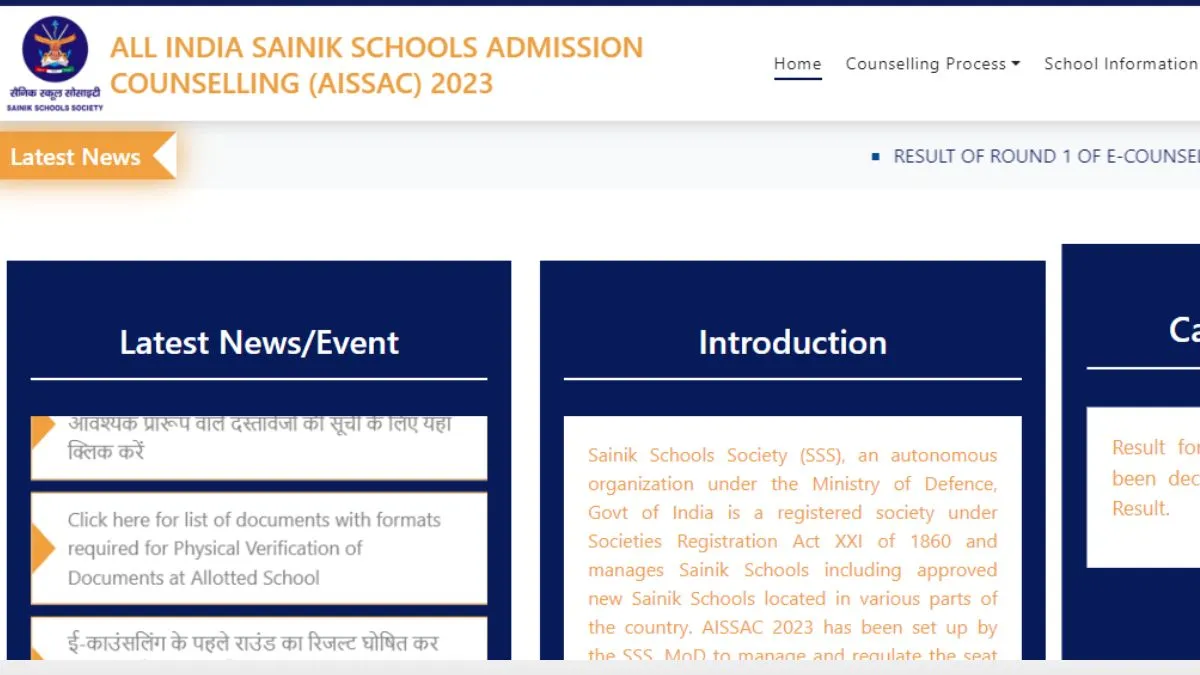
Candidates must log on to the AISSAC website (https://pesa.ncog.gov.in/sainikschoolecounselling/) to register and fill in choices. Please read and understand the SOP for AISSAC/FAQs-2024 carefully before the start of online registration & choice filling.
Further, candidates are advised to make a tentative list according to their preference of schools after going through the seat matrix uploaded on the website before choice filling/locking.
It is mandatory for the candidates to register through the official AISSAC-2024 online portal to be able to obtain seats to be allocated through AISSAC-2024 in any of the existing or New Sainik Schools other than the school already filled during AISSEE-2024 registration on the NTA portal. Please refer to SOP for AISSAC-2024 for detailed guidelines.
IMPORTANT INSTRUCTIONS
-
Confidentiality of Password is solely the responsibility of the candidate/ parents and all care must be taken to protect the password.
-
Candidates can take a printout of the final locked choices for their reference.
-
For security reasons, after finishing your work, kindly click the Sign Out button and close all the windows related to your session.
-
Candidates/Parents are advised to keep changing the Password at frequent intervals.
-
Never share your password and do not respond to any mail which asks you for your Sign in-ID/Password other than SSS authorised email ID .
Do I require any documents to get registered online?
Since, it is an online allotment (Counselling) process, no documents are required during registration. However, you must produce documents at the time of Physical Verification at admitted school as per the details filled/verified by you during AISSEE/AISSAC-2024 registration.
If you wish to edit your choices after locking but before the choice filling deadline, you can do so easily by clicking on the EDIT CHOICES on the portal.
You will not be allowed to edit your choice list after the deadline for choice filling, i.e., you cannot change the order of your choices NOR add any more schools NOR delete any school from the choice list after the deadline for choice filling.
If you do not lock your choices, last filled choices by the candidates will be locked automatically upon reaching the deadline for choice filling. The automatically locked choice list will be considered for allocating a seat during AISSAC-2024.
The Online seat allotment process will start as per the Schedule of the AISSAC2024, promulgated on the AISSAC portal https://pesa.ncog.gov.in/sainikschoolecounselling/
What is the procedure for 2nd Round?
Answer: Fresh registration is available in the 2nd Round for candidates who have not registered in the 1st Round of Counselling. Freshly registered candidates need to fill choices. Candidates opted for reconsideration may change their choices filled in Round-1 before deadline. If choices are not changed by you in Round 2 then earlier choices of Round1 will be considered for allotment of school.
There are no authorised e-counselling cells/agents available. The candidates and his/her parents/legal guardians will have to read the SOP, understand, and fill the details in the e-Counselling portal themselves. SS Society or the Sainik Schools will not be responsible for any such unauthorised actions in this regard.
