
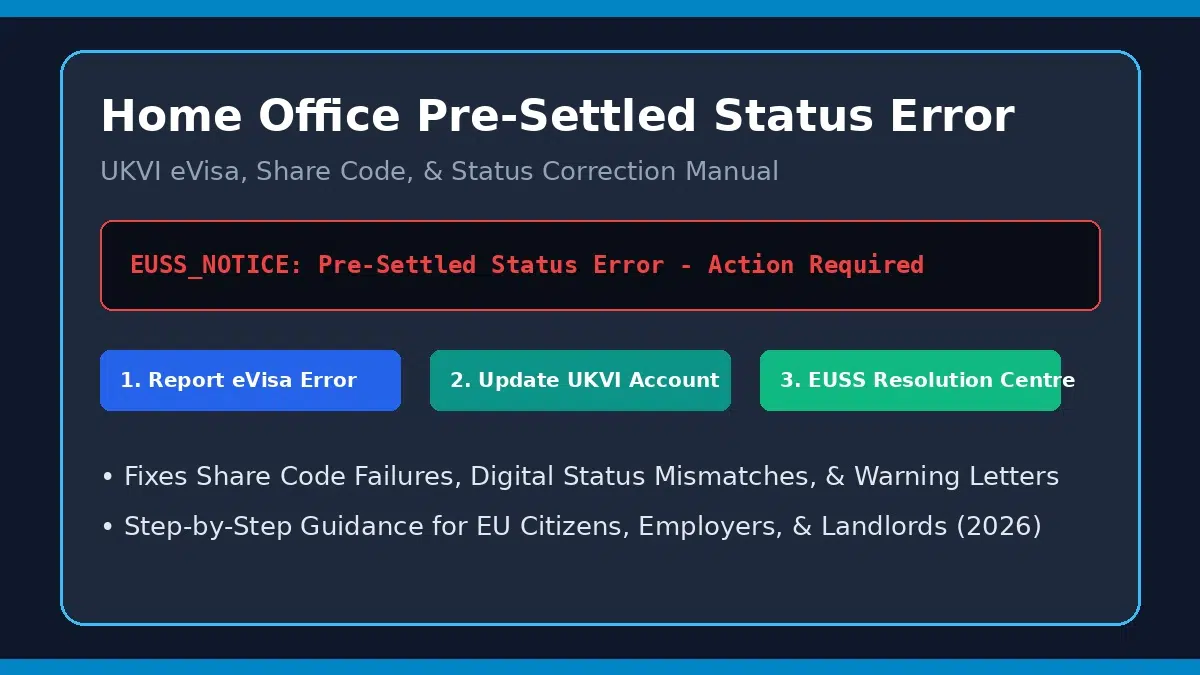
Home Office Pre-Settled Status Error: How to Correct eVisa Details & Protect Your Rights
Updated August 2026 | By UK Immigration & EU Rights Specialist | 7 min read
Quick AnswerWhat is a Home Office Pre-Settled Status Error & How Do You Fix It?
A Home Office pre-settled status error occurs when an EU Settlement Scheme (EUSS) digital eVisa displays incorrect personal details, fails to reflect automatic 5-year extensions, throws share code verification errors, or triggers an erroneous “granted pre-settled status in error” notice from UK Visas and Immigration (UKVI).
Fast Fix: Submit an official “Report an error on your eVisa” form on GOV.UK, update your UKVI account travel document numbers, contact the EUSS Resolution Centre (0300 123 7379), or submit proof of continuous UK residence before 31 December 2020.
Common Causes of Pre-Settled Status Digital Errors
Because the UK EU Settlement Scheme operates entirely as a digital immigration system (eVisa), holders rely on online UKVI accounts to prove their right to work, rent, study, and access healthcare. However, system migrations, passport renewals, and automated background checks frequently cause digital discrepancies.
Understanding why these errors surface helps determine the correct administrative or legal pathway:
Primary Pre-Settled Status Error Categories
- UKVI Account Data Mismatch: If your active passport or national ID card number is not linked to your UKVI account, share codes will fail for employers and landlords.
- Automated HMRC / DWP Check Failures: UKVI’s automated checks sometimes fail to detect 30 months of residence data in HMRC tax or DWP benefit records, causing missed automatic extensions.
- Home Office “Granted in Error” Letters: Audit reviews occasionally flag cases alleging missing proof of residency prior to 31 December 2020, issuing 14-day warning letters.
- Expiration Date Display Glitches: Despite High Court rulings requiring automatic 5-year extensions for pre-settled status holders, online views occasionally show outdated expiration warnings.
How to Fix Error 503 Backend Is Unhealthy: Full Troubleshooting Guide
Pre-Settled Status Errors, Real-World Impacts, & Solutions
Review the table below to identify your specific status issue and the corresponding correction pathway:
| Error Scenario | Real-World Impact | Underlying Cause | Official Resolution Pathway |
|---|---|---|---|
| eVisa Details Incorrect / Missing | Travel delays at UK Border / Share code errors | Old passport linked to UKVI account | Update details online via update-your-details.homeoffice.gov.uk |
| Status Shows Expired (No Extension) | Blocked right to work or DWP benefit check | Automated database sync delay | Submit GOV.UK Ask Home Office to check status request |
| Notice of “Granted in Error” | Threat of status curtailment or cancellation | Audit flags missing 2020 residence evidence | Submit additional residence proof (P60, utility bills, tenancy) |
Step-by-Step Action Plan to Fix Pre-Settled Status Errors
Follow these proven steps to rectify online immigration records and safeguard your residency rights in the UK:
- Step 1: Report the Error via Official GOV.UK Portals:
Submit an official report directly through the GOV.UK eVisa Error Reporting Tool. Select whether the issue affects your name, date of birth, photo, or status type. - Step 2: Update Travel Document & Contact Details:
Ensure your current valid passport or national identity card is linked to your UKVI profile. Unlinked documents are the number one cause of share code generation failures. - Step 3: Contact the EUSS Resolution Centre:
Call the official helpline at 0300 123 7379 (from within the UK) or +44 203 080 0010 (from abroad). Request a case reference number for all telephone discussions. - Step 4: Gather Physical Proof of Residence:
If responding to a “granted in error” letter, gather continuous evidence of UK living prior to 31 December 2020, including P60 tax forms, bank statements, council tax bills, and NHS appointment records. - Step 5: Apply Manually for Settled Status Upgrade:
Rather than waiting for automated background upgrades, submit a manual application for full Settled Status once you complete 5 years of continuous UK residence.
