
Doublestruck Exampro Logins : How do I get an Exampro account?
When you login into Doublestruck Exampro as usual, you will be asked to enter your name and school email address to create your personal account. Once this is done, we will send a confirmation link to the email address that you provide.
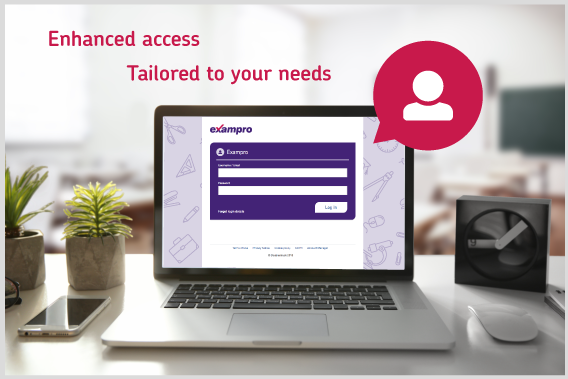
For new users : Logging into Exampro
Ensure that you have the school username and password.
These details would have been emailed to the address used to place the order.
Enter the school username and password and click Log in.

You will then be instructed as to how to create your own individual user account.
NB: Your username should be your personal school email address.

For existing users
Enter your individual username (your school email address) and the password you created.
Maximum sessions
You can have an unlimited number of individual user accounts on Exampro.
However, a five simultaneous user limit applies which means that only five users can be logged in to the same question bank at the same time.
For example:
- GCSE Physics – 5 users
- GCSE Biology – 5 users
- …
This rarely causes an issue but if you would like to purchase additional users at £10 per user, call 0345 145 1500 or email online@exampro.co.uk
The importance of ending your sessions
Each time you launch a subject, this will count as one session
Therefore, if you launch the same subject again, it will register 2 users etc.
