
Quick Answer: The asha soft kerala gov in portal is the official digital platform used by the National Health Mission (NHM) Kerala to manage performance records and financial incentives for Accredited Social Health Activists (ASHA). To access your account, visit www.ashasoft.kerala.gov.in, enter your official Username, Password, and the screen Captcha. New users can register by validating their Aadhaar and registered mobile numbers directly on the homepage.
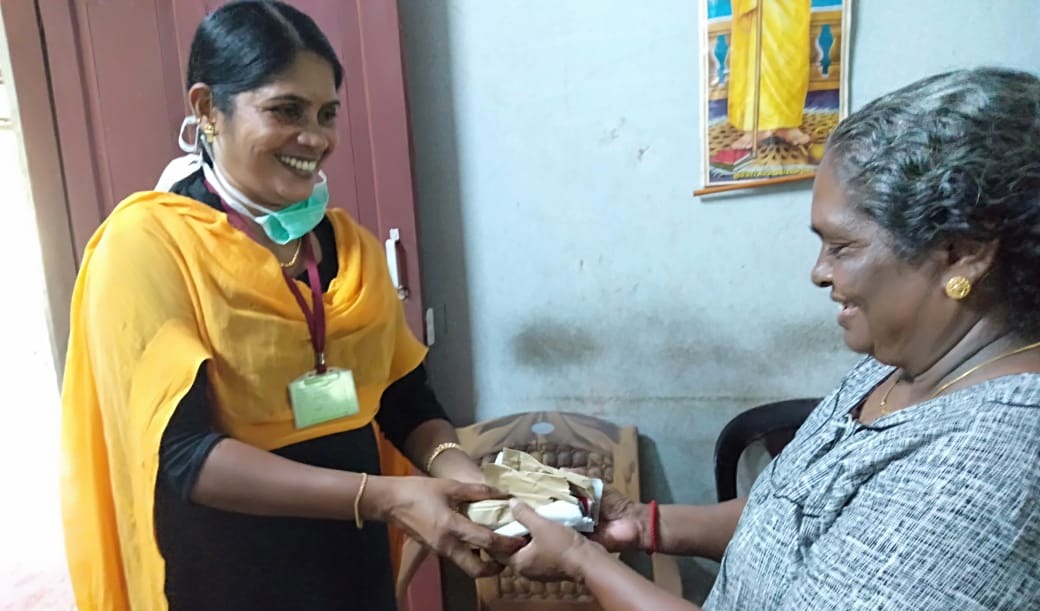
ASHA workers are the crucial connecting link between local communities and the state’s healthcare system. From tracking maternal health to executing the Nava Kerala action plan’s lifestyle disease surveys, their on-ground efforts keep the state healthy. To ensure these frontline workers are compensated accurately and on time, the government relies on the ASHA Soft digital platform.
Whether you are a newly appointed ASHA worker looking to make your first data entry, or a supervisor tracking monthly claims, this guide covers everything you need to know about navigating the portal.
Key Features of the ASHA Soft Portal
Before the digital shift, submitting incentive claims meant dealing with stacks of paperwork and long delays. The implementation of this DBT (Direct Benefit Transfer) software brought several major improvements to the system:
- Direct Bank Payments: Monthly incentives are transferred directly into the ASHA worker’s registered bank account, eliminating middlemen and delays.
- Activity Tracking: Workers can log specific activities—like immunizations, ANC checkups, and monthly meetings—ensuring they get paid for every task completed.
- Transparent Reporting: Supervisors and health officials can monitor village-level health progress and generate real-time performance reports.
- Instant Notifications: The dashboard displays the latest Government Orders (GOs) and updates on when monthly data entry windows open.
Step-by-Step Login and Registration
Accessing the portal is designed to be straightforward, even on mobile devices. Here is how to log in or register your profile securely:
- Visit the official portal at www.ashasoft.kerala.gov.in.
- For Login: Enter your designated Username and Password in the top menu, fill in the Captcha code, and click Login.
- For New Registration: Locate the “ASHA Registration” section on the homepage. Enter your 12-digit Aadhaar Number and your official Mobile Number, then click Validate to link your profile.
| Common Issue | Possible Cause | How to Fix |
|---|---|---|
| Cannot log into account | Incorrect password or expired session. | Click “Forgot Password”, enter your username, and reset it via OTP sent to your registered mobile. |
| Payment delayed or missing | Data entry missed the monthly cutoff date. | Check the homepage banner for the active “Data Entry Opened” month. Submit claims before the deadline. |
| Aadhaar validation failed | Name mismatch between Aadhaar and health department records. | Contact your local PHC/CHC supervisor to update your official profile details. |
Claiming Monthly Incentives
To receive your payouts, you must actively log your health activities. Once logged in, navigate to the data entry section for the current month. You will see a list of eligible activities (e.g., immunization drives, family planning counseling, TB control follow-ups). Enter the number of beneficiaries served under each category. After submission, these claims are sent to the Auxiliary Nurse Midwife (ANM) or local supervisor for verification before the funds are released.
If you also assist citizens in navigating other state medical services, make sure you are familiar with our guide on the Kerala eHealth Portal, which is essential for booking hospital appointments and accessing digital health records.
TL;DR: Using ASHA Soft Kerala
- Official URL: Always use ashasoft.kerala.gov.in to avoid phishing sites.
- Registration: New workers must validate their profile using their Aadhaar Number and Mobile Number directly on the portal.
- Timely Entry: Keep an eye on the portal’s homepage notifications to see when the data entry window opens for the current month.
- Support: If you face technical issues, you can contact the Arogyakeralam helpdesk at 0471-2301181.
