
Quick Answer
If you get AMC+ bundled through a cable or satellite provider (Xfinity, Spectrum, DISH, DIRECTV, Cox, or Optimum), activate your streaming device at amcplus.com/provideractivate — not the standard amcplus.com/activate page. Enter the code shown on your TV, choose your provider, and sign in with your TV provider account credentials. Your TV screen updates automatically within seconds once activation is confirmed.
TL;DR
- Two activation portals exist: amcplus.com/activate (standalone AMC+ subscribers) and amcplus.com/provideractivate (TV/cable provider subscribers).
- Use a phone, tablet, or computer to enter the code — not the TV remote.
- Activation codes are case-sensitive and expire after roughly 10–15 minutes.
- Sign in with your TV provider credentials, not your AMC+ account, on the provideractivate page.
- If the code expires or the page won’t load, reopen the AMC+ app to generate a fresh one.
On This Page
What Is amcplus.com/provideractivate?
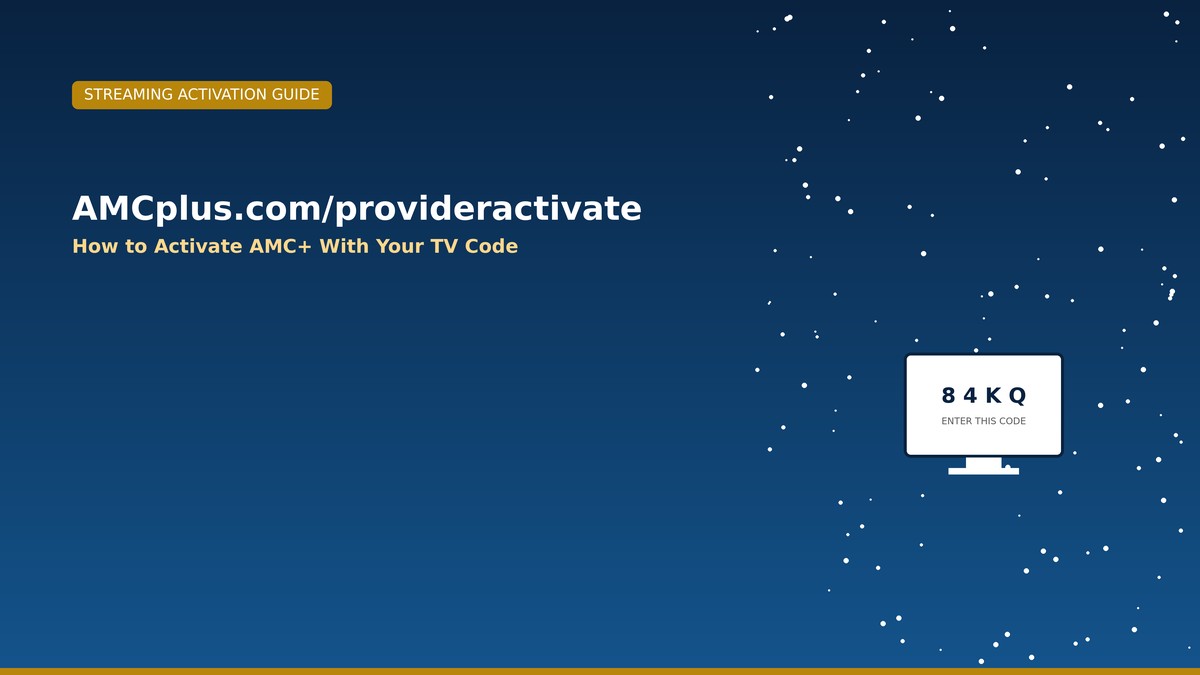
amcplus.com/provideractivate is the official activation portal for anyone who gets AMC+ as part of a cable, satellite, or TV bundle rather than a direct AMC+ subscription. When you open the AMC+ app on a streaming device like Roku, Fire TV, Apple TV, or a smart TV, it displays a short activation code on screen. Rather than typing that code with a remote, you complete the sign-in on a phone or computer — it’s simply an easier way to authenticate on a TV.
This activation flow verifies that your TV provider account actually includes AMC+ before unlocking the full content library, including titles like The Walking Dead and Interview with the Vampire.
How to Activate Step by Step
- Open the AMC+ app on your Roku, Fire TV, Apple TV, Android TV, or smart TV.
- Select “Sign In with a TV Provider” to generate your activation code.
- On a separate phone, tablet, or computer, go to amcplus.com/provideractivate.
- Enter the code exactly as shown on your TV screen — codes are case-sensitive.
- Choose your TV provider from the list (Xfinity, Spectrum, DISH, DIRECTV, Cox, Optimum, and others).
- Sign in with your provider account credentials and wait for your TV screen to refresh automatically.
Which Portal Do You Need?
Using the wrong activation page is one of the most common reasons people get stuck. Here’s the difference:
| Portal | Who It’s For | Login Used |
|---|---|---|
| amcplus.com/activate | Direct/standalone AMC+ subscribers | AMC+ email and password |
| amcplus.com/provideractivate | Cable/satellite bundle subscribers | TV provider account credentials |
Fixing Common Activation Problems
Code Expired or Invalid
Activation codes are typically only valid for 10–15 minutes. If too much time passes, close and reopen the AMC+ app on your TV device to generate a fresh code, then try again immediately.
Blank Screen or No Code Showing
- Restart your streaming device and router.
- Update your device’s firmware and the AMC+ app to the latest version.
- Remove and reinstall the AMC+ app if the code still won’t appear.
Provider Not Listed or Login Fails
Confirm that AMC+ is actually included in your specific TV package — not every tier from every provider includes it. Contact your TV provider directly if you’re unsure whether your plan includes AMC+ access.
Activation Page Won’t Load
Try a different browser, clear your browser cache, or switch from Wi-Fi to mobile data momentarily to rule out a local network issue. If problems continue, check the official AMC+ support center for any reported service outages. For similar app and device sign-in issues, see our streaming troubleshooting hub on SeminarsOnly News.
Frequently Asked Questions
Can I activate AMC+ using my phone instead of a computer?
Yes. Any device with a web browser — phone, tablet, or computer — can be used to enter the activation code at amcplus.com/provideractivate.
Do I need an AMC+ account to use provideractivate?
No. The provideractivate portal uses your TV provider’s login credentials (like Xfinity or DISH), not a separate AMC+ account.
Which TV providers support AMC+ activation?
Most major cable and satellite providers are supported, including Xfinity, Spectrum, DISH, DIRECTV, Cox, and Optimum, though availability can vary by package.
Where can I get official AMC+ support?
Visit the official AMC+ Customer Knowledge Base for verified activation and troubleshooting guidance.
