
Sign in to YouTube on your Amazon Fire TV : Find the YouTube Activation Code and Sign In
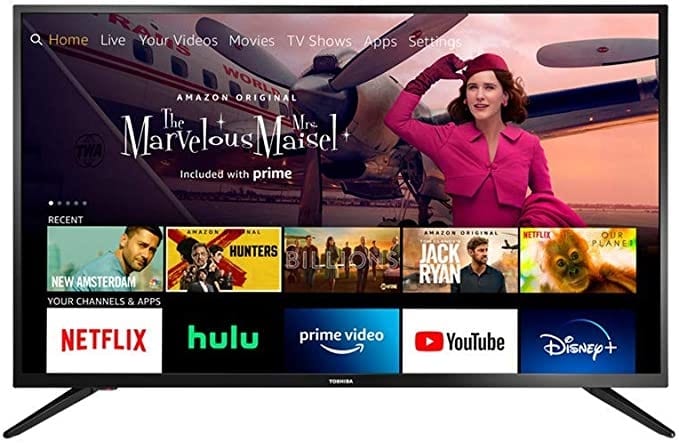
You can watch YouTube and use Amazon Alexa to control the YouTube app on most Amazon Fire TV devices. You can download the official YouTube app from the Amazon app store.
Sign in to YouTube on your Amazon Fire TV
Step 1: Find the activation code and sign in
- Go to the Sign in screen in the YouTube app and stay on this screen until you’ve completed the remaining steps.
- Visit youtube.com/tv/activate on your computer or mobile device.
- Sign in when you’re asked to. If you have a few Google Accounts, select the account you use with YouTube. If you’re already signed in, skip to the steps below.
Step 2: Complete the activation process
- Enter the activation code shown in the YouTube app on your TV.
- Select “Allow access” and wait for the confirmation screen in the app.
Step 3: Select your account
After signing in, you may notice a list of associated Google Accounts. Choose the one you want to use on the Amazon Fire TV.
Also Read : YouTube Premium Activate Code
Some ways to use Amazon Alexa with YouTube
Amazon Alexa is supported in English, German, Japanese, and French Canadian.
Code 766 On IRS Transcript 2022 : What does code 766 and 768 mean on IRS transcript?
Available Alexa voice commands
To play or resume media:
Alexa, play
Alexa, resume
To pause or stop media:
Alexa, pause
Alexa, stop
To fast-forward media:
Alexa, fast-forward 30 seconds (or given duration)
Alexa, fast-forward
To rewind media:
Alexa, rewind 30 seconds (or given duration)
Alexa, rewind
To go to the next media:
Alexa, next
To go to the previous media:
Alexa, previous
To restart media:
Alexa, restart
Available Alexa voice commands for Amazon Fire Cube
Alexa, scroll left (or right, up, or down)
Alexa, page right (or left, up, or down)
Examples of Alexa voice commands
- “Alexa, Open YouTube”
- “Alexa, show me soccer highlights on YouTube”
- “Alexa, find movie trailers on YouTube”
- “Alexa, watch music videos on YouTube”
- “Alexa, play cooking videos on YouTube”
- “Alexa, resume”, “Alexa, rewind 30 seconds”, “Alexa, next video”

Comments are closed