
⚡ Quick Answer: How to Force Paze to Appear
- Verify Your Bank: Paze only appears if you have an eligible card from a participating bank (like Chase, Wells Fargo, Capital One, or Bank of America) linked to your email address.
- Clear Your Cache: If you are shopping on Sephora.com via a mobile or desktop browser, stale cookies can hide new payment integrations. Clear your cache or open an Incognito window.
- Update the Sephora App: If you are using the Sephora mobile app, outdated versions may not support the Paze API. Check the App Store or Google Play for updates.
- Guest Checkout Trick: Sometimes, logging out of your Sephora Beauty Insider account and proceeding to the “Guest Checkout” screen will force the Paze wallet button to refresh and appear.
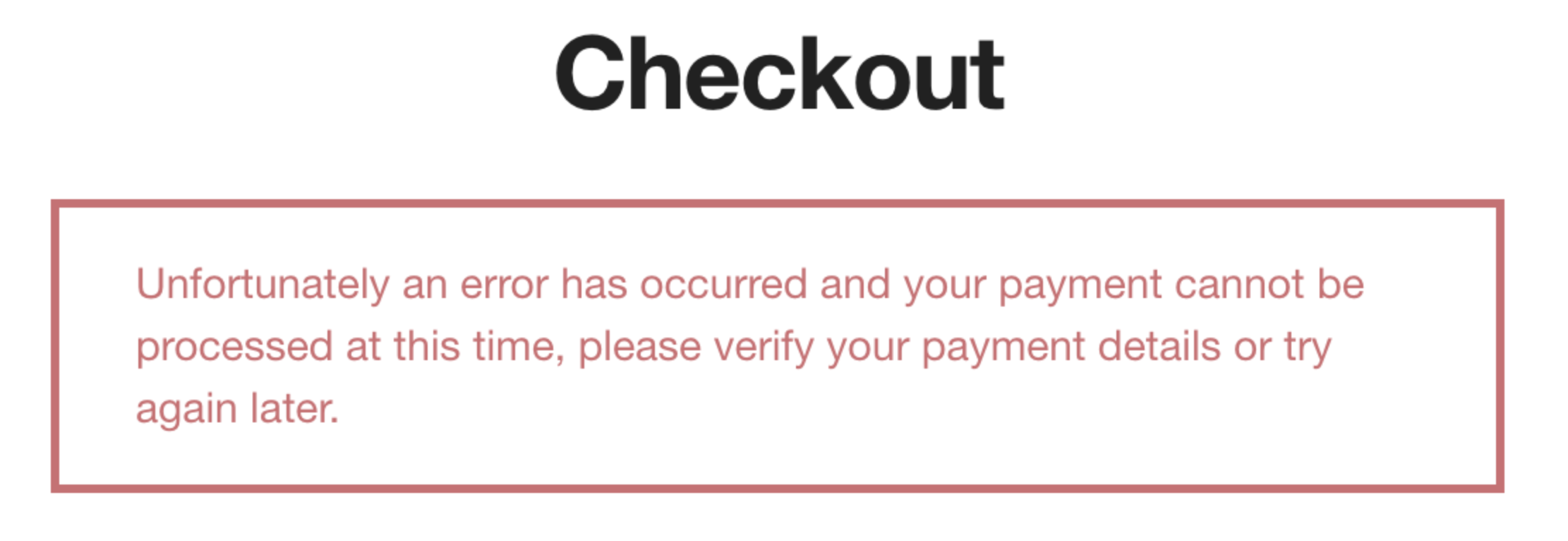
You’ve finally loaded up your Sephora cart with the perfect restock of skincare and makeup. You head to the checkout screen expecting a seamless, one-click payment experience, but to your frustration, you realize Paze is not showing up at Sephora.
Paze—the new digital wallet backed by Early Warning Services (the same company behind Zelle) and major US banks—is designed to eliminate manual credit card entry. However, as retailers roll out this new technology, integration bugs, browser glitches, and bank eligibility rules often cause the Paze button to vanish mid-transaction. Here is exactly why it happens and how to fix it.
Why is the Paze Button Missing? (Common Causes)
Unlike Apple Pay or PayPal, Paze operates dynamically. It only renders on the checkout screen if specific backend criteria are met. If it is missing, one of the following is likely the culprit:
- Email Mismatch: Paze uses the email address you enter at Sephora’s checkout to ping your bank. If the email you use for Sephora doesn’t match the one on file with your bank, the Paze button will not activate.
- A/B Testing by Sephora: Retailers frequently test new checkout flows. Sephora might temporarily disable the Paze module for maintenance or user interface testing.
- Non-Participating Financial Institutions: Credit unions and smaller regional banks are not yet part of the Paze network. If your primary card is from a non-supported bank, the wallet cannot generate.
Twitch “Failed to Determine Content Classification” Error? (Fast Fix)
Paze Bank Compatibility Check
Before pulling your hair out over a browser glitch, verify that your bank actually supports the Paze network. If your card isn’t on the “Approved” list, the button will never show up.
| ✅ Participating Banks (Paze Will Show) | ❌ Currently Unsupported (Paze Will Not Show) |
|---|---|
| Chase & Wells Fargo | Most Local Credit Unions |
| Capital One & Bank of America | Discover & American Express (Direct) |
| U.S. Bank & PNC Bank | Chime, Ally, and SoFi |
Alternative Checkout Options at Sephora
If Paze is undergoing maintenance and you need to secure a limited-edition drop before it sells out, do not wait. Sephora offers several highly secure, one-click alternatives that you can use immediately:
- Apple Pay / Google Pay: The fastest alternative on mobile devices, securely tied to your phone’s biometric data.
- PayPal: Universally accepted at Sephora and offers robust buyer protection.
- Klarna / Afterpay: Ideal if you want to split a large fragrance or skincare purchase into four interest-free installments.
The Bottom Line
- When Paze is not showing up at Sephora, it is almost always due to an email mismatch between your Sephora account and your bank.
- Clearing your browser cache or switching from the Sephora app to a standard mobile web browser can often force the Paze button to render.
- If you are in a rush, pivot to Apple Pay, Google Pay, or PayPal to ensure your beauty items don’t sell out while troubleshooting.
