
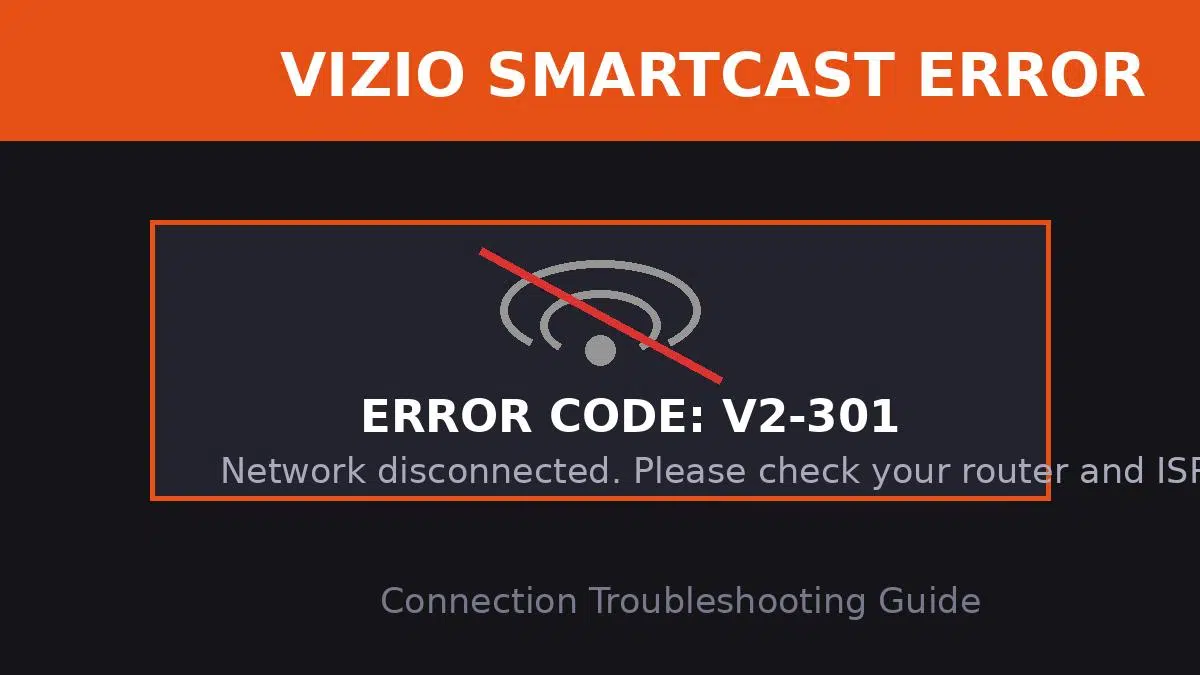
Quick Answer: What is Vizio Error Code V2-301?
Vizio error code V2-301 is a network connection failure message. It means your Vizio SmartCast TV is unable to establish a stable connection with your home Wi-Fi router or the internet. To fix this immediately, power cycle both your TV and router by unplugging them from the wall for 60 seconds, then plugging them back in. If that fails, checking your network settings or performing a factory reset is required.
Settling in to watch your favorite show on a Vizio SmartCast TV, only to be blocked by a black screen and an error code, is incredibly frustrating. Error code V2-301 is one of the most common issues Vizio owners face, but thankfully, because it is primarily a network issue, you can usually resolve it yourself without calling for repairs.
When your TV flashes this code, it means the internal network adapter has timed out while trying to reach Vizio’s content servers. Let’s break down why this happens and walk through the proven steps to get your TV reconnected.
Common Causes of Error V2-301
Understanding what triggered the disconnection can help you prevent it from happening again in the future.
- Router Glitch: Your home router may have temporarily dropped its connection or assigned an IP address that conflicts with another device in your home.
- Weak Wi-Fi Signal: If your router is too far from the TV, or there are thick walls in between, the signal might not be strong enough for the SmartCast platform to load.
- Corrupt TV Cache: Over time, temporary network data stored in the TV’s memory can become corrupted, leading to handshake failures with your router.
- ISP Outages: Sometimes the issue isn’t in your house at all. Your Internet Service Provider (ISP) might be experiencing local outages.
Step-by-Step Troubleshooting Guide
Follow these steps in order, from the easiest fix to the most drastic, to clear the V2-301 error.
| Step | Action | Expected Result |
|---|---|---|
| 1. Power Cycle TV | Unplug the TV from the wall for 60 seconds. Hold the power button on the TV itself for 10 seconds to drain residual power. Plug it back in. | Clears RAM and forces a fresh network handshake. |
| 2. Restart Router | Unplug your Wi-Fi router for 30 seconds, then plug it back in. Wait 2-3 minutes for the lights to stabilize. | Resolves IP conflicts and refreshes your local network. |
| 3. Check Connection | Go to TV Menu > Network > Test Connection. | Confirms if the TV is seeing the router but failing to reach the internet. |
The Last Resort: Factory Reset
If power cycling didn’t work, you may need to reset the TV to its factory defaults. Warning: This will erase your saved Wi-Fi passwords and custom picture settings. To do this, press the Menu button on your remote, navigate to System > Reset & Admin > Reset TV to Factory Defaults. If you are having trouble navigating the menus, you can check the official Vizio support documentation for model-specific instructions.
If you find yourself constantly battling Wi-Fi issues across multiple devices, not just your TV, you might want to review our internal guide on how to optimize your home network for Smart TVs.
TL;DR: Fixing Vizio Error V2-301
- The V2-301 error is a standard network connectivity failure on Vizio SmartCast TVs.
- Begin by power cycling both your television and your internet router (unplug for 60 seconds).
- Verify your router is broadcasting a strong signal and that your ISP isn’t experiencing an outage.
- If the error persists, navigate to the TV’s Admin menu and perform a Factory Reset to clear all corrupt network cache data.
