
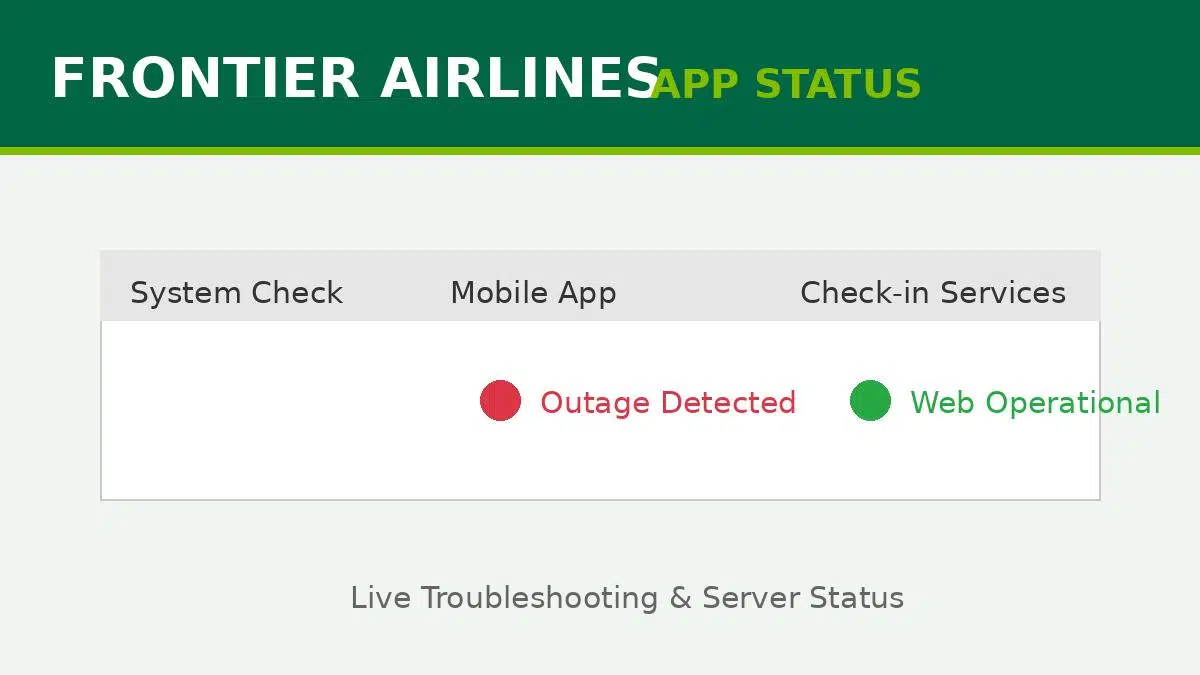
Quick Answer: Is the Frontier App Down Right Now?
If you are asking “is the Frontier Airlines app down?”, there is a high likelihood of a temporary server outage, especially during major weather events or peak travel holidays. If the app is crashing, spinning endlessly, or failing to load your boarding pass, immediately bypass the app and log into FlyFrontier.com using your mobile web browser. The mobile website often operates on a separate, more stable server cluster than the iOS and Android apps.
Standing at the TSA security checkpoint while your airline app refuses to load is one of the most stressful experiences a traveler can face. You tap, you swipe, you close and reopen, but the Frontier Airlines app remains stubbornly blank or throws an unexpected error code.
Whether you are trying to check in 24 hours before your flight, purchase a last-minute carry-on bag, or simply scan your boarding pass, app outages happen. Let’s break down how to confirm a systemic outage and, more importantly, how to get your travel plans back on track.
How to Verify a Frontier Airlines Server Outage
Before you start uninstalling apps and restarting your phone, you should determine if the problem is widespread. Frontier’s servers can become overloaded during massive fare sales (like the GoWild! Pass promotions) or widespread weather delays.
- Check X (Formerly Twitter): The fastest way to confirm an outage is checking the official @FlyFrontier account. While they don’t always announce minor blips, thousands of angry travelers tagging them is a sure sign the system is down.
- Use Third-Party Monitors: Sites like Downdetector aggregate user reports. A sudden, massive spike in reports usually indicates a national API or server failure affecting the app.
- Look for the “Spinning Wheel”: If the app opens but infinitely loads without showing an error message, it means your phone is trying to contact the server, but the server is unresponsive.
App Down? Your Alternatives for Checking In
Frontier Airlines charges a hefty fee for airport agent assistance, so it is in your best financial interest to handle check-in digitally or at a self-serve station. If the mobile app is completely dead, here is what you need to do immediately:
| Method | Reliability | Action Required |
|---|---|---|
| Mobile Web Browser | High | Open Safari/Chrome, go to FlyFrontier.com, enter your confirmation code. |
| Airport Kiosk | Very High | Use a free self-serve terminal at the airport to print a physical pass. |
| Ticket Counter | Low (Fees Apply) | Wait in line. Note: Agent check-in usually incurs a $25 fee unless the entire system is down. |
First Down Studio 17-0 Guide: How to Build the Perfect Roster
Quick Troubleshooting Steps (User-Side Fixes)
If social media and Downdetector show no signs of a widespread Frontier outage, the issue might be isolated to your device. Try these quick fixes:
- Toggle Airplane Mode: Airport Wi-Fi and congested 5G towers can cause weak connections. Turn on Airplane mode for 10 seconds, then turn it off to force your phone to connect to the strongest tower.
- Clear App Cache (Android): Go to Settings > Apps > Frontier > Storage > Clear Cache. This clears out corrupted temporary files that cause crashes.
- Force Close & Reopen (iOS): Swipe up from the bottom of your iPhone screen, find the Frontier app, and swipe it away completely before relaunching.
- Update the App: Airlines frequently push mandatory security updates. An outdated app version will often refuse to connect to the login servers.
Experiencing similar issues with other travel apps while at the terminal? Review our comprehensive guide on troubleshooting airline mobile apps to keep your travel day stress-free.
TL;DR Summary
- If the Frontier Airlines app is down, do not panic and do not pay for an agent.
- Immediately use your phone’s web browser to log in at FlyFrontier.com to access your digital boarding pass.
- Airport self-serve kiosks are free to use and are reliable alternatives during mobile outages.
- If the outage is not widespread, clear your app cache, switch off airport Wi-Fi, and ensure the app is fully updated.
