
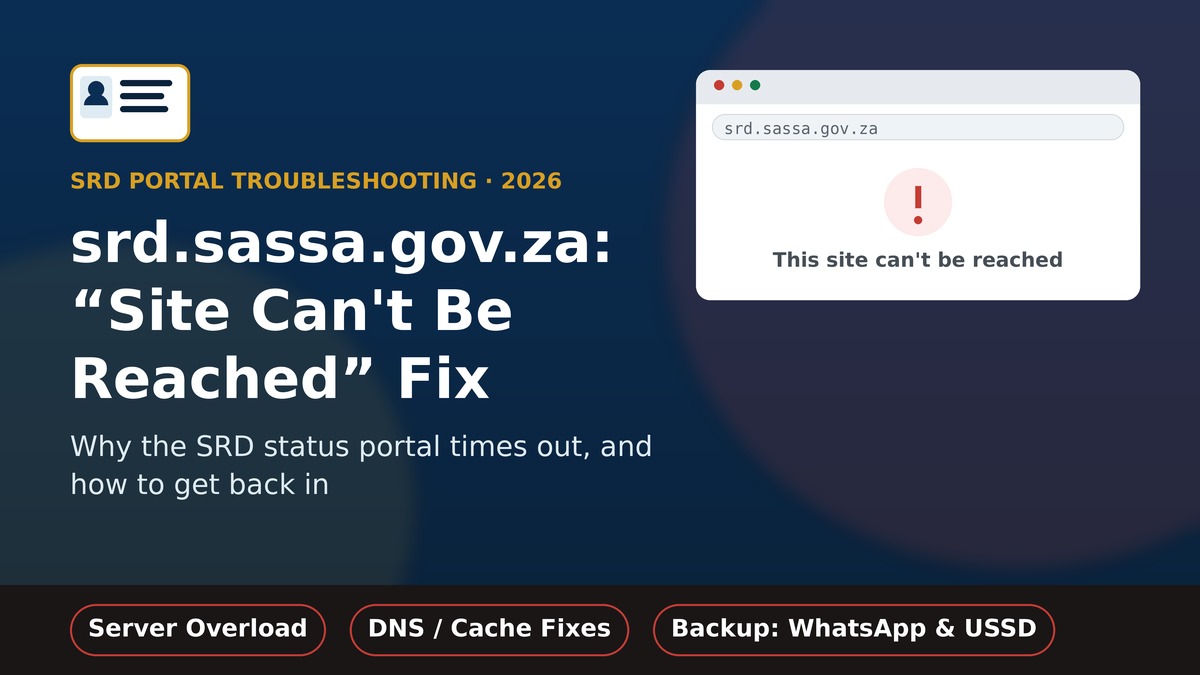
Quick answer: “This site can’t be reached” on srd.sassa.gov.za almost always means the SASSA server is temporarily overloaded — not that the portal has shut down for good. It happens most often in the last week of the month, when millions of applicants check their status at once. Wait a few minutes, try a different network, clear your browser cache, or use WhatsApp/USSD as a backup while the portal recovers.
TL;DR
- The error is a browser-side connection message, not a message from SASSA itself.
- Most common cause: server overload during peak status-check hours, especially the 24th–31st of each month.
- Other causes: stale DNS cache, a flaky mobile-data or WiFi connection, or a browser extension blocking the page.
- Try reloading after 2–3 minutes, switching networks, or opening the site in incognito mode.
- Backup channels that don’t need the website: WhatsApp (082 046 8553), USSD, or the toll-free line 0800 60 10 11.
- There is no confirmed history of the SRD portal being permanently taken down — outages reported so far have all been temporary.
On this page
What “this site can’t be reached” actually means
“This site can’t be reached” is a message generated by your browser, not by SASSA. It appears whenever your device sends a request to srd.sassa.gov.za and never gets a proper response back, for any reason on either end of that connection. Depending on your browser, you may see a slightly different version of the same underlying problem, such as:
- DNS_PROBE_FINISHED_NOT_FOUND — your device couldn’t translate the address into a server location.
- ERR_CONNECTION_TIMED_OUT — a connection was attempted but never completed in time.
- ERR_CONNECTION_REFUSED — the server actively rejected the connection attempt.
- A plain “Hmm, can’t reach this page” screen on some mobile browsers.
All of these point to the same family of causes: something between your browser and SASSA’s server is failing, rather than the SRD grant programme itself being unavailable.
Why srd.sassa.gov.za shows this error
The SRD portal is a single, centralised system serving millions of beneficiaries, so a handful of predictable pressure points show up again and again:
- Peak-hour server overload: the busiest period is the last week of the month, when SASSA processes payment batches and applicants rush to check their status.
- Scheduled maintenance: SASSA occasionally takes the portal offline briefly for updates, usually overnight.
- Local DNS or cache problems: your device or router may be holding an outdated address for the site.
- Network-side restrictions: some workplace, campus, or public WiFi networks block government portals or specific ports.
- Browser extensions: ad blockers or privacy extensions sometimes interfere with government sites that use certain scripts.
Step-by-step fixes, by cause
Work through this table from top to bottom — most people are back on the portal after the first two or three fixes:
| Likely cause | What to try |
|---|---|
| Server overload (most common) | Wait 3–5 minutes and reload. Avoid refreshing repeatedly, as this adds to the load. |
| Stale DNS cache | Open the site in a private/incognito window, or switch your device’s DNS to 8.8.8.8 (Google) or 1.1.1.1 (Cloudflare). |
| Flaky WiFi or mobile data | Toggle airplane mode on and off, or switch between WiFi and mobile data to force a fresh connection. |
| Blocked by network or extension | Disable ad blockers/VPNs temporarily, or try a different network (e.g. mobile data instead of office WiFi). |
| Browser cache corruption | Clear cached images and files for the last hour, then reload the page. |
Good to know: repeatedly refreshing during a genuine overload doesn’t help you get in faster — it adds more requests to an already busy server. Spacing out your attempts by a few minutes is more effective.
Backup ways to check your status without the website
If the portal stays unreachable, these channels use the same SASSA database and don’t depend on the website loading:
- WhatsApp: save 082 046 8553 and send “Status” — you’ll get your latest result as a reply.
- USSD: dial the current SASSA status-check code from your registered phone (confirm the active code via the official portal or SASSA’s verified channels, since it’s occasionally updated).
- Call centre: 0800 60 10 11, Monday to Friday, for cases where the website itself seems to be the problem.
- In person: visit your nearest SASSA office if digital channels are all unavailable.
Is it down for everyone, or just you?
Before assuming a nationwide outage, rule out your own connection:
- Try loading the site on mobile data if you were on WiFi, or vice versa.
- Ask someone on a different network to check if the site loads for them.
- Try a different device if one is available.
- Check SASSA’s official social media channels for any posted outage notice before assuming the worst.
If the site fails across multiple networks and devices at the same time, it’s more likely a genuine server-side issue, and the fix is simply to wait it out and use one of the alternative channels above in the meantime.
When this is completely normal
Brief unavailability is an expected part of how the SRD system runs, not a sign that something has gone permanently wrong:
- During the last week of the month, when payment batches are processed and status checks spike.
- Briefly overnight, during scheduled maintenance windows.
- For a few minutes after a public announcement about grant increases or policy changes, when traffic surges.
For the full walkthrough of checking your result once the portal is back up, see our guide to SRD status check using your ID number. If you’re also trying to confirm your exact payday, our SASSA payment dates for 2026 guide covers the full monthly schedule.
Frequently asked questions
Does “this site can’t be reached” mean my SRD application was rejected?
No. This is purely a connection error from your browser. It has nothing to do with your application outcome — your status is still sitting on SASSA’s servers waiting for you to successfully load the page.
Why does this happen so often at month-end?
SASSA processes SRD payment batches and re-verifies applicants in the last week of each month, which is also when the highest number of people check their status at once. The combined load is the most common trigger for temporary unavailability.
How long do these outages usually last?
Most reported cases clear up within minutes to a few hours. There is no confirmed case of the portal being taken down for an extended period.
Can I check my SRD status if the website never loads for me?
Yes. WhatsApp (082 046 8553), USSD, and the toll-free call centre (0800 60 10 11) all draw on the same SASSA database and don’t require the website to load.
Should I try a different SRD website if srd.sassa.gov.za won’t load?
No. Only use srd.sassa.gov.za. Several look-alike sites exist that mimic the official portal to collect personal details — if the real site is down, wait it out or use an official backup channel instead of searching for alternatives.
Sources: This guide draws on the official SASSA SRD portal and SASSA’s official Facebook page, which SASSA uses for service updates and outage notices. Server load and maintenance patterns are based on reported user experience during peak periods and are provided for general guidance — always confirm current portal status on the official channels above.
