

Technology & Digital Banking Editor · Updated July 14, 2026 · 4 min read
⚡ Quick Answer
A myBCA error most often happens because of scheduled server maintenance, an outdated app version, an unstable connection, or a device-verification block. Update the app, clear its cache, confirm BCA’s system isn’t under maintenance, then retry on a stable connection. If your account gets locked after several failed logins, call Halo BCA at 1500888 to verify your identity and unlock it.
What the myBCA error actually is
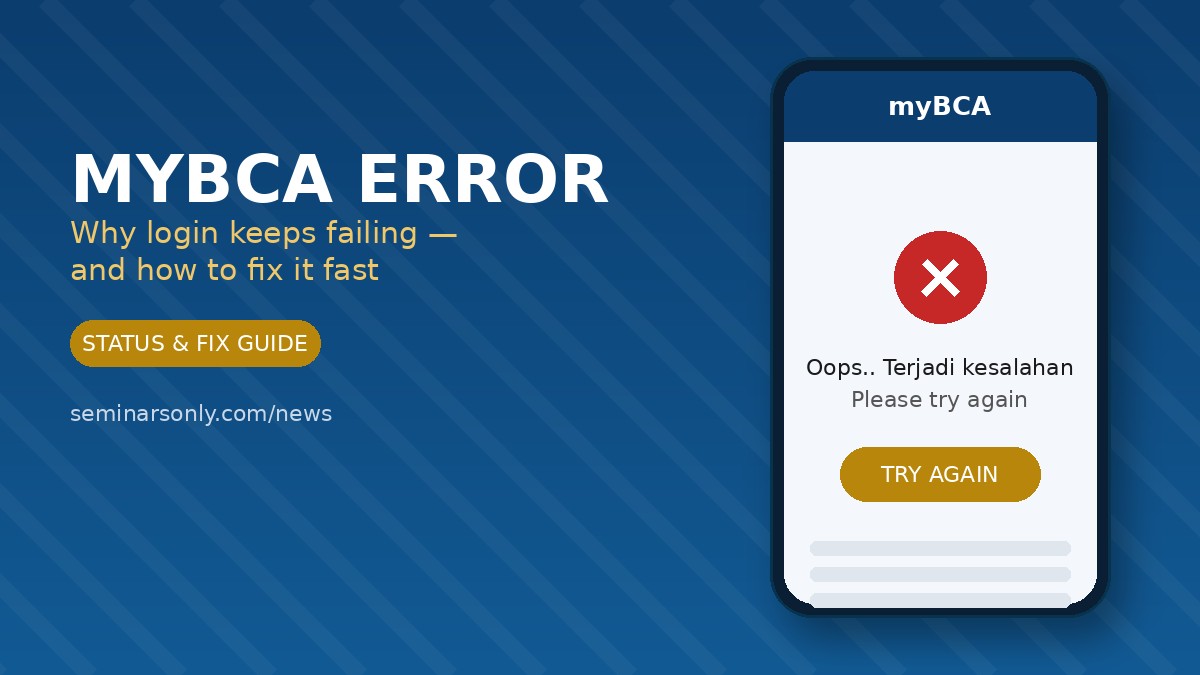
myBCA is Bank Central Asia’s main digital banking app, built around a single BCA ID that covers transfers, bill payments, QRIS, and investing. When something in that chain breaks, the app usually shows a generic message such as “Oops.. Terjadi kesalahan, silakan coba lagi” (an error occurred, please try again) instead of a specific error code. That vague wording is the reason so many customers search for the same problem: the app doesn’t tell you which of several possible causes is actually at fault.
The good news is that almost every myBCA error falls into one of four buckets, and each one has a known fix you can try in under five minutes.
Common causes of myBCA error
- Scheduled or unplanned server maintenance — BCA periodically maintains its backend, usually late at night or on weekends, but outages can spill into peak hours.
- Outdated app version — myBCA blocks login on versions the bank considers too old for its current security requirements.
- Unstable or switched network — moving between Wi-Fi and mobile data mid-session, or having a weak signal, can interrupt the handshake with BCA’s servers.
- Device or identity verification triggers — logging in from a new phone, a rooted device, or with accessibility services active can cause the app to flag the session for extra verification.
- Full storage or corrupted cache — a nearly full phone or a stale app cache can cause the login screen to freeze or fail silently.
Causes at a glance
| Likely cause | How it shows up | Fastest fix |
|---|---|---|
| Server maintenance / outage | Error appears for many users at once | Wait and retry, or use ATM/KlikBCA |
| Outdated app version | App closes or blocks login after opening | Update via App Store / Play Store |
| Weak or switching connection | Page hangs on loading spinner | Switch Wi-Fi/data, then retry |
| Device verification block | Login rejected despite correct password | Verify identity with Halo BCA |
| Full storage / stale cache | App freezes or crashes on open | Clear cache, free up storage |
Step-by-step fix for myBCA error
1. Confirm it isn’t a wider outage
Before changing anything on your phone, rule out a server-side problem. If BCA’s system is down, no amount of troubleshooting on your end will fix it — you’ll just need to wait it out.
2. Update the app to the latest version
Open the App Store or Play Store, search myBCA, and install any pending update. BCA regularly ships security and compatibility updates, and older versions are frequently locked out without warning.
3. Switch networks and retry
Toggle airplane mode on and off, or switch between Wi-Fi and mobile data. Weak or fluctuating signal is one of the most common non-server causes of a stuck login screen.
4. Clear the app cache and free up storage
On Android, go to Settings → Apps → myBCA → Storage → Clear Cache (avoid “Clear Data,” which removes saved settings). Then restart your phone and try logging in again.
5. Verify your identity if you’re locked out
Repeated failed logins can trigger an automatic lock even with the correct password, especially on a new device. Contact Halo BCA to complete identity and device verification rather than continuing to retry, which can extend the lockout.
- Do not use a rooted or jailbroken phone — myBCA is designed to block these devices for security reasons.
- Do not click links from unsolicited messages claiming to “fix” your MyBCA account; verify only through official BCA channels.
- Do check your transaction history after the app recovers — pending transfers usually complete automatically within 24 hours.
Is myBCA down right now?
If several of the steps above don’t help, the issue is likely on BCA’s end rather than yours. You can track live, crowdsourced reports of banking and fintech app disruptions — including myBCA — on our Outage Tracker, which shows report spikes as they happen. For a full picture of BCA’s own service pages and official channels, see the official BCA website.
If your app is simply outdated, download the current release directly from the myBCA listing on Google Play. While you wait for a fix, our Scam Number Tracker is also worth bookmarking, since banking outages are a common window for phishing calls impersonating bank support.
Frequently asked questions
Why does myBCA say “Oops, an error occurred” even with the right password?
This generic message covers several unrelated issues, from server load to a device-verification block, so the correct password alone won’t guarantee a successful login.
Will a failed myBCA login cancel my transfer?
Usually not. Check your transaction history once the app is working again; most pending transactions either complete or reverse automatically within 24 hours.
Should I uninstall and reinstall myBCA?
Only after clearing the cache and updating first. A reinstall is a reasonable next step if the app still won’t open, but it won’t help if the root cause is a server outage.
Can I use BCA Mobile instead while myBCA is down?
Sometimes. BCA Mobile and myBCA run on separate infrastructure in some incidents, so it’s worth checking whether it’s accessible for urgent transactions while myBCA recovers.
📋 TL;DR
- Most myBCA errors trace back to server maintenance, an old app version, a weak connection, or device verification.
- Update the app, clear cache, and switch networks before assuming it’s a bank-wide outage.
- Check the Outage Tracker for live reports if the problem persists.
- Locked out after repeated failed logins? Call Halo BCA at 1500888 to verify your identity rather than retrying repeatedly.
- Pending transfers from a failed session usually resolve automatically within 24 hours.
About Freddy John
Freddy John is a Technology and Digital Banking Editor at Seminarsonly News, where he covers mobile app status, fintech troubleshooting, and consumer banking technology. His reporting focuses on verified, source-checked explanations of app outages and login errors so readers can fix problems without relying on guesswork.


Pingback: Norfolk Police Social Media Error: Full Timeline and Facts - Seminarsonly.com
Pingback: BCA Error Hari Ini | Langkah-Langkah Mengatasi Error BCA - Seminarsonly.com